Writing an abstract sounds simple until you actually have to do it. You’ve finished the paper, your ideas are scattered across pages, and now you need to explain the whole thing in 150 to 250 words without losing the point.
That’s exactly where an AI research abstract generator can help. It takes a draft, notes, or key findings and turns them into a short summary that sounds organized and academically useful. For students, this can save time, reduce stress, and make the writing process much easier.
But the real value isn’t just speed. It’s knowing how these tools work, what they do well, where they fail, and how to use them responsibly in 2026 academic workflows. This guide breaks all of that down in plain English.
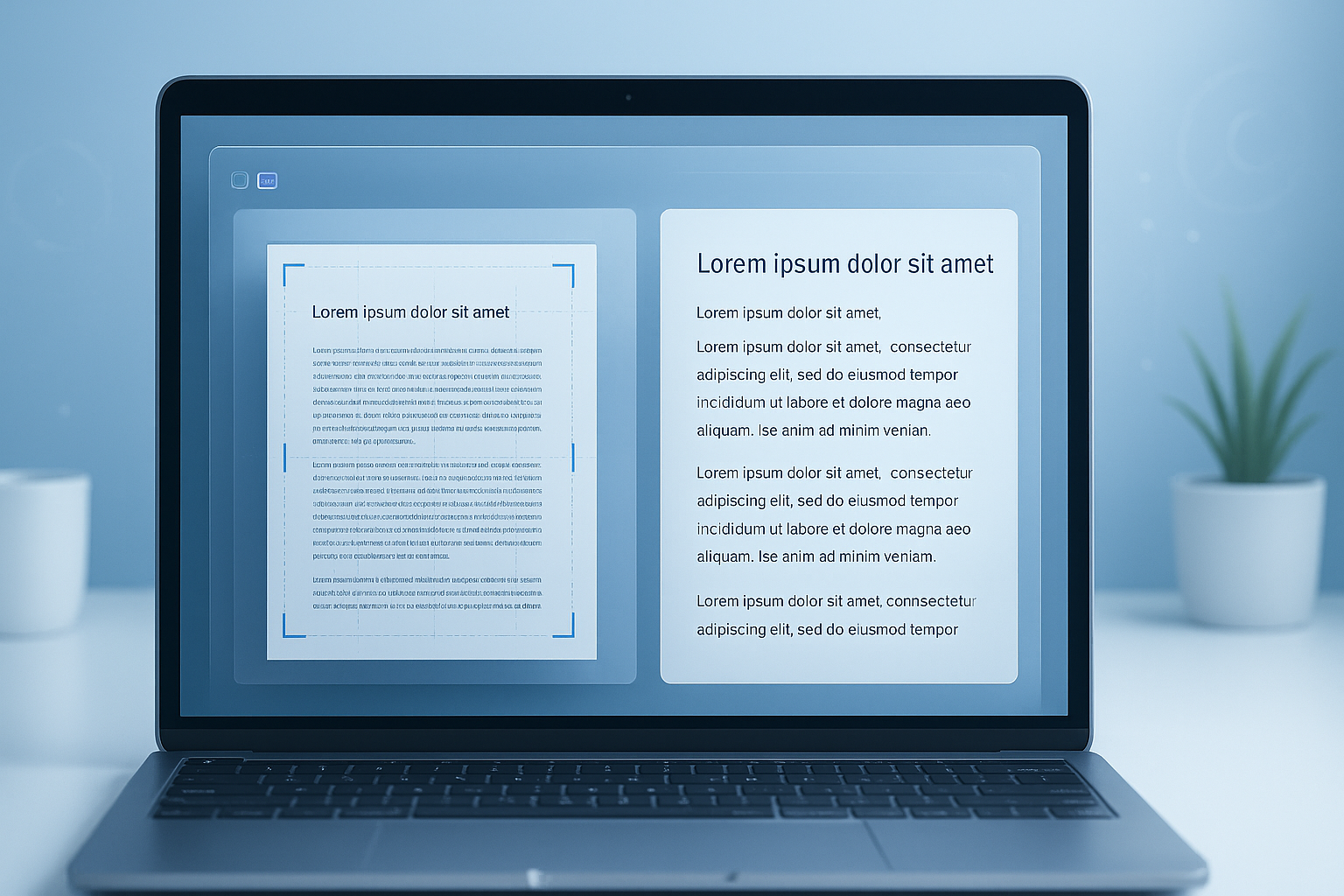
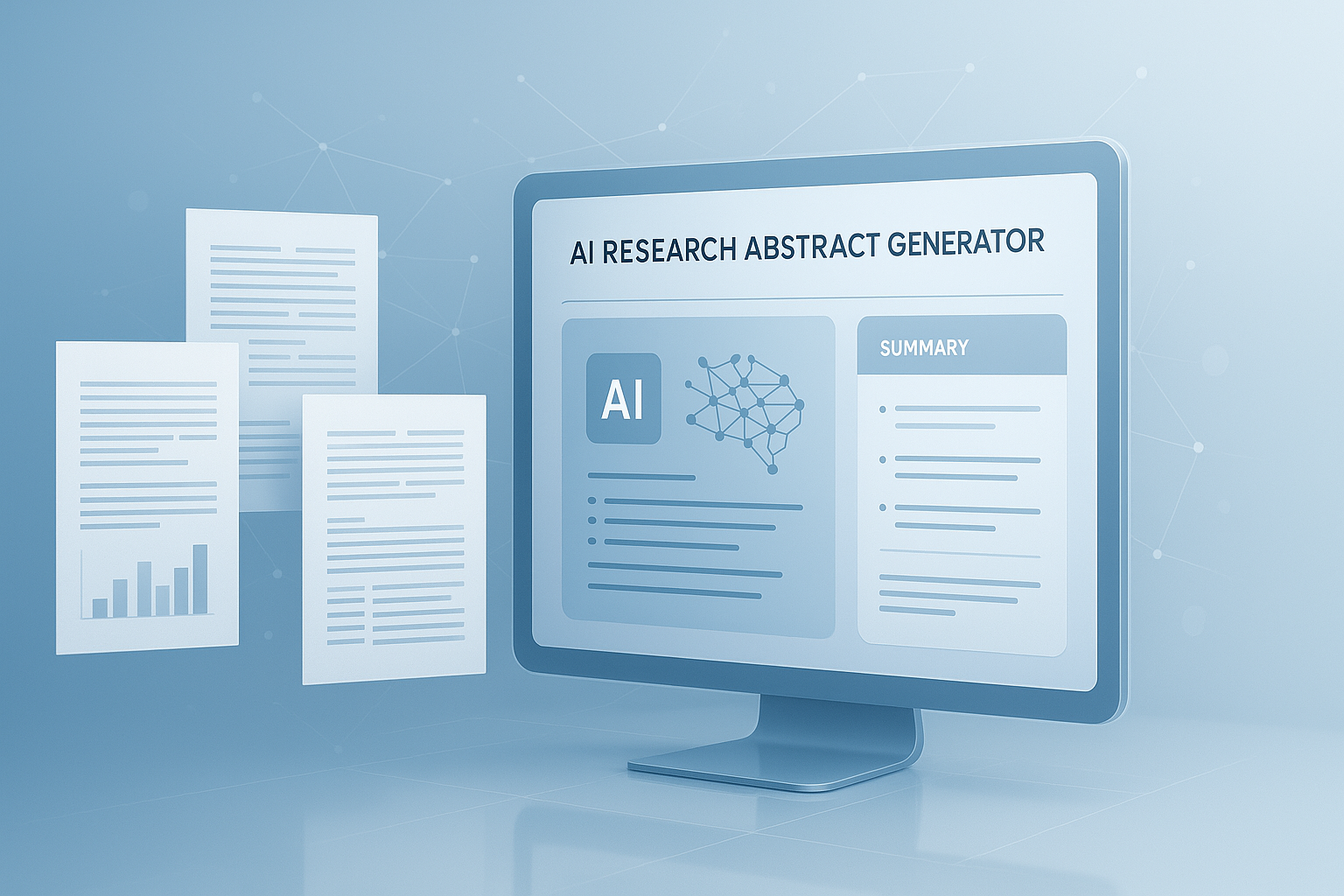
Suggested Image: Technology concept showing AI summarizing a research paper into a short abstract on a laptop screen
What is an AI research abstract generator?
An AI research abstract generator is a tool that creates a brief summary of a research paper, proposal, thesis, or report by analyzing the source text and extracting the most important information. Its goal is to produce a clear abstract that captures the problem, method, findings, and conclusion.
Most tools are built on natural language processing and large language models. These systems look for patterns in academic writing, identify key ideas, and rewrite them in a compact format. If you also work with dense source files, a PDF to Text Converter can help turn research documents into editable text before generating a summary.
A good abstract generator usually helps with:
- Summarizing long papers quickly
- Improving structure and readability
- Condensing technical ideas into a standard academic format
- Creating a starting draft for revision
- Reducing the blank-page problem many students face
That said, these tools do not “understand” your research the way you do. They predict language based on your input. That distinction matters.
How does an AI research abstract generator work?
An AI research abstract generator works by reading your input, identifying the core research elements, and rewriting them as a short, coherent summary. The exact process varies by tool, but most follow the same basic workflow.
- Input collection: You paste a paper, introduction, conclusion, notes, or research outline.
- Content analysis: The model detects the topic, purpose, methods, key results, and final takeaway.
- Importance ranking: It decides which details matter most for an abstract and which can be left out.
- Text generation: It produces a concise paragraph in a formal academic tone.
- Optional refinement: Some tools let you choose length, style, subject area, or complexity.
Here’s the problem. If the source text is weak, the output will usually be weak too. A messy draft leads to a messy abstract. Students often get better results after cleaning their notes first with a Word Counter to trim unnecessary content before giving the material to the AI.
What information does the tool usually look for?
Most systems try to locate the same core parts that human reviewers expect in an abstract.
- Research topic or question
- Main objective or purpose
- Method or approach
- Important results or expected outcomes
- Conclusion or implication
This aligns with common academic writing guidance from institutions such as the UNC Writing Center guide to abstracts and publication standards used by major scholarly databases.
What makes a strong research abstract?
A strong abstract is precise, readable, and complete. It should tell a reader what the study is about, what was done, what was found, and why it matters, all without extra filler.
This is where many people struggle. They either write too broadly or try to squeeze in every detail. A useful abstract is selective. It gives enough information to help someone judge relevance without reading the entire paper first.
| Strong Abstract Traits | Weak Abstract Traits |
|---|---|
| Clearly states the research purpose | Starts with vague background only |
| Mentions method or approach | Leaves out how the study was done |
| Includes key findings or expected outcomes | Makes claims without results |
| Uses concise, direct language | Uses filler and long sentences |
| Matches the actual paper | Overstates or misrepresents the study |
If you’re revising for clarity, tools that tighten sentence flow can help. For example, an AI paragraph rewriter may be useful after generating a first abstract draft, especially if the wording feels stiff or repetitive.
What are the main uses of an AI research abstract generator?
An AI research abstract generator is useful anywhere you need a short, accurate summary of academic work. Students use it most often for assignments, thesis writing, conference submissions, and literature review prep.
Let’s break this down by real use case.
1. Summarizing a finished paper
If the research is complete, the tool can help condense the full document into a publishable-length abstract. This is the most straightforward use because results and conclusions already exist.
2. Drafting a proposal abstract
For early-stage research, students often need an abstract before the study is complete. In that case, the tool summarizes the research problem, proposed method, and expected contribution.
3. Creating abstracts for theses and dissertations
Long academic projects are hard to summarize because they contain many sections, layers, and findings. AI can speed up the first draft, but it still needs careful review from the author and, when relevant, a supervisor.
4. Preparing conference or journal submissions
Many conferences use strict word or character limits. A generator can help you reduce length quickly. If character count matters, a Character Counter makes final trimming much easier.
5. Supporting literature review workflows
Students sometimes use AI to generate mini-summaries of multiple papers while reading. That can speed up note-taking, though it should never replace reading the original research.
6. Improving readability for non-specialists
Some research is highly technical. An AI-generated abstract can serve as a simpler version for classmates, interdisciplinary teams, or early-stage readers who need a quick overview first.
Suggested Screenshot: Example interface showing research text pasted into an abstract generator with editable output
What are the benefits for students?
For students, the biggest benefits are speed, structure, and reduced mental load. An AI research abstract generator can turn confusing notes into something workable much faster than starting from scratch.
- Saves time: Especially useful during deadline-heavy weeks
- Reduces writer’s block: A draft is easier to edit than a blank page
- Improves organization: Helps arrange ideas into a logical sequence
- Encourages concise writing: Good abstracts cut unnecessary detail
- Supports non-native English writers: Can help with grammar and sentence flow
Now comes the important part. These benefits show up only when the student already understands the research. If you rely on the tool before you understand your own study, the summary may sound polished but still be wrong.
Students juggling multiple writing tasks may also find related tools useful. If your project includes polished public-facing text, an AI title generator can help refine assignment or presentation titles after the abstract is complete.
What are the limitations and risks?
AI-generated abstracts can be helpful, but they are not automatically accurate. The biggest risk is false confidence: the output looks polished, so students assume it is correct even when it leaves out important details or introduces errors.
Here’s what experienced professionals do differently. They treat AI output as a draft, not a final answer.
- Loss of nuance: Complex arguments may be oversimplified
- Hallucinated details: The model may invent results or methods not present in the text
- Disciplinary mismatch: Some fields require specific abstract structures
- Tone problems: Output may sound too generic or unnatural
- Academic integrity concerns: Rules differ by school and instructor
- Privacy concerns: Unpublished work may contain sensitive material
Before using any AI writing tool for course work, students should review their institution’s policy on responsible AI use. Guidance increasingly appears in university integrity rules and broader recommendations such as UNESCO’s guidance on generative AI in education and research.
Why privacy matters
If you upload unpublished research, personal data, or confidential findings to a third-party tool, you may be sharing information you do not control. This is especially important in health, legal, business, or human-subject research contexts. Students working with sensitive files should understand the provider’s data policy and check whether consent or ethics rules apply. For broader security awareness, the NIST AI resources are a solid starting point.
How to use an AI research abstract generator well
The best way to use an AI research abstract generator is to give it strong source material, review the result carefully, and revise it to match your actual research. The tool should support your thinking, not replace it.
- Start with your real research text. Use the introduction, method, findings, and conclusion if available.
- Remove clutter. Delete long quotations, footnotes, and repeated points.
- Choose the right length. Many abstracts need 150 to 250 words, but always check your assignment.
- Verify every claim. Confirm that the output does not invent data, methods, or conclusions.
- Adjust the tone. Make sure it sounds like your field and your level of formality.
- Check requirements. Some universities want structured abstracts, while others want one paragraph.
- Proofread manually. Read it aloud once. This catches awkward or overly generic phrasing.
If you’re turning rough notes into cleaner input first, an AI text summarizer can help condense long source material before you move to abstract drafting.
AI-generated abstract vs human-written abstract
An AI-generated abstract is faster, but a human-written abstract is usually more accurate, more nuanced, and better aligned with the true purpose of the research. The best results often come from combining both.
| Factor | AI-Generated Abstract | Human-Written Abstract |
|---|---|---|
| Speed | Very fast | Slower |
| Accuracy | Depends on input and review | Usually stronger when written by subject expert |
| Nuance | Can miss subtle distinctions | Better at preserving context |
| Consistency | Good for first drafts | Better for final submission quality |
| Best use | Drafting and compression | Final review and discipline-specific refinement |
The answer depends on one thing: whether your goal is speed or precision. For first drafts, AI is useful. For final academic submission, human judgment is still essential. This matches broader concerns about generative AI reliability discussed by organizations such as the Nature coverage on AI in research workflows.
Best practices for better results
You’ll get a far better abstract if you give the tool better instructions and review it with a checklist. Small changes in input quality often make a big difference in output quality.
Use a clear input structure
Before generating, organize your content into four simple parts:
- Research problem
- Method
- Main findings
- Conclusion or significance
Ask for a specific format
Instead of saying “write an abstract,” ask for “a 180-word academic abstract summarizing the objective, method, results, and conclusion in plain formal English.” Specific instructions lead to more usable output.
Match your department’s style
Some fields prefer structured abstracts with labeled parts. Others want one clean paragraph. If you’re unsure, review your university writing guide or journal instructions. For publication-related formatting, the APA Style guidance and the IEEE author templates are helpful references.
Trim repetition after generation
AI often repeats background ideas in slightly different words. A quick manual edit usually improves the final result more than generating a second time from scratch.
Keep your own voice in the final version
Even a short academic abstract should reflect the real emphasis of your work. If the tool shifts attention away from your most important finding, rewrite that part yourself.
Suggested Infographic: Step-by-step workflow from research draft to AI-generated abstract to final human-edited version
Common mistakes students make
The most common mistake is submitting the AI output without checking it against the paper. That saves time in the short term, but it creates obvious problems when the abstract and paper don’t fully match.
- Using incomplete notes as input
- Forgetting to include results or expected outcomes
- Accepting invented claims
- Ignoring assignment word limits
- Keeping generic phrases like “this study explores” without substance
- Using a tone that doesn’t fit the field
- Assuming school policy allows unedited AI-generated text
This small detail changes everything: the quality of the abstract depends less on the tool itself and more on the quality of the source material and the care of the final review.
If you’re editing for cleaner academic phrasing, an AI sentence rewriter can help improve awkward lines one sentence at a time instead of rewriting the whole abstract blindly.
How to evaluate whether the abstract is actually good
A strong abstract should make sense even to someone who hasn’t read the full paper yet. If a reader can understand the topic, method, and finding in one quick pass, you’re close.
Use this simple checklist:
- Does it clearly state the research objective?
- Does it say what method was used?
- Does it include findings, outcomes, or expected results?
- Does it avoid background overload?
- Does every sentence earn its place?
- Does it match the paper exactly?
- Does it meet the required word count?
For style and accessibility, plain-language advice from the NIH clear communication resources can also help you trim unnecessary complexity without removing academic meaning.
Frequently asked questions
Is it okay to use an AI research abstract generator for school assignments?
It can be okay, but only if your school or instructor allows it. Policies vary. Some teachers permit AI for brainstorming or editing, while others restrict it for graded writing. The safest approach is to check the assignment rules first, use the tool for drafting support only, and make sure the final abstract reflects your own understanding and revision.
Can an AI research abstract generator write a publishable abstract?
It can produce a strong starting point, but publishable quality usually requires human editing. Academic abstracts often need field-specific wording, precise claims, and complete alignment with the paper. AI can help generate structure and concise phrasing, but authors still need to verify every sentence before submitting to a journal, conference, or university review panel.
What should I paste into the tool for the best results?
The best input includes your research objective, method, main findings, and conclusion. If your project is not finished, include the purpose, proposed method, and expected contribution. Avoid pasting unrelated background sections, citations, or long literature review text. A cleaner input gives the model a better chance of producing a relevant and focused abstract.
How long should an AI-generated abstract be?
That depends on the assignment, journal, or conference. Many academic abstracts fall between 150 and 250 words, but some require more or less. Always follow the official requirement instead of guessing. If the limit is strict, check both word count and character count, since some submission systems enforce one or the other.
Can these tools work for technical or scientific topics?
Yes, but technical topics need extra caution. AI can summarize scientific content, engineering methods, or data-focused research, but it may oversimplify terminology or blur distinctions between findings and interpretation. For specialized fields, review the output carefully and compare it line by line with the actual study to make sure nothing important was lost or altered.
Will an AI research abstract generator detect plagiarism?
No. Most abstract generators focus on summarizing or rewriting, not checking originality. Even if the wording looks new, you still need to make sure the content is accurate and properly based on your own work. If originality matters for submission, use a separate plagiarism detection process approved by your school or institution.
Are free abstract generators good enough for students?
For many students, yes, especially for first drafts or brainstorming. Free tools can save time and provide a useful structure when you’re stuck. However, results vary. Some tools produce very generic text, while others are surprisingly usable. The key is not whether a tool is free or paid, but whether the output is accurate, concise, and carefully revised before submission.
What’s the safest way to use AI with unpublished research?
Do not paste sensitive or confidential material into any tool unless you understand its data policy. This matters for medical, legal, business, and human-subject research in particular. Remove personal identifiers, avoid sharing restricted data, and check with your instructor or ethics supervisor if needed. Privacy and academic responsibility matter just as much as writing quality.
Conclusion
An AI research abstract generator can be a practical writing aid for students who need a fast, clear starting point for summarizing academic work. It helps most when your research is already organized and you use the output as a draft rather than a final answer.
The key takeaway is simple: AI is great at compression, but you’re still responsible for accuracy, context, and academic integrity. Review every claim, match the abstract to the paper, and follow your institution’s rules.
If you want to improve your workflow next, start by cleaning your source text with the PDF to Text Converter, tighten length using the Word Counter, check submission limits with the Character Counter, and refine final wording with the AI sentence rewriter. Those small steps usually produce a better abstract than relying on one-click output alone.