Ever publish a new page and then wait days for it to appear in search results? That delay often has less to do with content quality and more to do with discovery. If search engines can’t quickly find your URLs, indexing slows down.
An XML sitemap generator helps solve that problem by creating a machine-readable file that lists the pages you want search engines to crawl. For developers, it’s one of the simplest ways to improve crawl efficiency without changing the visible user experience.
This guide explains what an XML sitemap is, when you need one, how an XML sitemap generator works, what should and should not be included, and how to avoid the mistakes that quietly hurt indexing. You’ll also see practical workflows for static sites, CMS sites, and large web applications.
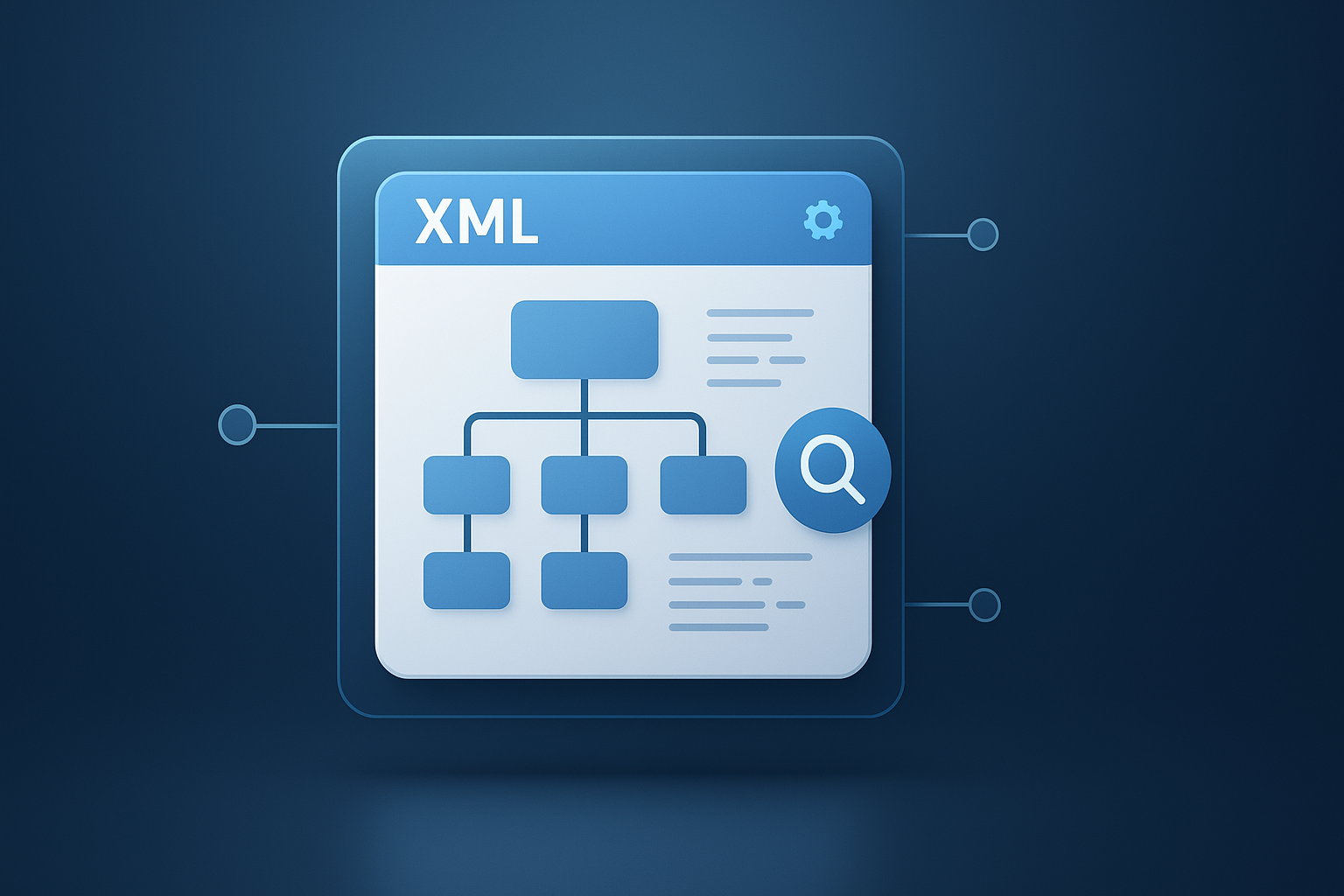
Suggested Image: Technology concept illustration showing a website structure feeding into search engine bots through an XML sitemap
What is an XML sitemap generator?
An XML sitemap generator is a tool that scans your site or collects your page URLs and turns them into a structured XML file that search engines can read. That file helps crawlers understand which pages exist, when they were updated, and how your site is organized.
XML sitemaps follow a standard format defined by Sitemaps.org. Search engines such as Google and Bing use them as a discovery aid, not a ranking shortcut. Google’s own documentation makes that clear in its sitemap overview.
- Primary purpose: help search engines discover URLs faster
- Secondary benefit: reduce the chance that important pages are missed
- Best use case: large sites, new sites, sites with weak internal linking, or frequently updated content
- Not a guarantee: submitting a sitemap does not force indexing
If you’re also optimizing your page assets, developers often pair sitemap work with performance improvements such as an Image Compressor to reduce image weight and improve crawl efficiency on media-heavy pages.
Why XML sitemaps still matter for SEO in 2026
Search engines are better at crawling than they were years ago, but that doesn’t make sitemaps optional. An XML sitemap generator still matters because site structures have become more complex, JavaScript rendering is common, and content publishing speed is faster than ever.
Here’s the problem. Modern websites often contain filtered pages, paginated archives, localized versions, dynamic routes, API-driven rendering, and soft-deleted URLs. Crawlers can find many of these through links, but they don’t always find them quickly or consistently.
- New websites may have few external links pointing to them
- Large ecommerce and documentation sites can bury important pages deep in navigation
- JavaScript-heavy apps may delay URL discovery
- Orphan pages may never be found through normal crawling
- Recently updated content benefits from clearer freshness signals
According to Google’s crawl budget guidance, site structure and discoverability still affect how efficiently Google crawls a site. A clean sitemap does not replace internal linking, but it helps search engines prioritize what matters.
For developers working on site audits, organizing SEO tasks alongside technical checks can be easier when you document URL counts, content sections, and status distributions. Even a simple workflow using tools like a Word Counter can help content teams standardize page quality before URLs enter a production sitemap.
How an XML sitemap generator works
An XML sitemap generator gathers indexable URLs, applies sitemap rules, and outputs one or more XML files that search engines can fetch. The best generators also filter out broken, redirected, duplicate, or blocked pages so the sitemap stays clean.
Most generators use one of three methods:
1. Crawl-based generation
The tool starts from a homepage or seed URL and follows internal links to find pages. This works well for smaller sites and for auditing discoverability.
2. Database or CMS-based generation
The generator pulls URLs directly from a content management system, route list, or database. This is more reliable when some pages are not easily reached by links.
3. Build-time generation
Static site generators and modern frameworks often create a sitemap during deployment. This is common in Jamstack, headless CMS, and CI/CD workflows.
A basic sitemap entry usually looks like this:
<url><loc>https://example.com/page/</loc><lastmod>2026-08-15</lastmod></url>
Common optional fields include:
<loc>for the canonical URL<lastmod>for the last meaningful update date<changefreq>which is mostly ignored by major search engines today<priority>which is also not heavily used by Google
Now comes the important part. Just because a page exists does not mean it belongs in your sitemap. A good generator should reflect indexable, canonical, high-value URLs only.
What pages should be included in a sitemap?
Your sitemap should include URLs you want indexed and shown in search results. The standard rule is simple: if a page is useful for organic search and is technically indexable, it is a candidate for your sitemap.
- Canonical landing pages
- Blog posts and articles
- Product and category pages
- Documentation pages
- Service pages
- Location pages with unique value
- Important media pages when relevant
Developers often use supporting validation tools while cleaning URL lists. For example, if your page set includes transformed strings, slug checks, or formatting cleanup, a Text Case Converter can help normalize titles and labels before publishing or exporting structured datasets.
Pages you should usually exclude
Many sitemap problems come from including too much. Search engines don’t need every URL your system can generate. They need the right ones.
- URLs blocked by
robots.txt - Pages with
noindex - Redirected URLs
- 404 and 410 pages
- Session-based URLs
- Internal search results pages
- Duplicate parameter URLs
- Thin tag archives with little unique value
- Staging or preview pages
Google specifically recommends keeping sitemaps focused on canonical URLs in its duplicate URL guidance.
XML sitemap vs HTML sitemap: what’s the difference?
An XML sitemap is made for search engines. An HTML sitemap is made for humans. Both can help with discoverability, but they serve different roles and should not be confused.
| Feature | XML Sitemap | HTML Sitemap |
|---|---|---|
| Primary audience | Search engines | Users |
| Format | XML | Standard web page |
| SEO role | URL discovery and crawl support | Internal linking and navigation |
| Submitted in Search Console | Yes | No |
| Best for | Large and dynamic sites | Usability and crawl pathways |
In practice, XML sitemaps are more important for technical SEO, while HTML sitemaps can still support accessibility and site exploration. If you’re maintaining developer resources or docs, both can be useful.
How to create a sitemap with an XML sitemap generator
The fastest way to create a sitemap is to collect your indexable URLs, generate the XML file, validate it, upload it to your site root, and submit it to search engines. That process is simple, but the quality of your URL selection determines whether it helps or hurts.
- Start with your canonical URLs. Pull from your CMS, route map, or crawl data.
- Remove non-indexable pages. Exclude redirects, errors, blocked URLs, and duplicates.
- Add meaningful last modified dates. Use real content updates, not every deployment timestamp.
- Generate the XML file. Create a single sitemap or a sitemap index if needed.
- Upload the file. Common locations include
/sitemap.xmlor a generated index. - Reference it in robots.txt. Add the full sitemap URL.
- Submit it in Google Search Console and Bing Webmaster Tools.
- Monitor coverage. Review indexed, excluded, and discovered URLs.
You can validate XML formatting and URL consistency during development with browser and markup references such as MDN’s XML documentation. For teams exporting URL inventories into CSV or spreadsheets, even lightweight utilities like a Character Counter can help enforce title or slug limits before pages are included.
Suggested Screenshot: Sitemap submission view in Google Search Console
Where to place your sitemap and how to submit it
Your sitemap should live on the same domain or subdomain as the URLs it lists, and it should be accessible via a crawlable URL. After that, submit it through search engine webmaster tools and reference it in robots.txt.
Best placement options
https://example.com/sitemap.xmlhttps://example.com/sitemap_index.xmlhttps://docs.example.com/sitemap.xmlfor a docs subdomain
Add it to robots.txt
Sitemap: https://example.com/sitemap.xml
Submit to search engines
This small detail changes everything: submitting a sitemap is not a one-time task. Review it after redesigns, content migrations, URL changes, and major deployment updates.
Best practices developers should follow
A strong sitemap is accurate, current, and intentionally limited to useful URLs. That sounds obvious, but many production sitemaps fail because they are generated automatically without any quality rules.
- Include only canonical, indexable URLs
- Use absolute URLs with the correct protocol and host
- Keep lastmod honest and tied to meaningful content changes
- Update the sitemap automatically when content is added or removed
- Use a sitemap index when your site has many URLs
- Split by content type for blogs, products, docs, or videos when helpful
- Monitor 3xx, 4xx, and noindex leakage into the sitemap
- Align with canonical tags so signals do not conflict
The formal protocol limits each sitemap to 50,000 URLs or 50MB uncompressed. If you exceed that, use multiple files and a sitemap index as described by the sitemap index specification.
For teams building XML feeds, schema snippets, or deployment files by hand, an JSON Formatter can also help when sitemap generation is part of a broader structured-data or API content workflow.
Common XML sitemap mistakes that slow indexing
Most sitemap issues are not technical failures. They are quality failures. Search engines lose trust in a sitemap when its URL set is inconsistent, stale, or full of low-value pages.
1. Listing non-canonical URLs
If your sitemap includes one URL but the page canonicals to another, you’re sending mixed signals.
2. Including noindex pages
This is one of the most common mistakes on large sites. A page marked noindex generally should not appear in the sitemap.
3. Using fake lastmod dates
Setting every page to today’s date on each deploy may look fresh, but it weakens trust in the file over time.
4. Exporting redirects and 404s
A sitemap should not function as a historical URL archive.
5. Forgetting orphan pages
A URL in a sitemap can still struggle if no internal links point to it. Search engines may discover it, but they will have less context about its importance.
6. Relying on the sitemap instead of site architecture
Here’s what experienced professionals do differently: they treat the sitemap as a support layer, not a substitute for solid navigation and internal linking.
| Mistake | Why It Hurts | Fix |
|---|---|---|
| Noindex URLs in sitemap | Confuses crawl prioritization | Filter indexable URLs only |
| Redirected pages listed | Wastes crawler resources | Export final destination URLs |
| Stale lastmod dates | Reduces trust in freshness hints | Use real content update timestamps |
| Duplicate parameter URLs | Creates crawl bloat | Normalize and canonicalize URLs |
Special sitemap types developers should know
Standard page sitemaps are the default, but some sites benefit from specialized sitemap formats. These are useful when you publish media-rich or multilingual content and want search engines to understand those assets more clearly.
Image sitemaps
Helpful for sites where images drive search traffic, product discovery, or portfolio visibility.
Video sitemaps
Useful when video is a primary content type and you want to provide metadata for search engines.
News sitemaps
Relevant for publishers producing timely articles that meet Google News requirements.
Hreflang in sitemaps
Large multilingual sites may use sitemap-based hreflang annotations. Google documents this in its localized versions guidance.
If your workflow includes media preparation before publication, related utilities like a PDF to JPG converter can be useful for turning source documents into crawlable visual assets for documentation, tutorials, or support pages.
Static sites, CMS platforms, and web apps: which approach works best?
The best XML sitemap generator setup depends on how your site is built. A personal blog, a headless CMS, and a large SaaS app should not use the exact same process.
| Site Type | Best Sitemap Method | Main Risk |
|---|---|---|
| WordPress or CMS blog | Plugin or built-in sitemap | Taxonomy and archive bloat |
| Static site | Build-time generation | Forgetting dynamic or external content sources |
| Headless CMS | API-driven generation in CI/CD | Mismatch between frontend routes and CMS entries |
| Large ecommerce site | Segmented sitemap indexes | Faceted navigation and parameter duplication |
| SaaS application | Database-driven filters on public routes | Leaking private or noindex app pages |
When route structures change often, teams sometimes map launch URLs and redirects in spreadsheets first. Supporting tools such as a CSV to JSON converter can simplify that handoff between SEO, product, and engineering teams.
How to audit an existing sitemap
A sitemap audit checks whether the file reflects the pages you actually want indexed. The goal is not just XML validity. It’s alignment between your sitemap, canonical tags, response codes, robots rules, and internal linking.
- Download the sitemap and count URLs
- Crawl the listed URLs and record response codes
- Check for canonical mismatches
- Check for noindex tags
- Review robots.txt restrictions
- Compare sitemap URLs to indexed pages in Search Console
- Identify missing high-value pages
- Remove low-value and problematic URLs
What to look for during the audit:
- URLs returning 3xx, 4xx, or 5xx errors
- Pages excluded by robots or meta rules
- Discovered but not indexed URLs that appear important
- Sections with inflated low-value archive pages
- Fresh content missing from the file
Suggested Infographic: Sitemap audit workflow from URL extraction to index coverage review
Frequently asked questions
Do small websites need an XML sitemap?
Yes, though the urgency is lower for well-linked small sites. If your site has fewer pages and clean navigation, search engines can often discover content without much trouble. Still, an XML sitemap generator gives you a simple way to confirm which pages you want indexed and can speed up discovery of new or recently updated content. It is especially useful for new domains that have not earned many backlinks yet.
Will submitting a sitemap improve rankings directly?
No. A sitemap does not directly boost rankings. Its value is in discovery and crawl efficiency. If important pages are found and indexed sooner, they can start competing in search results earlier. That can indirectly improve visibility. But the sitemap itself does not replace content quality, internal linking, page speed, structured data, or relevance signals.
How often should a sitemap be updated?
Update it whenever indexable URLs change in a meaningful way. That includes publishing new pages, removing pages, changing canonical targets, or making updates that justify a new last modified date. For active sites, automation is better than manual updates. A good setup regenerates the sitemap during publishing or deployment so it stays aligned with the current state of the website.
Should I include every page on my site?
No. Include only pages that should appear in search results. Many sites accidentally add redirected URLs, tag archives, filtered pages, internal search results, or noindex pages. That weakens sitemap quality. Think of the sitemap as a recommended URL set for crawlers, not a full database export of every path your system can produce.
What is the difference between robots.txt and a sitemap?
They do different jobs. A sitemap helps search engines discover URLs you care about. A robots.txt file gives crawl instructions, such as blocking certain paths from being crawled. One does not replace the other. In fact, they work best together. You can also list your sitemap location inside robots.txt so crawlers can find it quickly.
Can an XML sitemap generator help with JavaScript-heavy websites?
Yes, especially when some URLs are hard to discover through rendered navigation alone. For single-page apps, headless builds, and dynamic routes, a sitemap can expose important public URLs directly. That said, you still need server responses, canonical tags, and rendering behavior to be SEO-friendly. A sitemap helps discovery, but it cannot fix a rendering or indexing problem by itself.