Algebra Solver Online: Step-by-Step Solutions
Have you ever reached the final line of an equation and wondered whether one small sign error ruined everything? An algebra solver can check the result in seconds, but its real value is showing how the answer was reached. That makes it useful for homework, revision, independent study, and anyone who wants to understand algebra rather than guess.
This guide explains how to use an algebra solver effectively, how to read step-by-step working, which equation types it can help with, and when you should verify an answer by hand. You’ll also see practical examples, common mistakes, and related calculators for fractions, graphs, percentages, and more.
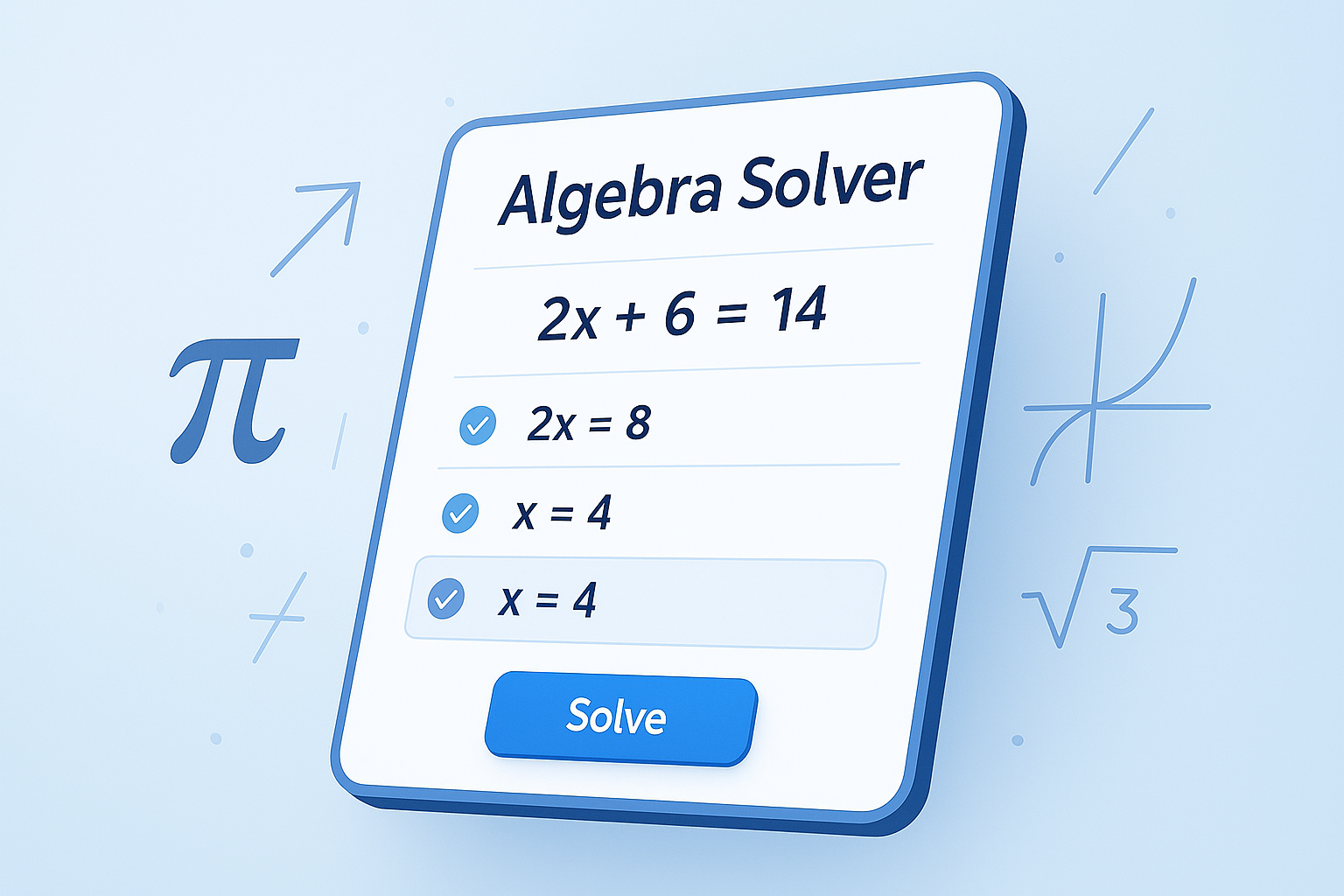
Suggested Image: Minimal vector illustration showing an equation changing into a solved answer through three clear steps.
What Is an Algebra Solver?
An algebra solver is an online tool that finds the unknown value in an equation or simplifies an algebraic expression. A useful solver does more than display an answer: it breaks the calculation into understandable steps so you can follow operations such as collecting terms, expanding brackets, and isolating a variable.
For example, if you enter 3x + 5 = 20, the solver may subtract 5 from both sides and then divide by 3:
3x + 5 = 203x = 15x = 5
The result is useful because each line represents an operation performed equally on both sides of the equation. This is the central rule behind solving most basic algebra problems.
For background reading, OpenStax’s guide to solving linear equations explains the same principles in a textbook-style format.
How to Use the Free Algebra Solver
To solve an equation online, enter the problem exactly as it appears, check that the variable and signs are correct, and review the working before accepting the result. The best workflow treats the calculator as a learning aid and verification tool, not as a replacement for understanding the method.
- Write the complete equation. Include both sides of an equation, such as
2x + 7 = 19. If you are simplifying an expression instead, enter the expression without an equals sign. - Use clear mathematical notation. Type multiplication explicitly when needed. For example, use
3*xor3x, depending on the input format supported by the tool. - Submit the problem. The solver processes the expression and identifies the likely solution or simplified form.
- Read every step. Look for the operation applied to both sides, not just the final value of the variable.
- Substitute the answer back. Replace the variable in the original equation and calculate both sides. If they match, the solution passes a basic check.
When an equation contains fractions, use the Fraction Calculator to check individual fraction operations separately. This can make it easier to identify whether an error came from the algebra or from arithmetic.
Which Algebra Problems Can It Solve?
Online algebra tools are most helpful when the input is written clearly and the equation follows standard mathematical notation. Depending on the solver, it may handle everything from one-step equations to polynomials, systems, inequalities, and expressions containing powers or roots.
| Problem type | Example | What to watch for |
|---|---|---|
| One-step equation | x - 8 = 12 |
Use the inverse operation. |
| Multi-step equation | 4x + 3 = 27 |
Simplify in a logical order. |
| Equation with brackets | 2(x + 4) = 18 |
Apply the distributive property correctly. |
| Quadratic equation | x² - 5x + 6 = 0 |
There may be two solutions. |
| Inequality | 2x + 1 < 9 |
Reverse the sign when multiplying or dividing by a negative. |
For equations involving graphs, coordinates, or intersections, a Graphing Calculator can add visual context. A graph may show whether a line crosses an axis once, twice, or not at all, which helps connect symbolic algebra with geometry.
Worked Example: Solving a Linear Equation
Consider the equation 5x - 9 = 26. The goal is to leave x alone. Start by undoing subtraction, then undo multiplication. Keeping the operations in reverse order of the expression makes the process easier to follow and reduces sign errors.
- Add 9 to both sides:
5x - 9 + 9 = 26 + 9. - Simplify:
5x = 35. - Divide both sides by 5:
5x ÷ 5 = 35 ÷ 5. - Final answer:
x = 7.
Now check the answer in the original equation: 5(7) - 9 = 35 - 9 = 26. Both sides agree, so x = 7 is valid.
This example illustrates a general strategy: simplify each side, move variable terms and constants using inverse operations, and verify the final value in the original problem. The same habit works whether you solve on paper or use an online calculator.
For decimal-heavy exercises, the Scientific Calculator can help verify powers, roots, decimals, and other numerical steps after the algebraic rearrangement is complete.
How to Read Step-by-Step Algebra Solutions
A solution is easier to learn from when you ask what changed between two consecutive lines. Each change should follow a recognized rule, such as combining like terms, applying the distributive property, or performing the same operation on both sides of an equation.
Combining like terms
Terms with the same variable and exponent can be combined. For example, 3x + 2x becomes 5x, while 3x + 2 cannot be reduced to 5x because the terms are different types.
Using the distributive property
When a number sits outside brackets, multiply it by every term inside: 4(x + 3) = 4x + 12. Forgetting the second multiplication is one of the most common causes of incorrect answers.
Maintaining equality
An equation behaves like a balanced scale. If you subtract 6 from the left side, subtract 6 from the right side too. A solver may show this step compactly, so pause and expand it mentally if the transition seems too quick.
Checking restrictions
Some expressions have values that are not allowed. A denominator cannot equal zero, and an even root normally requires a non-negative value when working with real numbers. A numerical answer is not automatically valid if it violates the original expression’s restrictions.
The LibreTexts elementary algebra reference provides additional explanations of expressions, equations, functions, and algebraic rules.
Algebra Solver Versus Solving by Hand
Neither method is always better. Solving manually develops fluency and helps you recognize patterns, while an online solver gives fast feedback and can reveal where your working differs. Use both approaches together when accuracy and learning matter.
| Method | Advantages | Limitations |
|---|---|---|
| Solve by hand | Builds method knowledge and exam confidence. | A small arithmetic or sign error can affect every later line. |
| Use an algebra solver | Provides quick checking and can display alternate steps. | Incorrect input can produce a misleading result, and some steps may be condensed. |
| Use both | Combines practice, speed, and verification. | Requires you to compare methods instead of copying the answer. |
A sensible study routine is to attempt the problem first, use the solver to check your work, and then redo the question without looking at the solution. This turns instant feedback into practice rather than answer collection.
Common Algebra Solver Mistakes
Most incorrect results come from the way a problem is entered, not from a failure of algebra software. Before deciding that a tool is wrong, inspect parentheses, negative signs, exponents, and the difference between an equation and an expression.
- Leaving out multiplication: Entering
2(x + 3)is clearer than typing a form that could be read as a variable named2x. - Misplacing a negative sign: Compare
-3xwith-(3x + 2). The second negative applies to the entire bracket. - Using the wrong exponent:
x^2means “x squared,” while2xmeans “two times x.” - Omitting the equals sign:
4x + 1is an expression.4x + 1 = 17is an equation that can be solved for x. - Ignoring multiple answers: Quadratic equations may have two roots, and a solver may list both.
- Failing to check the original: Simplifying a transformed equation does not guarantee that every candidate works in the starting problem.
If the problem includes ratios or proportional relationships, compare the result with the Ratio Calculator. For word problems involving discounts, rates, or changes, the Percentage Calculator can verify the numerical portion separately.
Best Practices for Homework and Exam Preparation
Use an algebra solver strategically: first identify the mathematical skill being tested, then work through at least part of the problem yourself. The purpose of step-by-step output is to expose reasoning, so focus on the rule behind each operation rather than copying lines into an assignment.
- Predict the answer’s size. Estimate whether the unknown should be positive, negative, large, or close to zero.
- Keep an error log. Record mistakes involving signs, fractions, brackets, or arithmetic. Patterns usually appear after a few exercises.
- Rewrite compressed steps. If the solver moves from one line to another too quickly, add the missing operation in your notes.
- Practice without assistance. Set aside some questions for independent work so that you build recall under exam conditions.
- Check units in word problems. Algebra can be correct while the interpretation is wrong, such as reporting minutes as hours or dollars as cents.
- Compare equivalent forms. Expressions such as
2(x + 3)and2x + 6look different but have the same value for every valid x.
For ordinary arithmetic after the algebra is complete, the Basic Calculator is often all you need. Keeping the numerical check separate can make a long word problem much easier to audit.
Suggested Infographic: A five-stage study workflow: attempt, simplify, compare, verify, and repeat without assistance.
When Should You Use Another Tool?
An algebra solver is designed for symbolic equations, but some problems need a different perspective. Choosing the right calculator can save time and make the result easier to interpret, especially when the question involves a graph, advanced numerical functions, or a calculation rather than an unknown variable.
| Your task | Most suitable approach |
|---|---|
| Find an unknown in an equation | Algebra solver with visible steps. |
| See where functions intersect | Graphing calculator. |
| Evaluate roots, powers, or trigonometry | Scientific calculator. |
| Add, subtract, or compare fractions | Fraction calculator. |
| Calculate a simple total | Basic calculator. |
For a formal overview of mathematical notation and functions, NIST’s information on measurement and mathematical standards is a reliable reference when units become part of an applied algebra problem.
Frequently Asked Questions About Algebra Solvers
These questions cover the practical issues students often face when using an online equation solver. The short answers explain what the tool can do, how to check its output, and how to use it responsibly for learning instead of relying on an unexplained final number.
Is an online algebra solver free to use?
Many online algebra solvers are available at no cost, although features can vary between tools. A free solver may handle common linear equations, expressions, and polynomial problems without requiring an account. Check the page before entering sensitive information, and avoid assuming that every advanced function is included. For schoolwork, the most important feature is usually clear working, not the number of extra options.
Can an algebra solver show every step?
Some tools provide detailed transformations, while others show only a summary or final result. When steps are available, read them as a sequence of mathematical rules: simplify, move terms, divide, factor, or substitute. If a line seems to skip an operation, write the missing step yourself. That habit improves understanding and helps you detect an input mistake.
Why does the solver give a different answer from mine?
First, compare the exact input with the original question. Check brackets, negative signs, exponents, decimal points, and whether multiplication was entered correctly. Then substitute both answers into the original equation. Sometimes two answers look different but are equivalent; for example, a fraction and its decimal form can represent the same value. If only one answer satisfies the original equation, that is the valid result.
Can an algebra solver solve quadratic equations?
Many algebra solvers can handle quadratic equations such as x² - 4x + 3 = 0, but the output may contain two solutions. A quadratic can also have one repeated solution or no real solution, depending on its discriminant. Pay attention to whether the tool reports real values, complex values, factored form, or approximate decimals. If you are studying quadratics, learn how factoring and the quadratic formula connect to the displayed result.
Is using an algebra solver cheating?
That depends on how and when you use it. Checking completed work, studying an unfamiliar method, and practicing with feedback are legitimate learning uses. Submitting an automatically generated solution as your own work may violate classroom rules and prevents you from developing the required skill. Follow your teacher’s instructions, attempt the problem independently when required, and use the calculator to understand errors rather than hide them.
What should I do if the solver says there is no solution?
“No solution” usually means no value satisfies the equation under the stated conditions. For example, simplifying 2x + 4 = 2x + 9 leaves the false statement 4 = 9. However, a formatting mistake can create the same message. Re-enter the equation carefully, check parentheses, and review any restrictions. Distinguish “no solution” from “infinitely many solutions,” which occurs when both sides simplify to the same expression.
How can I verify an algebra answer without another solver?
Substitute the proposed value into the original equation and evaluate both sides separately. If both sides have the same value, the answer passes the direct check. You can also estimate the result, simplify the equation using a different method, or graph both sides and look for an intersection. For a full check, confirm that the answer does not make a denominator zero or violate a square-root condition.
What is the best way to learn from a calculator’s answer?
Try the problem first, compare your first incorrect line with the solver’s working, and name the rule that caused the difference. Then close the tool and solve a similar problem independently. Repeat this process with variations, such as changing a positive constant to a negative one or adding brackets. The goal is to recognize the method, not memorize one sequence of numbers.
Final Takeaway
An algebra solver is most useful when it combines speed with explanation. Enter the equation carefully, study the transformation at each stage, substitute the answer back into the original problem, and use related tools when the task involves graphs, fractions, percentages, or advanced numerical operations.
For your next exercise, solve it by hand first, check it with the algebra solver, and investigate any difference instead of immediately replacing your work. That simple routine builds accuracy, confidence, and a much stronger understanding of algebra.