One unclear dosage line can create a surprising amount of trouble. A patient misreads “take twice daily,” a pharmacist has to call for clarification, or a clinic team wastes time rewriting the same medication directions again and again. That’s exactly where an AI prescription instruction generator starts to matter.
An AI prescription instruction generator helps turn medication details into clearer, more consistent patient-facing directions. Used well, it can support speed, legibility, and standardization. Used poorly, it can create new risks. The difference comes down to workflow, oversight, and context.
This article explains how these tools work, where they fit in professional settings, what benefits they offer, and what limits you should never ignore. If you evaluate health tech, write pharmacy workflows, or manage clinical documentation, this is the practical view you need.
Suggested Image: Modern illustration of a clinician, pharmacist, and AI system converting prescription data into patient-friendly medication instructions
What is an AI prescription instruction generator?
An AI prescription instruction generator is a tool that converts medication inputs such as drug name, strength, dosage form, frequency, route, and duration into readable prescription directions. Its main purpose is to help professionals create clearer instructions for dispensing, counseling, or documentation.
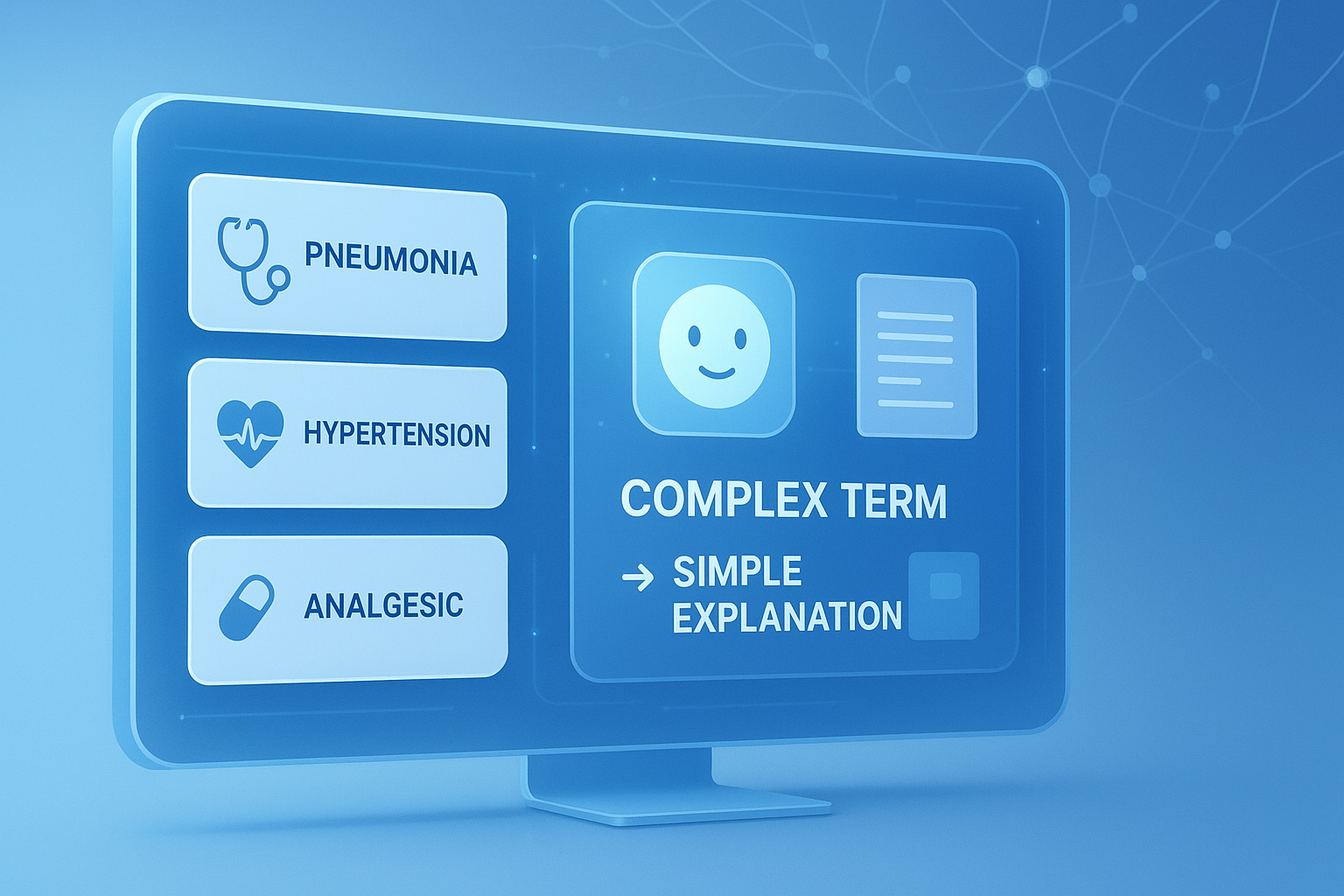
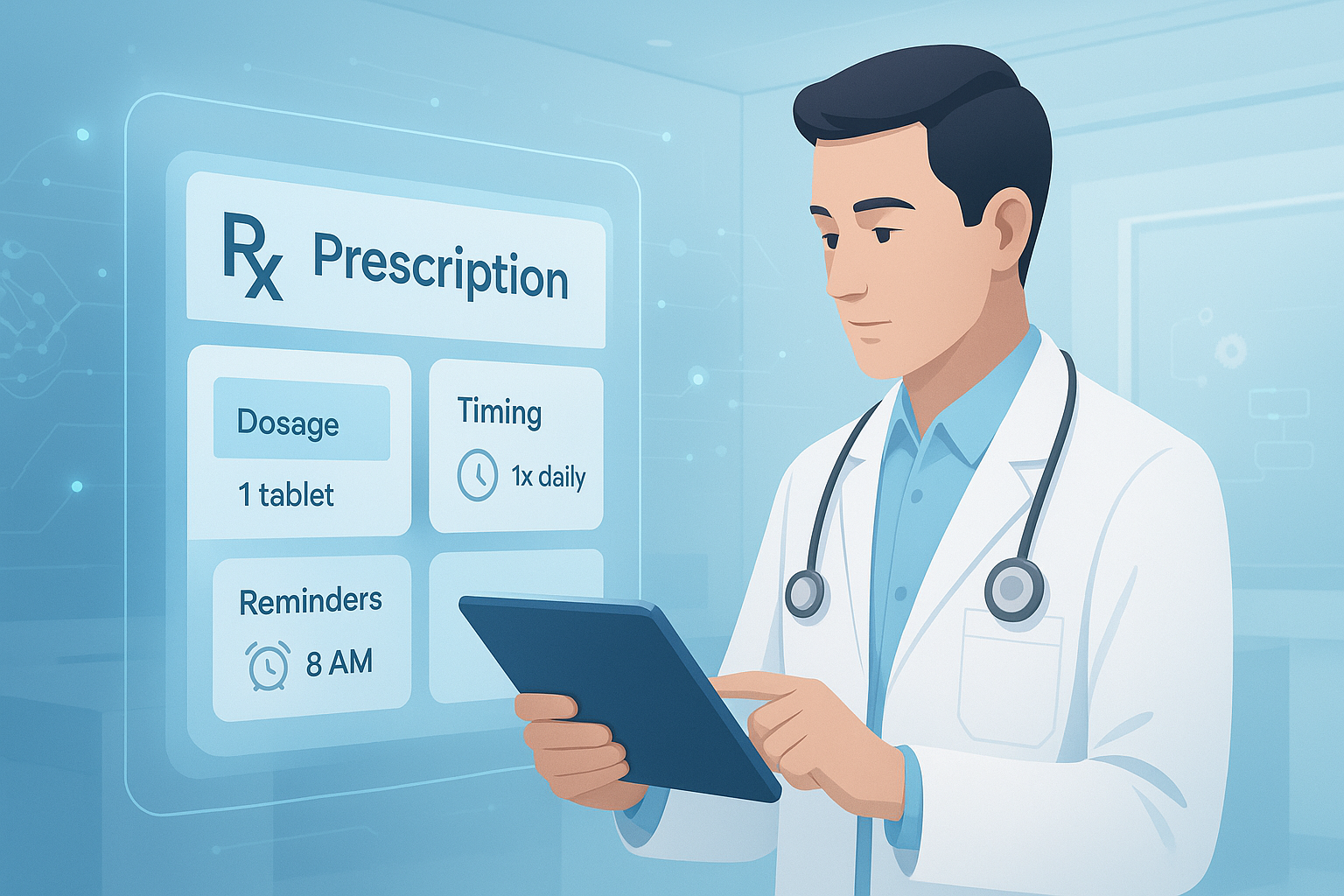
In practice, these systems often transform structured inputs into Sig-style instructions or plain-language directions that patients can understand more easily. For example, instead of a shorthand entry, the tool may produce a full instruction such as “Take 1 tablet by mouth twice daily for 7 days.”
These tools are not all the same. Some are basic rule-based generators. Others use natural language processing and large language model techniques to suggest instructions, expand abbreviations, or adapt wording for readability. If your team also works with clinical drafting or AI-assisted content workflows, a related productivity tool like the AI Paragraph Generator can help with non-clinical documentation tasks.
Typical inputs an AI prescription instruction generator uses
- Medication name
- Strength and dosage form
- Quantity per dose
- Route of administration
- Frequency
- Timing instructions
- Duration of therapy
- Special directions such as “with food” or “as needed”
Typical outputs it can create
- Standard prescription directions
- Patient-friendly medication instructions
- Expanded text from abbreviations
- Structured Sig statements
- Draft directions for review by a clinician or pharmacist
How does an AI prescription instruction generator work?
At a basic level, the tool takes medication-related fields and converts them into complete, readable instructions using rules, language models, or both. The goal is not just text generation. The goal is medically accurate wording that is consistent enough for real-world use.
Here’s the simple flow most systems follow.
- Capture prescription details from a form, EHR, e-prescribing system, or manual entry.
- Interpret the structured values and identify missing or conflicting elements.
- Apply logic, templates, or AI language generation to build directions.
- Standardize terminology and expand abbreviations for readability.
- Present the result for human review, approval, or editing.
Now comes the important part. The best tools do more than generate a sentence. They also try to reduce ambiguity. For example, they may prefer “every 12 hours” over shorthand that some patients misunderstand. They may also flag incomplete entries such as a PRN instruction with no reason for use.
For teams documenting repeated workflows or converting semi-structured text into cleaner output, tools such as the Text to List Converter can also help organize internal content outside patient care workflows.
Rule-based vs AI-assisted systems
| Approach | How it works | Strengths | Limitations |
|---|---|---|---|
| Rule-based | Uses prewritten templates and logic | Predictable, easy to validate, consistent | Less flexible with unusual cases |
| AI-assisted | Uses language models or NLP to generate wording | More natural language, adaptable phrasing | Needs stronger oversight and validation |
| Hybrid | Combines structured rules with AI wording support | Balance of safety and readability | More complex to design and maintain |
Why clear prescription instructions matter so much
Clear instructions are not a minor wording issue. They affect patient safety, adherence, workflow efficiency, and dispensing accuracy. Even small ambiguity can cause confusion when a person is ill, in a hurry, or taking multiple medications.
The U.S. Food and Drug Administration guidance on reducing medication errors and medication safety work across healthcare have long emphasized the need for clarity in prescribing and labeling. Direction text that seems obvious to professionals may be much less obvious to patients.
Here’s where many people struggle. Clinical shorthand is efficient inside a professional system but risky at the point of use. A patient does not think in abbreviations. They think in actions and timing.
Examples of unclear vs clear directions
| Unclear wording | Clearer wording | Why it helps |
|---|---|---|
| 1 tab bid | Take 1 tablet by mouth twice daily | Removes abbreviation confusion |
| prn pain | Take 1 tablet every 6 hours as needed for pain | Explains timing and purpose |
| Use as directed | Apply a thin layer to the affected area twice daily for 10 days | Adds route, location, frequency, and duration |
If you need to simplify support materials for broader readability, the Words Per Sentence Calculator can help review sentence complexity in non-clinical patient education content.
Key benefits of an AI prescription instruction generator
The biggest benefits are speed, consistency, and improved readability. For professionals handling high volumes of prescriptions or repetitive direction formats, those three gains can reduce friction across the entire medication workflow.
Let’s break this down into practical benefits.
1. Faster instruction drafting
Clinicians and pharmacy staff often repeat the same direction patterns all day. An AI prescription instruction generator can reduce manual typing and accelerate common prescriptions, especially for routine medications and familiar regimens.
2. More consistent formatting
Different staff members write directions differently. A generator can normalize wording so patient instructions are easier to scan, compare, and verify. That consistency also helps internal quality review.
3. Better patient comprehension
When the tool expands abbreviations and uses full sentences, patients are more likely to understand what to take, how often, and for how long. This aligns with broader CDC health literacy principles that favor plain language.
4. Reduced transcription burden
Teams moving between handwritten forms, notes, or mixed data formats can use AI-generated drafts to cut re-entry work. For adjacent administrative tasks involving handwritten content, the Handwriting to Text Converter may help digitize non-prescription materials.
5. Support for standardization initiatives
Organizations trying to improve Sig consistency, audit trails, or medication safety programs can use these tools as part of a broader standardization effort rather than relying only on individual writing habits.
6. Potential reduction in avoidable clarification calls
When instructions are complete and legible from the start, pharmacists and care teams may spend less time chasing missing details. That saves time, but only if the system is configured well and reviewed by trained users.
Real-world use cases for professionals
An AI prescription instruction generator is most useful in settings where direction quality must scale without becoming chaotic. It fits best where teams need repeatable structure, not unrestricted text generation.
Common use cases include:
- Outpatient clinics writing high volumes of standard prescriptions
- Telehealth workflows where speed and clarity both matter
- Pharmacies converting shorthand into patient-friendly labels
- EHR or e-prescribing vendors building standardized Sig generation
- Healthcare operations teams reviewing instruction consistency across sites
- Medical education settings where trainees learn clear prescribing language
This small detail changes everything: the clinical context matters. A generator may work very well for straightforward tablet dosing but be less reliable for taper schedules, pediatric dosing, compounded medications, or complex administration instructions.
Suggested Infographic: Workflow showing prescription data entry, AI instruction generation, pharmacist review, and patient label output
What a strong output should include
A good prescription instruction is specific, plain, and hard to misread. The best generated directions answer the patient’s immediate questions without forcing them to interpret medical shorthand.
Here’s what experienced professionals usually want to see.
- What to take or use
- How much to take
- How to take it
- When and how often to take it
- How long to continue
- Why to use it when relevant, especially for PRN instructions
- Special timing notes such as with food or at bedtime
- Warnings or qualifiers when appropriate and validated by workflow policy
For highly structured workflows, reviewing the completeness of generated content can be easier when teams use checklist-style formatting in internal documents. A utility like the Comma Separator Tool can also help clean non-clinical dataset entries during operational review.
Example of a better-generated instruction
Take 2 teaspoons by mouth every 6 hours as needed for cough for up to 5 days. Do not take more than 4 doses in 24 hours.
Why this works:
- It states the dose in a familiar unit
- It gives a clear timing interval
- It explains the reason for use
- It sets a duration limit
- It limits total daily intake
Limitations and risks you should not ignore
An AI prescription instruction generator can support safer communication, but it cannot replace clinical judgment. The main risk is false confidence. Clean wording can still be clinically wrong if the input is wrong, incomplete, or misunderstood by the model.
This is why every output should be reviewed by a qualified professional before use in care delivery.
Main limitations to watch
- Missing context such as diagnosis, age, organ function, or formulation specifics
- Ambiguous PRN instructions without symptom indication
- Incorrect interpretation of abbreviations or free-text notes
- Unsafe output for tapering schedules or variable dosing
- Potential privacy and data governance concerns
- Overreliance by busy staff who skip review
The NIST AI Risk Management Framework is useful here because it emphasizes validation, governance, transparency, and human oversight. In healthcare, those are not optional extras.
High-risk scenarios that need extra caution
- Pediatric dosing
- Insulin and anticoagulant instructions
- Chemotherapy regimens
- Taper packs and step-down dosing
- Compounded preparations
- Ophthalmic, inhaled, or device-specific administration steps
- Look-alike or sound-alike medications
Teams evaluating workflow reliability often benefit from documenting edge cases in a structured way. For internal analysis or QA notes, the Random List Generator can even be useful for creating varied test review samples in non-clinical content exercises.
AI prescription instruction generator vs manual writing
The answer depends on one thing: whether your goal is speed alone or safe standardization. Manual writing offers flexibility. AI-assisted generation offers consistency and efficiency. Neither approach is ideal in every case.
| Factor | Manual writing | AI-assisted generation |
|---|---|---|
| Speed | Slower for repetitive tasks | Faster for common patterns |
| Consistency | Varies by user | Usually stronger when well configured |
| Flexibility | High | Moderate to high depending on system |
| Risk of ambiguous shorthand | Higher | Lower when plain-language rules are applied |
| Need for human review | Always | Always |
Best practices for safe and effective use
If you’re considering an AI prescription instruction generator in 2026, treat it as a decision-support and drafting tool, not an autonomous prescribing system. The safest deployments put structured data, human review, and validation first.
Here are the practices that make the biggest difference.
- Use structured inputs whenever possible. Dropdowns and validated fields reduce ambiguity more effectively than free text alone.
- Require human review before finalization. Pharmacists or clinicians should confirm dose, route, timing, and indication.
- Standardize approved phrasing. Build policy-backed language for common directions.
- Flag incomplete entries. For example, “as needed” without a reason should trigger a warning.
- Test high-risk edge cases separately. Do not assume good routine performance means good complex-case performance.
- Audit outputs regularly. Review generated instructions for readability, error patterns, and workflow fit.
- Protect patient data. Follow organizational privacy rules and vendor security standards.
Organizations using AI tools in health-related environments should also keep an eye on privacy, governance, and software updates. Resources such as the HHS HIPAA information portal and the WHO patient safety guidance help frame these responsibilities.
How to evaluate an AI prescription instruction generator before adopting it
Before adding a tool to a prescribing or pharmacy workflow, test it with real use cases, not just ideal examples. A polished demo is not enough. What matters is whether the tool handles routine instructions accurately and fails safely when inputs are weak.
Questions to ask during evaluation
- Does it use rules, AI, or a hybrid approach?
- Can it expand abbreviations into patient-friendly language?
- How does it handle PRN reasons, duration, and route details?
- What happens when required data is missing?
- Can users edit and approve every output?
- Is there an audit trail?
- How is patient data stored, processed, and protected?
- How does it perform on complex regimens?
Simple evaluation framework
| Evaluation area | What to check | Why it matters |
|---|---|---|
| Accuracy | Correct dose, route, frequency, duration | Core patient safety issue |
| Clarity | Plain language, no risky shorthand | Improves patient understanding |
| Workflow fit | Easy review and editing | Supports adoption without friction |
| Governance | Audit logs, oversight, policy controls | Reduces risk and supports compliance |
| Security | Privacy, access, vendor controls | Protects sensitive data |
Common mistakes teams make
Most failures do not happen because the text generator is obviously bad. They happen because teams trust it too early, test too narrowly, or deploy it without workflow safeguards.
- Assuming natural-sounding text is automatically correct
- Skipping pharmacist or clinician review
- Using free-text inputs with no validation
- Ignoring special populations and edge cases
- Failing to define approved instruction formats
- Not training staff on what the tool can and cannot do
- Overlooking data privacy and retention rules
If your team builds standard operating procedures or internal training notes around implementation, formatting tools like the Case Converter can help clean non-clinical process documentation quickly.
Frequently asked questions
Is an AI prescription instruction generator safe to use in healthcare?
It can be safe as a drafting and standardization aid, but not as an unchecked automation tool. Safety depends on structured inputs, review by qualified professionals, strong workflow controls, and clear limits on when the tool should or should not be used. High-risk prescriptions still need extra scrutiny. The safest approach is to treat the generated text as a draft that must be verified before it reaches the patient.
Can it replace pharmacists or prescribers?
No. These tools can help generate or standardize directions, but they do not replace professional judgment. They may improve efficiency for routine prescriptions, yet they cannot independently confirm the full clinical context, appropriateness of therapy, or patient-specific risks. The final responsibility still rests with licensed professionals who understand the medication, the patient, and the intended treatment plan.
What is the biggest advantage of using an AI prescription instruction generator?
The biggest advantage is consistent clarity at scale. In many settings, staff members write instructions differently even when the intended regimen is the same. A good generator reduces repetitive typing, converts shorthand into plain language, and helps standardize directions across users. That can improve workflow efficiency and make medication labels easier for patients to understand.
What kinds of prescriptions are hardest for these tools to handle?
Complex regimens are the hardest. That includes tapering doses, pediatric dosing, insulin schedules, anticoagulant instructions, compounded products, and device-specific administration steps. These scenarios often require details that go beyond simple frequency and route fields. If a tool is mainly trained or configured for routine outpatient dosing, it may need careful review or even manual handling in these more complicated cases.
How can a healthcare organization validate one of these tools?
Start with test cases that reflect real prescribing patterns, not just ideal samples. Include common medications, incomplete inputs, abbreviations, PRN directions, and high-risk cases. Then review outputs for accuracy, clarity, and consistency. Document error patterns, define escalation rules, and repeat testing after updates. Validation should not be a one-time exercise. It should be part of ongoing quality assurance.