
Have you ever fixed a page title, published a few new posts, and still watched rankings stall? In many cases, the issue is not the content itself. It is the links around it.
A good link analyzer tool helps you see what search engines and users experience when they move through your site. It can uncover broken links, weak internal linking, suspicious outbound links, and backlink patterns that hold pages back.
For marketers, this matters more than ever in 2026. Search visibility is no longer just about keywords. Site quality, crawlability, trust signals, and page relationships all influence how pages are discovered and valued. This article breaks down what a link analyzer tool does, what to check first, and how to use the findings to improve SEO in a practical way.
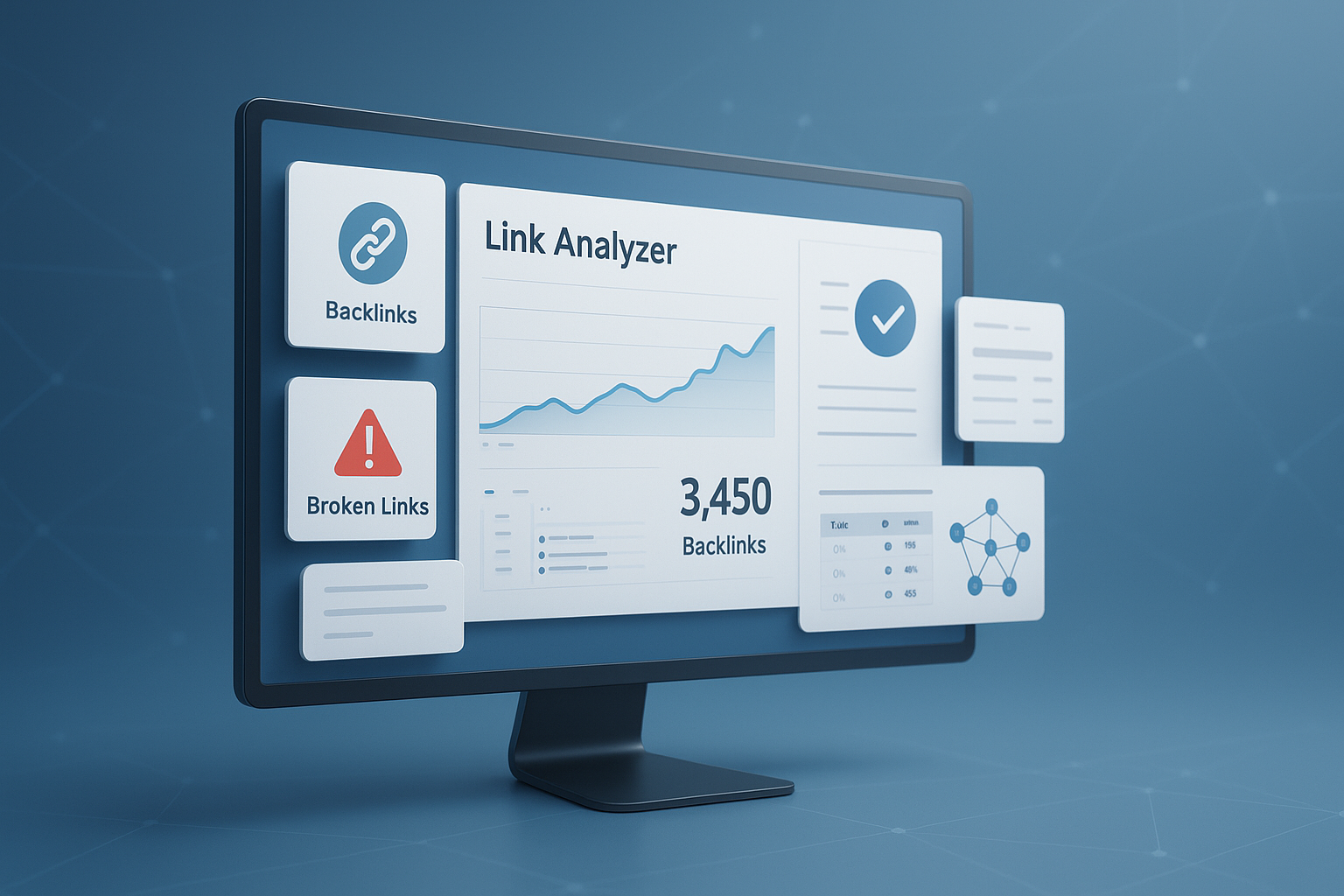
Suggested Image: Technology concept dashboard showing backlinks, broken links, and internal link paths
What is a link analyzer tool?
A link analyzer tool reviews the links connected to a webpage or website and shows how those links may affect SEO, usability, and crawlability. It usually checks internal links, external links, backlinks, anchor text, follow status, and broken URLs.
Some tools focus only on backlinks. Others help you inspect on-page links, redirects, and technical issues. If you are auditing a page before publishing, pairing a link review with an meta tags checker gives you a more complete SEO snapshot.
- Internal links: Links between pages on your own site
- External links: Links from your site to other websites
- Backlinks: Links pointing to your site from other websites
- Broken links: Links that return errors like 404
- Anchor text: The clickable words used in a link
- Link attributes: Signals like follow, nofollow, sponsored, or ugc
According to Google Search Central guidance on crawlable links, links help Google discover pages and understand site structure. That makes link analysis useful for both SEO and website maintenance.
Why marketers use a link analyzer tool
Marketers use a link analyzer tool to find hidden issues that standard traffic reports often miss. A page can lose visibility because it is poorly linked, points users to dead pages, or receives low-quality backlinks.
Here is the practical value:
- Find broken links before users do
- Spot pages with too few internal links
- Discover backlink opportunities and risks
- Improve how authority flows through the site
- Clean up redirect chains and outdated URLs
- Support content refresh and technical SEO work
If your SEO process also includes content updates, it helps to review readability and duplication alongside links. For example, a word counter can help benchmark thin pages that may need stronger internal support.
What a link analyzer tool should check
The best tools do more than count links. They show the quality, relevance, and technical state of each link so you can prioritize fixes that matter.
1. Internal linking structure
Internal links guide both users and search engines. If important pages are buried or receive very few contextual links, they often struggle to rank even when the content is solid.
- Pages with no internal links pointing to them
- Pages linked only from navigation, not body content
- Overlinked pages that dilute focus
- Important commercial or lead pages with weak support
- Anchor text that is vague, repetitive, or off-topic
This is where many people struggle. They publish content but never connect it properly. A quick structure review with a XML sitemap generator can also help confirm whether key pages are both linked and discoverable.
2. Broken links and error destinations
Broken links create a poor experience and waste crawl activity. They can also weaken trust if users keep landing on missing pages.
- 404 not found errors
- 410 removed pages
- Misconfigured redirects
- Links to expired external resources
- Image or file links that no longer resolve
Google has explained in its documentation on HTTP and network errors that inaccessible URLs can affect crawling efficiency. For large content libraries, broken link checks should be part of every quarterly audit.
3. Backlink profile quality
Not all backlinks help. Some pass trust and relevance. Others look manipulative, irrelevant, or spam-heavy.
A useful backlink review should show:
- Referring domains
- Anchor text patterns
- Link source relevance
- Follow versus nofollow mix
- New and lost backlinks
- Potentially toxic or suspicious sources
If you are building outreach pages or press assets, polished visuals can improve link attraction. Before uploading screenshots and graphics, an Image Compressor helps keep page speed under control.
4. Redirects and final URL paths
A link may technically work and still be inefficient. Redirect chains and loops slow down crawling and create a messy user path.
Look for:
- 301 links that should point directly to the final URL
- 302 redirects used where permanent redirects are better
- Redirect chains across multiple URLs
- Links pointing to HTTP instead of HTTPS
For technical accuracy on link behavior and URL handling, MDN’s anchor element reference is a helpful resource.
5. Anchor text and relevance
Anchor text tells users what to expect and gives search engines context. Poor anchor text wastes opportunities. Over-optimized anchor text creates risk.
Strong anchor text is:
- Descriptive
- Natural in the sentence
- Relevant to the destination page
- Varied across the site
- Useful to readers without sounding forced
Link analyzer tool features that matter most
If you are choosing a tool, focus on outputs that help you act. Fancy charts are nice, but clear problem reporting and exportable data are far more useful.
| Feature | Why it matters |
|---|---|
| Broken link detection | Helps fix user experience and crawl issues quickly |
| Internal link mapping | Shows how authority flows through the site |
| Backlink source review | Helps evaluate trust, relevance, and outreach results |
| Anchor text analysis | Reveals overuse, weak wording, and topic signals |
| Redirect trace | Prevents chains and outdated linking habits |
| Exportable reports | Makes collaboration easier for SEO, content, and dev teams |
How to use a link analyzer tool step by step
The fastest way to get results is to audit one important page or one content section at a time. Start small, fix obvious issues, then expand to site-wide reviews.
- Choose the page or folder to audit. Start with pages that drive leads, conversions, or organic traffic.
- Scan internal and external links. Identify working links, broken URLs, redirects, and nofollow attributes.
- Review anchor text. Replace vague phrases like “click here” with descriptive anchors where needed.
- Check incoming backlinks. Look for relevance, authority, and unusual link spikes.
- Fix broken and redirected links. Link directly to the live final URL whenever possible.
- Add internal links to under-supported pages. Use contextual links from related content.
- Recheck after updates. Confirm that the fixes resolved the issue and did not create new errors.
Now comes the important part. Do not treat link analysis as a one-time cleanup. Make it part of your regular SEO workflow, especially after site migrations, content pruning, or URL changes. If you are also validating page markup during updates, a schema markup generator can support richer search visibility alongside better linking.
Internal links vs backlinks: what is the difference?
Both matter, but they solve different SEO problems. Internal links improve site structure and help search engines understand page relationships. Backlinks act more like external trust signals and can influence authority.
| Link type | Purpose | What to improve |
|---|---|---|
| Internal links | Guide users and crawlers through your own website | Site structure, anchor text, orphan pages |
| Backlinks | Pass external relevance and trust signals | Source quality, topical fit, anchor diversity |
Here is the simple rule. You fully control internal links. You only partially influence backlinks. Because of that, internal linking is often the quickest SEO win for marketers.
How broken links affect SEO and user experience
Broken links hurt more than rankings. They break user trust, interrupt page journeys, and waste the value of content that was supposed to guide the next click.
Common effects include:
- Higher bounce rates when users hit dead ends
- Lower conversion rates from interrupted journeys
- Reduced crawl efficiency on larger websites
- Weaker credibility for research-heavy or evergreen pages
- Lost link equity if internal links point to missing URLs
If you are managing landing pages with downloadable assets, this problem often shows up in PDFs and media files too. Before publishing reports or checklists, a quick PDF to Word workflow can help update old files that still contain outdated links.
Google also recommends creating useful site structures for users, not just crawlers. Their SEO Starter Guide reinforces that navigation and linking should support real people first.
Common link issues a marketer should fix first
You do not need to repair everything at once. The smartest approach is to resolve the problems most likely to affect traffic, conversions, and crawlability.
- Broken internal links on high-traffic pages
- Important pages with too few contextual internal links
- Old blog posts linking to redirected URLs
- External links pointing to dead resources
- Exact-match anchor text used too aggressively in backlinks
- Orphan pages that are live but hard to discover
Here is what experienced professionals do differently. They prioritize fixes based on impact, not volume. A single broken link on a money page can matter more than twenty low-value errors buried in an archive.
Best practices for using a link analyzer tool in 2026
Search has become more holistic, but links still shape discovery, relevance, and trust. The best practice now is to combine link analysis with technical checks and content quality reviews.
- Audit links after every URL change or migration
- Review top pages monthly and full sites quarterly
- Use descriptive anchors that match the destination intent
- Link to updated sources, not old redirected versions
- Build topic clusters with clear supporting page relationships
- Check backlinks for sudden spikes from irrelevant domains
- Document fixes so content and dev teams stay aligned
If you publish SEO-focused content regularly, a keyword density checker can complement link analysis by helping you review topical balance without over-optimizing copy.
A practical example: auditing a blog post with a link analyzer tool
Let’s break this down with a realistic scenario. Imagine a blog post that used to bring steady search traffic but lost visibility over the past three months.
- The scan finds three internal links pointing to deleted pages.
- Two outbound links now redirect through tracking URLs and one lands on a 404 page.
- The post has only one internal link pointing to it from the rest of the site.
- Several competing posts on your site cover similar topics but do not connect to this article.
- The backlink report shows a few legitimate niche mentions but no recent new links.
What should you do?
- Replace broken internal links with relevant live pages
- Update external citations to current sources
- Add contextual links from newer related posts
- Refresh anchor text so it better reflects the topic
- Strengthen the page with clearer structure and updated facts
If the post includes screenshots or downloadable examples, improving asset quality matters too. Free, fast pages tend to perform better for users, so it can help to optimize visuals with JPG to PNG or similar workflow tools when updating image-based resources.
Suggested Screenshot: Example page audit showing internal links, external links, redirect status, and anchor text distribution
What a good link profile looks like
A healthy link profile is not about getting the highest number of links. It is about having the right mix of relevant, natural, and technically sound links.
| Signal | Healthy pattern | Warning sign |
|---|---|---|
| Referring domains | Relevant sites from your niche or connected topics | Sudden links from unrelated or spam-heavy sites |
| Anchor text | Mixed branded, natural, and descriptive wording | Repeated exact-match anchors at unnatural scale |
| Internal links | Important pages receive contextual support | Key pages are isolated or buried |
| External links | Useful citations to reliable sources | Outdated, broken, or low-trust destinations |
For link labeling and relationship attributes, the W3C documentation on links adds useful technical background.
Mistakes to avoid when analyzing links
A link analyzer tool is only useful if you interpret the results correctly. Raw numbers alone can be misleading.
- Assuming more backlinks always means better rankings
- Ignoring internal links while focusing only on external ones
- Leaving redirected URLs in old content for years
- Using identical anchor text everywhere
- Removing links without checking whether they still drive value
- Auditing only homepage links and skipping deeper pages
- Failing to recheck pages after fixes go live
The answer depends on one thing: context. A blog, e-commerce site, local business site, and SaaS documentation hub all need different link structures. Good analysis always starts with the page’s purpose.
Frequently asked questions
Is a link analyzer tool only for SEO professionals?
No. Marketers, content managers, editors, and site owners can all benefit from using one. Most link issues are not deeply technical. Broken links, weak internal linking, and poor anchor text are easy to understand once you see them in a report. SEO specialists may perform the deeper analysis, but non-technical teams can still use the findings to improve content quality and user journeys.
Can a link analyzer tool help increase rankings?
It can help indirectly by improving the conditions that support rankings. Fixing broken links, strengthening internal links, and cleaning up redirects can make pages easier to crawl and easier to navigate. A tool does not improve rankings by itself, but it can reveal the issues that prevent strong pages from performing as well as they should.
How often should I run a link audit?
For most marketing websites, checking priority pages monthly is a sensible baseline. A full-site audit every quarter is often enough unless the site changes frequently. You should also run a link audit after migrations, large content updates, URL changes, CMS changes, or redesigns. The more content your team publishes, the more often link issues can appear unnoticed.
What is more important: internal links or backlinks?
Both matter, but internal links are usually the fastest area to improve because you control them directly. Backlinks can strengthen authority, but they take time to earn and are harder to influence. If a page is poorly connected within your own site, even strong backlinks may not unlock its full potential. Start with internal structure, then build or evaluate backlinks.
Are broken external links bad for SEO?
They can be. A broken external link does not always create a major ranking problem, but it does create a poor reader experience and can reduce trust in your content. If the page depends on citations, dead references make it look outdated. It is best to replace broken external links with current, authoritative sources or remove them if they no longer add value.
Should I remove bad backlinks immediately?
Not always. First, review whether the links are truly harmful or simply low value. Some weak backlinks can be ignored if they are not part of a manipulative pattern. If you suspect a serious spam issue, review Google’s guidance on link spam and disavowal carefully before taking action. Overreacting and removing or disavowing harmless links can waste time and create confusion.
Do nofollow links matter in a link audit?
Yes. Even if nofollow links are treated differently from standard followed links, they still matter for traffic, visibility, and link profile understanding. They can show where your brand is being mentioned, where referral visitors come from, and how your link mix looks overall. In internal audits, checking nofollow usage also helps catch accidental blocking of important page pathways.
What should I do after finding link problems?
Start by sorting issues into categories: broken links, redirects, weak internal links, anchor text problems, and backlink concerns. Then prioritize pages that affect leads, revenue, or traffic. Fix the highest-impact items first, document the changes, and rerun the audit. That final step is often skipped, but it is the only way to confirm that the problem is actually resolved.
Conclusion
A link analyzer tool is one of the simplest ways to uncover SEO issues that are easy to miss in everyday reporting. It helps you find broken links, improve internal linking, review backlink quality, and strengthen the paths both users and search engines follow through your site.
If you want the most practical next step, begin with your top-performing pages and your most important conversion pages. Fix broken URLs, update outdated destinations, and add stronger contextual internal links. Then expand the process across the rest of the site.
To support that workflow, you may also want to use related tools like the robots.txt generator for crawl guidance, the meta tags checker for on-page SEO review, the XML sitemap generator for URL discovery, and the schema markup generator for richer search understanding. Small technical improvements often work best when they are connected, and link analysis is a strong place to start.



