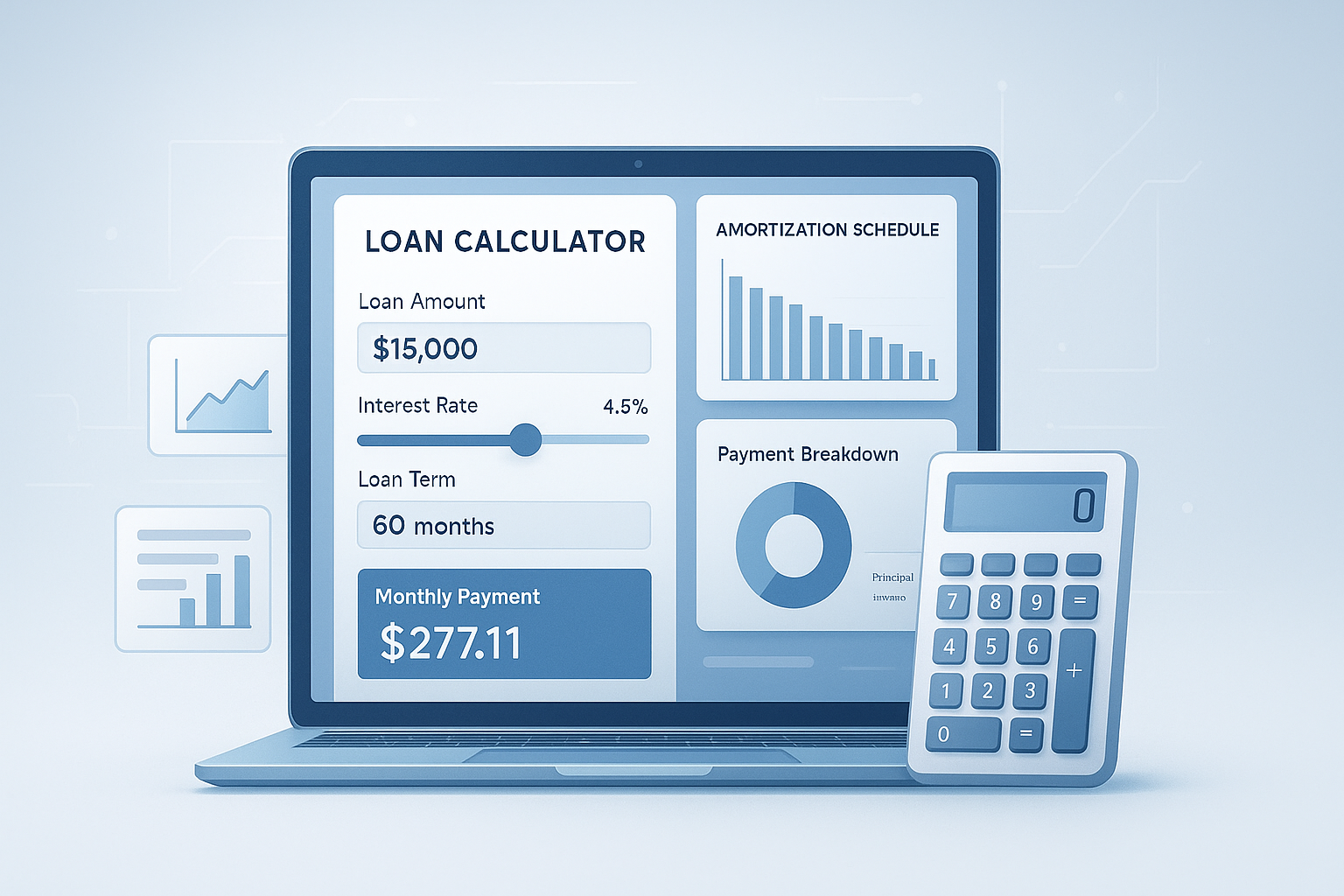
Most people don’t realize they can spot a bad loan offer before they ever apply. The trick is simple: use loan calculators the right way.
A monthly payment that looks affordable at first can become expensive once interest, loan term, fees, and total borrowing cost are added in. That’s where a good calculator helps. It turns vague loan terms into real numbers you can compare.
This guide explains how loan calculators work, what numbers to enter, how to read the results, and where beginners often make mistakes. You’ll also learn how to compare options for personal loans, auto loans, mortgages, and more with confidence in 2026.
Suggested Image: Finance Illustration of a person comparing monthly loan payments on a calculator and laptop
What are loan calculators, and why do they matter?
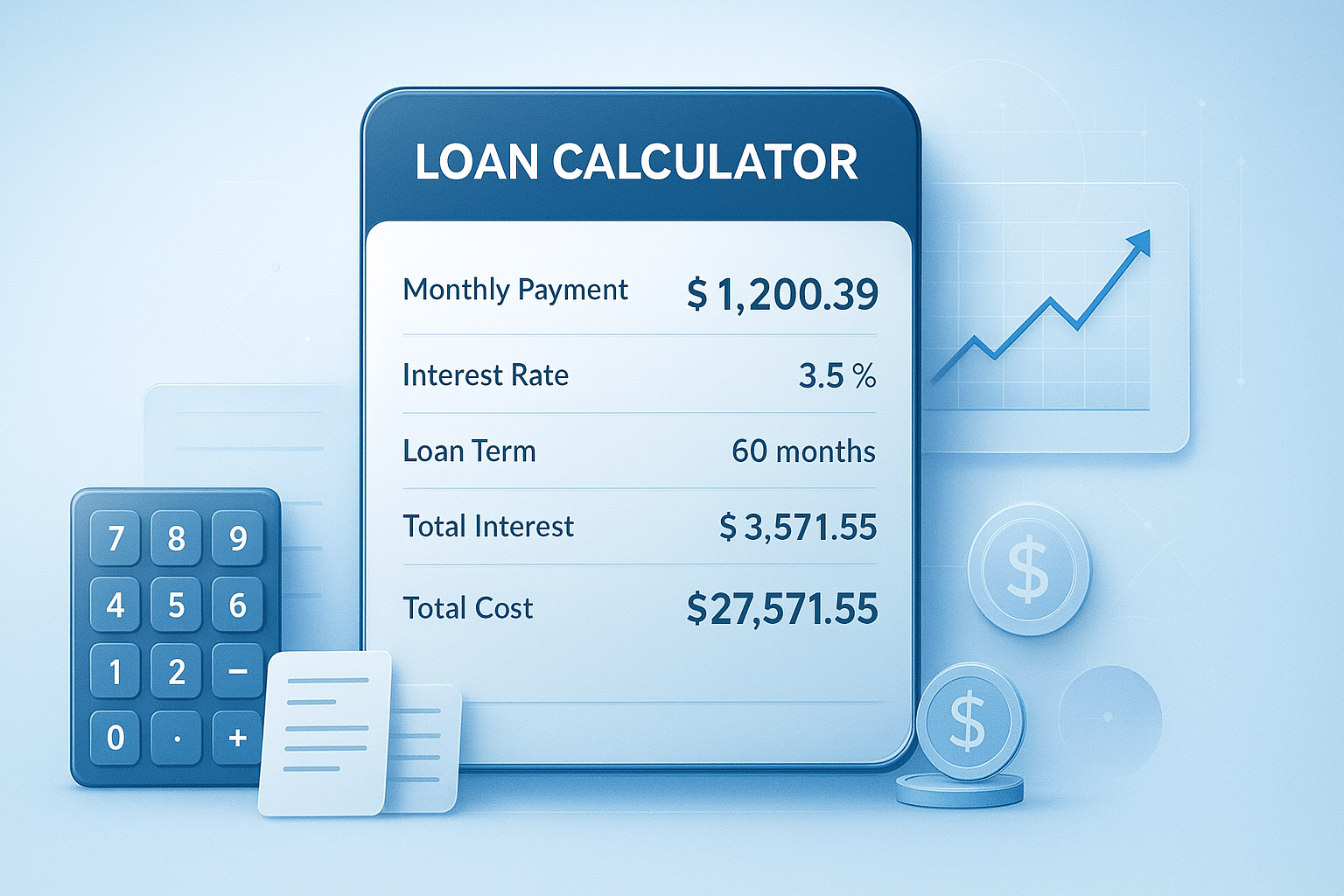
Loan calculators are tools that estimate what a loan may cost over time. They usually show your monthly payment, total interest, and total amount repaid based on the loan amount, interest rate, and repayment term.
That sounds basic, but here’s why it matters. Borrowers often focus only on the monthly payment. Lenders know this. A longer term can lower the payment while quietly increasing the total interest you pay. A calculator helps you see the full picture before you sign anything.
For most beginners, loan calculators are useful for:
- Estimating monthly payments before applying
- Comparing short-term and long-term loan costs
- Testing different interest rates
- Understanding amortization
- Planning a budget around debt payments
- Checking whether extra payments could save money
If you’re also trying to understand how interest grows over time, a Compound Interest Calculator can help you compare borrowing costs with savings growth from the other side of personal finance.
For official consumer guidance on borrowing, the Consumer Financial Protection Bureau auto loan resources and the CFPB consumer question library are excellent places to verify lender terms and borrower rights.
How loan calculators work
At the core, most loan calculators use a standard amortization formula. You enter a few details, and the tool estimates how much you’ll pay each month and how your payment is split between principal and interest.
The most common inputs are:
- Loan amount: How much you borrow
- Interest rate: The annual cost of borrowing
- Loan term: How long you take to repay
- Down payment: Upfront amount that reduces borrowing
- Extra payments: Optional additional money paid toward principal
- Fees or taxes: Sometimes included depending on the loan type
The key outputs to pay attention to
Many people look at one number only. That’s the mistake. You should read the full result set.
- Monthly payment: What you’ll likely owe each month
- Total interest: How much the lender earns over the life of the loan
- Total repayment: Principal plus interest
- Amortization schedule: A payment-by-payment breakdown
- Payoff date: When the loan should end if paid as planned
This is where many people struggle. They see a lower monthly payment and assume it’s the better deal. In reality, the cheaper-looking payment can cost much more overall.
| Loan Factor | What It Changes |
|---|---|
| Higher loan amount | Increases monthly payment and total interest |
| Higher interest rate | Raises borrowing cost, sometimes sharply |
| Longer loan term | Lowers monthly payment but usually increases total interest |
| Larger down payment | Reduces amount borrowed and may lower total cost |
| Extra monthly payment | Can shorten the loan and reduce interest |
If you want to double-check basic rate or percentage figures while comparing offers, an Percentage Calculator is useful for quick side-by-side comparisons.
What types of loans can you estimate with loan calculators?
Loan calculators are flexible. While the math changes slightly depending on the loan, the purpose stays the same: estimate what you’ll pay and decide whether the terms fit your budget.
Common loan types include:
- Personal loans
- Auto loans
- Mortgages
- Student loans
- Home equity loans
- Business loans
- Debt consolidation loans
Personal loans
These are usually fixed-rate installment loans. A calculator can help you estimate how much a medical bill, home repair, or emergency expense will really cost after interest.
Auto loans
For car financing, calculators often include down payment, trade-in value, tax, and fees. That makes a big difference. The advertised car price is rarely your true financed amount.
Mortgages
Mortgage calculators are more detailed and may include property taxes, homeowners insurance, HOA fees, and private mortgage insurance. For annual housing cost comparisons, a Salary Calculator can help you check how a payment fits your income.
Student loans
Student loan calculators may account for flexible terms, grace periods, or different repayment plans. The Federal Student Aid website is the best primary source for U.S. federal student loan details and repayment options.
How to use a loan calculator accurately
To get a useful estimate, you need realistic inputs. A calculator is only as good as the numbers you enter. Small errors can make a loan look much cheaper or more expensive than it actually is.
Here’s a beginner-friendly process:
- Start with the actual amount borrowed. Don’t guess. Include financed fees if the lender adds them to the balance.
- Use the annual percentage rate when possible. APR often gives a fuller cost picture than interest rate alone, especially when fees are involved.
- Choose the exact term. Enter 36, 48, 60, or 72 months correctly. One extra year can change the outcome more than expected.
- Add down payment and trade-in details. This matters most for car loans and mortgages.
- Test multiple scenarios. Run a low, medium, and higher interest rate estimate.
- Review total interest, not just monthly payment. This is where smart comparison happens.
Now comes the important part. Compare at least three scenarios before making any decision.
| Scenario | What to Change |
|---|---|
| Best-case estimate | Lower rate, shorter term, larger down payment |
| Likely estimate | Rate and term based on your credit profile and lender quote |
| Stress-test estimate | Higher rate or shorter income margin to see if the payment still fits |
Suggested Screenshot: Loan calculator form with fields for amount, rate, term, and extra payments
If you’re organizing several offers, a Random Password Generator may seem unrelated, but it’s useful when creating secure logins for lender portals or financial comparison accounts. Security matters when dealing with sensitive borrowing data.
Loan term vs interest rate: which matters more?
The answer depends on one thing: whether you care more about monthly affordability or total borrowing cost. In most cases, both the term and the rate matter, but the term often has a bigger impact than beginners expect.
Let’s break this down with a simple example. Imagine a $20,000 loan.
| Loan Option | Estimated Outcome |
|---|---|
| 5 years at 7% | Moderate monthly payment, moderate total interest |
| 7 years at 7% | Lower monthly payment, noticeably higher total interest |
| 5 years at 10% | Higher monthly payment and higher total interest |
Here’s what experienced borrowers do differently:
- They choose the shortest term they can comfortably afford
- They compare total repayment, not just monthly payment
- They test whether a modest extra payment can beat a longer term
If you want to estimate how much extra you’d need to pay each month to finish faster, a Age Calculator can even help with planning timelines for milestone-based goals, such as paying off a loan before retirement or before a child starts college.
Understanding amortization without getting overwhelmed
Amortization is the gradual repayment of a loan through scheduled payments. Early in the loan, more of your payment goes toward interest. Later, more goes toward principal.
This small detail changes everything. Many borrowers assume every payment reduces the balance quickly. That usually isn’t true at the beginning, especially with longer-term loans.
Why amortization matters
- You can see how slowly principal drops early on
- You can measure the benefit of extra payments
- You understand why refinancing timing matters
- You avoid overpaying by stretching the term too long
For mortgage-specific explanations, the U.S. Department of Housing and Urban Development homebuying guidance is a reliable source, and the Investopedia amortization definition offers a clear plain-English breakdown.
Suggested Infographic: Amortization timeline showing interest-heavy early payments and principal-heavy later payments
Common mistakes people make when using loan calculators
Loan calculators are simple to use, but easy to misuse. Most bad estimates come from missing details rather than bad math. If the result looks surprisingly affordable, double-check your inputs first.
- Ignoring fees: Origination fees, taxes, insurance, and closing costs can change the real cost
- Using the wrong rate: Promotional rates may not apply to your credit profile
- Forgetting compounding differences: Some loans calculate interest differently
- Entering the purchase price instead of financed amount: Common with cars and homes
- Comparing only monthly payments: This often leads to more total interest
- Skipping extra payment scenarios: Even small overpayments can reduce long-term cost
Here’s the problem. A calculator can make a weak loan offer look fine if you enter incomplete data. Always compare the calculator output against the lender’s disclosure.
For U.S. mortgages, reviewing official disclosures is especially important. The CFPB Loan Estimate explainer shows what costs should appear and how to read them.
How to compare loan offers the smart way
The best loan is not always the one with the lowest monthly payment. A smart comparison weighs cost, flexibility, payoff speed, and whether the loan fits your budget without strain.
Use this checklist when comparing offers:
- Compare APR, not just nominal interest rate
- Check the exact monthly payment
- Review total interest over the life of the loan
- Look for prepayment penalties
- Confirm whether fees are financed
- Test a shorter term option
- Check whether the payment still works if your expenses rise
| Comparison Point | Why It Matters |
|---|---|
| APR | Helps capture fees and true borrowing cost more accurately |
| Monthly payment | Shows whether the loan fits your current budget |
| Total interest | Reveals long-term cost hidden by low monthly payments |
| Prepayment rules | Affects your ability to save money by paying early |
| Loan term | Changes both affordability and total repayment |
If you’re comparing debt payoff timelines or splitting payments with a co-borrower, the Fraction Calculator can help with quick proportional calculations during planning.
Practical examples of using loan calculators
Examples make the numbers easier to trust. Once you run a few realistic scenarios, patterns become obvious. Shorter terms save interest. Higher rates cost more. Bigger down payments reduce risk.
Example 1: Personal loan for home repairs
You need $8,000 for urgent repairs. You test two options:
- 3 years at 9%
- 5 years at 9%
The 5-year option gives you a lower monthly payment, which may help cash flow. But the 3-year option usually saves a meaningful amount in total interest. If your budget can handle it, the shorter term is often better.
Example 2: Auto loan with and without down payment
You’re buying a $30,000 car. With no down payment, you finance nearly the full cost plus taxes and fees. With $5,000 down, your monthly payment drops and your total interest usually falls too.
This is where a Unit Converter may sound unexpected, but it can be useful if you’re comparing international financial documents, mileage-based value assumptions, or imported vehicle specs during research.
Example 3: Mortgage affordability check
You estimate a mortgage payment and realize the principal and interest alone look manageable. Then you add taxes, insurance, and possible HOA fees. Suddenly the real monthly cost is much higher. This is why complete inputs matter.
When loan calculator results may be inaccurate
Loan calculators provide estimates, not final lender offers. They’re excellent for planning, but they can’t replace official disclosures, underwriting decisions, or lender-specific fee structures.
Results may differ when:
- Your credit score changes the actual rate offered
- The lender includes origination or administrative fees
- The loan has a variable interest rate
- Taxes, insurance, or PMI were excluded
- The payment frequency differs from standard monthly repayment
- The loan includes deferred or interest-only periods
For mortgage borrowers, the Federal Reserve mortgage resources provide helpful context on borrowing and repayment factors that calculators may simplify.
Best practices for using loan calculators in 2026
The best way to use loan calculators today is to combine them with real lender disclosures, credit awareness, and scenario testing. Calculators are planning tools, not decision shortcuts.
- Use your expected credit tier, not the lender’s best advertised rate
- Always run at least three loan scenarios
- Include taxes, fees, and insurance when relevant
- Check total repayment before accepting a lower monthly payment
- See whether even small extra payments improve the outcome
- Keep your budget realistic, especially if other debts may rise
- Review official documents before signing anything
If you’re tracking multiple offers and payment dates, a Date Calculator can help you estimate payoff milestones, compare term lengths, and map financial deadlines more clearly.
Frequently asked questions about loan calculators
1. Are loan calculators accurate?
Loan calculators are usually accurate for estimates when you enter correct figures. They are especially reliable for fixed-rate loans with standard monthly repayments. However, they may not reflect lender fees, taxes, insurance, variable rates, or credit-based pricing changes. Treat them as planning tools, then confirm the final numbers with the lender’s official disclosure before borrowing.
2. What information do I need to use a loan calculator?
At minimum, you usually need the loan amount, interest rate, and repayment term. Depending on the loan type, you may also need a down payment, trade-in value, taxes, insurance, origination fees, or extra monthly payment amount. The more complete your inputs are, the more useful your estimate will be. Missing fees is one of the most common mistakes.
3. Should I use interest rate or APR in a loan calculator?
Use APR when the calculator supports it and when you want a fuller estimate of borrowing cost. APR often includes certain lender fees, making it better for comparing offers. If the calculator asks only for an interest rate, use the lender’s quoted rate and then separately review fees. For strict comparison shopping, APR is usually more helpful than nominal rate alone.
4. Can a loan calculator help me decide between a shorter and longer loan term?
Yes. This is one of the best uses of loan calculators. A shorter term usually means a higher monthly payment but lower total interest. A longer term typically reduces the monthly burden while increasing lifetime borrowing cost. Running both options side by side helps you find the right balance between affordability now and savings over time.
5. Do loan calculators work for mortgages?
They do, but mortgage estimates need more detail than many other loans. In addition to principal and interest, you may need to add property taxes, homeowners insurance, HOA fees, and mortgage insurance. A mortgage calculator that leaves those out can make a home look more affordable than it really is, so always test the full housing payment.
6. Can I use a loan calculator to see the impact of extra payments?
Yes, and it’s one of the smartest things to test. Extra payments can reduce principal faster, shorten the loan term, and lower total interest. Even small recurring additions can make a noticeable difference over time. Just make sure your lender allows penalty-free prepayment and applies the extra amount directly to principal.
7. Are free online loan calculators safe to use?
Generally, yes, if you use reputable websites and avoid entering sensitive personal information you don’t need to share. A standard calculator should not require your Social Security number, bank credentials, or full identity details just to estimate payments. Use secure websites, read privacy policies when needed, and compare results across trusted sources if something seems off.
8. What should I do after using a loan calculator?
Use the results to narrow your choices, then request official loan terms from lenders. Compare APR, monthly payment, fees, prepayment rules, and total repayment. Review the disclosure carefully. If the estimate is for a major loan like a mortgage or auto loan, check whether taxes, insurance, and other costs were included before deciding what you can truly afford.
Conclusion: use loan calculators to borrow with fewer surprises
Loan calculators do more than estimate a monthly payment. They help you see the real cost of borrowing, compare loan terms intelligently, and avoid offers that only look affordable on the surface.
If you remember just a few things, make it these: enter complete numbers, compare total interest, test multiple terms, and never rely on monthly payment alone. That approach will give you much better answers than guessing or trusting marketing claims.
Your next practical step is simple. Run three realistic scenarios for the loan you’re considering, then compare the lender’s official terms against those estimates. If you want to keep planning, related tools like the EMI Calculator, Compound Interest Calculator, Date Calculator, and Percentage Calculator can help you make clearer financial decisions.