Ever opened a website and wondered how many links are actually doing the heavy lifting behind the scenes? That question matters more than most marketers realize. Internal links shape crawl paths, pass relevance, and help users move through a site. External links can support trust, citations, and context, but too many can also dilute focus.
A good website links count checker gives you a fast snapshot of how a page is built. It helps with SEO audits, competitor reviews, content planning, and even basic UX checks. If a page has thin linking, it may be hard to crawl. If it has link overload, users may ignore the important actions.
In this guide, you’ll learn what a website links count checker does, why internal and external link counts matter, how to interpret the results, and what to fix next. You’ll also see common mistakes, practical use cases, and a simple workflow marketers can use in 2026.
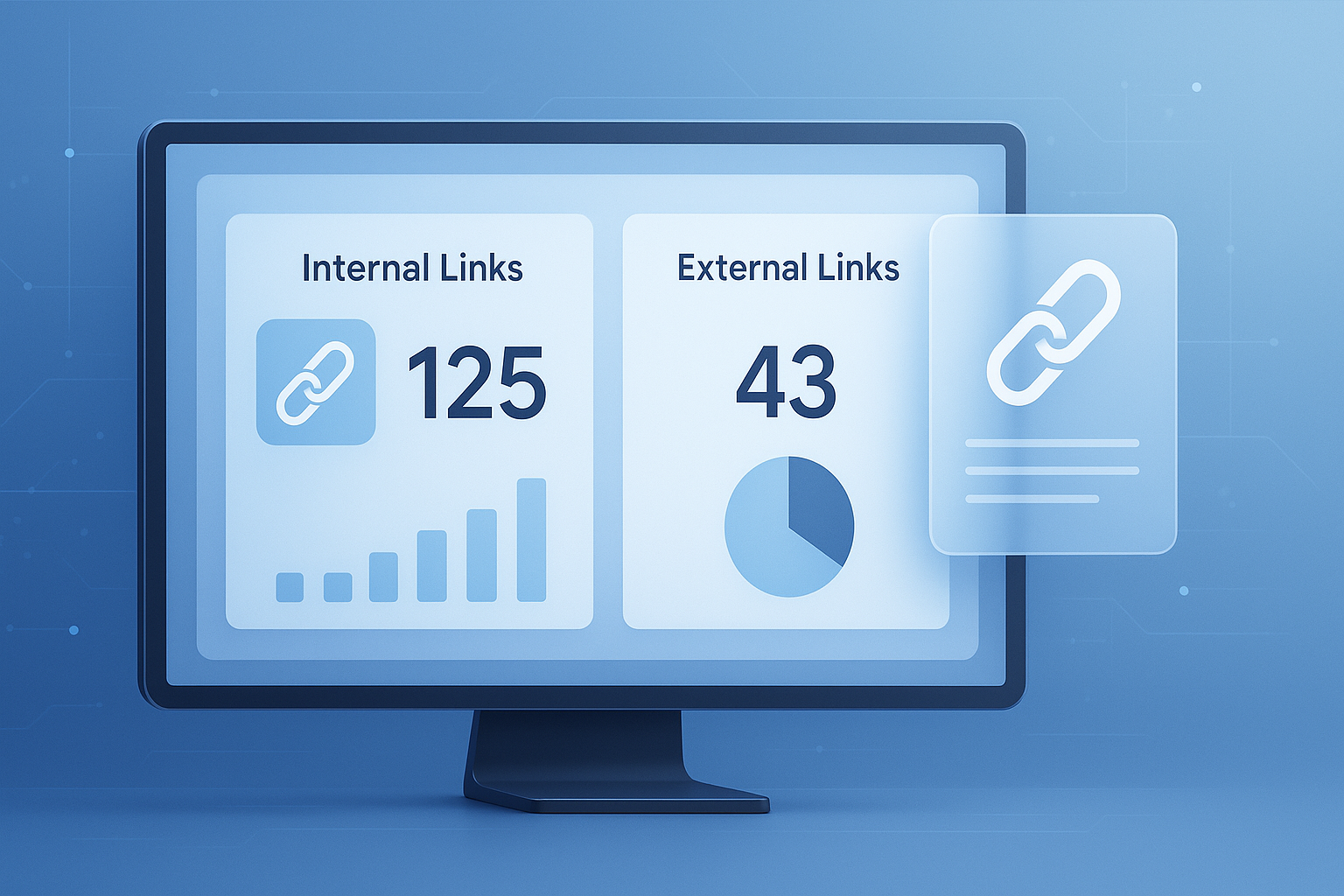
Suggested Image: Technology concept dashboard showing internal links, external links, crawl paths, and page structure metrics
What is a website links count checker?
A website links count checker is a tool that scans a webpage and counts the links it contains. Most tools separate the results into internal links, which point to the same domain, and external links, which point to other domains. Some also identify nofollow links, broken links, image links, and duplicate anchor usage.
This makes the tool useful for several jobs at once:
- Checking page-level SEO structure
- Reviewing content layout before publishing
- Spotting pages with too few internal links
- Finding pages overloaded with outgoing links
- Comparing your content with competitor pages
If you work on technical audits, you may also pair link counts with other page-level checks such as an HTML Size Checker to understand whether bloated markup is affecting crawl efficiency.
According to Google’s documentation on crawlable links, Google uses links to discover pages and understand site structure. That means link counts are not just cosmetic. They influence how search engines and users navigate the site.
Why internal and external link counts matter for SEO
Internal and external links do different jobs. Counting them helps you understand whether a page is balanced, discoverable, and useful. The number alone is not a ranking factor, but link distribution often reveals hidden SEO issues.
Internal links help search engines and users move through your site
Internal links connect your pages to each other. They help crawlers find content, establish topic relationships, and spread authority across the site. For users, they create clear next steps.
- Category pages can direct visitors to key product or service pages
- Blog posts can support related guides and tools
- Cornerstone pages can become topic hubs
- Orphan pages can be identified when they receive little or no internal linking support
If you’re planning site structure, an XML Sitemap Checker can help you compare indexed intent with actual internal navigation pathways.
External links provide citations, references, and context
External links point users to other domains. Used carefully, they support credibility, especially when you cite standards, official documentation, or primary sources. Strong external references are common in reliable content.
For example, MDN’s documentation for HTML anchor elements explains how links work at the markup level, while W3C guidance on links helps clarify standards and structure.
That said, pages with too many external links can lose focus. On affiliate-heavy or directory-style pages, excessive outgoing links can create decision fatigue and weaken the main conversion path.
Link count helps surface structural problems
Here’s the problem. A page can look fine visually and still perform poorly because its linking is weak. Link counting often reveals issues such as:
- Thin content with almost no supporting pathways
- Footer or sidebar templates inflating total link numbers
- Overlinked copy where every sentence contains an anchor
- Important pages buried without clear internal references
- Large menus creating link clutter on every page
| Link Type | Primary Purpose | Common SEO Benefit | Common Risk |
|---|---|---|---|
| Internal links | Connect pages on the same domain | Improves crawlability and topic flow | Important pages may stay buried if underused |
| External links | Reference outside sources | Supports trust and adds context | Can distract users if overused |
How a website links count checker works
Most link count tools fetch a page, read its HTML, detect anchor tags, and sort each link by destination. Internal links usually match the same root domain. External links point elsewhere. More advanced tools may also classify image links, JavaScript-generated links, or redirects.
At a basic level, the process looks like this:
- Enter the full page URL
- The tool loads the page source or rendered version
- It finds link elements such as
<a>tags - It separates internal and external URLs
- It counts the totals and displays the results
Some tools count only raw HTML links. Others attempt to include rendered navigation elements. This small detail changes everything. A JavaScript-heavy site may show lower counts in simple tools than in browser-rendered crawlers.
When reviewing site structure, it can also help to inspect page-level assets and delivery performance with tools like a HTTP Headers Checker, especially if scripts or redirects affect what bots can access.
For technical accuracy, Google’s own JavaScript SEO basics explain why rendered content can behave differently from static HTML during crawling.
How to use a website links count checker properly
The tool is simple, but the interpretation is where real value appears. Marketers who get useful insights from link counts usually compare pages with purpose instead of chasing a random “good number.”
Step 1: Check your key page types separately
Don’t audit only the homepage. Review several page types:
- Homepage
- Category or service pages
- Blog posts
- Landing pages
- Product pages
- About and contact pages
Each page type should have a different link profile. A homepage often has more links because of navigation modules. A focused landing page may intentionally have fewer.
Step 2: Compare top-performing pages
Now comes the important part. Compare your better-performing pages against weaker ones. Look for patterns:
- Do high-ranking pages include more contextual internal links?
- Do low-converting pages push too many external references?
- Are long-form guides missing links to related tools and resources?
If you’re refining content quality before publication, supporting tools such as a Word Counter can help you assess whether page depth and link density feel proportionate.
Step 3: Separate navigation links from contextual links
This is where many people struggle. A page may show 150 internal links, but 120 of them may come from the header, footer, and sidebar. That doesn’t mean the body content is well linked.
Contextual links inside the main content area are usually more useful for:
- Helping users continue reading
- Supporting a topic cluster
- Passing relevance between related pages
- Guiding visitors toward conversions
Step 4: Review link intent, not just link volume
More links are not always better. Ask:
- Does each link help the reader?
- Does it point to a logical next step?
- Is the anchor text clear and specific?
- Is the destination worth clicking?
Google’s site architecture guidance supports building logical pathways that help both users and crawlers understand content relationships.
What is a good number of links on a page?
There is no universal ideal. The right number depends on page purpose, length, layout, and site structure. A compact sales page may need only a handful of links. A detailed educational guide might reasonably include dozens.
Here’s a practical way to think about it:
| Page Type | Typical Internal Link Pattern | Typical External Link Pattern | What to Watch |
|---|---|---|---|
| Homepage | High | Low to medium | Menu and footer inflation |
| Blog post | Medium to high | Low to medium | Weak contextual linking |
| Landing page | Low to medium | Very low | Too many exit points |
| Resource guide | Medium | Medium to high | External link overload |
| Product or service page | Medium | Low | Missing paths to support pages |
Experienced professionals usually look for relevance, usability, and crawl logic rather than an arbitrary limit. Years ago, marketers often repeated outdated rules about keeping links below a fixed threshold. Modern guidance is more nuanced. What matters is whether the links remain useful and crawlable.
Common reasons marketers use a website links count checker
Marketers use this tool for far more than counting links. It’s a fast diagnostic shortcut. When used during audits or planning, it can expose gaps that are easy to miss in design reviews or content briefs.
- SEO audits: spot underlinked or overlinked pages
- Content optimization: improve article-to-article pathways
- Competitor research: compare structure on ranking pages
- UX review: reduce clutter and choice overload
- Migration planning: preserve important internal link routes
- Editorial QA: confirm new pages include strategic links
For broader site reviews, marketers often combine link counts with content extraction checks like a Text to HTML Converter when cleaning article structure, or with an Open Graph Checker when auditing how pages appear in sharing environments alongside on-page SEO elements.
How to interpret the results without making bad decisions
A raw count is only the starting point. The same number can be healthy on one page and a problem on another. The answer depends on one thing: whether the links support the page’s job.
When low link counts are a problem
- The page is hard to find from related content
- No supporting articles link into it
- Users have no obvious next step
- The page targets an important keyword but sits in isolation
When high link counts are a problem
- Template elements create clutter on every page
- The page leaks attention through too many exits
- Anchor text becomes repetitive or vague
- The main call to action gets buried
When the numbers are fine but the links are still weak
Here’s what experienced professionals do differently. They inspect link quality, not just quantity. Weak links often have:
- Generic anchors like “click here”
- Repeated anchors to unrelated destinations
- Links placed too early or too often
- Destinations that don’t match reader intent
Link accessibility matters too. The WCAG explanation of link purpose in context is useful if you want anchors that make sense for all users, including those using assistive technology.
Practical examples of link count analysis
Let’s break this down with real-world scenarios. These examples show why simple counts become meaningful only when paired with page goals and user intent.
Example 1: Blog post with low engagement
A 2,000-word guide gets traffic but low time on page and few conversions. A check shows only two internal links in the article body. The page gives readers no clear route to related tools, examples, or next steps.
Fix: add relevant contextual links to supporting resources, a comparison article, and a useful calculator. If the article includes visual assets, even file preparation steps may matter, so related tools such as an Image Compressor can support faster publishing workflows without disrupting UX.
Example 2: Landing page with too many exits
A lead generation page has 90 total links because it includes the full site header, footer, blog sidebar, and social icons. Visitors have too many choices before reaching the lead form.
Fix: reduce navigation on the landing page version, keep only essential trust links, and remove unnecessary external destinations.
Example 3: Competitor article outranks your guide
Your article is longer, but their page links better to related subtopics and keeps users moving deeper into the site. Their internal link architecture reinforces topic authority.
Fix: build topic clusters intentionally. Connect broad pages to specific supporting pages and back again where it helps the reader.
Best practices for internal and external linking in 2026
Modern linking strategy is less about volume and more about structure, clarity, and intent. The best pages use links as navigation cues, topical signals, and trust references without overwhelming the reader.
- Use clear anchor text that describes the destination
- Link to pages that genuinely extend the topic
- Prioritize contextual links inside the main content area
- Audit templates that add sitewide link bloat
- Cite authoritative external sources when making factual claims
- Review key pages after redesigns, migrations, or CMS changes
- Keep an eye on JavaScript navigation if bots may miss links
If you publish resource-heavy pages, supporting assets also matter. A PDF to JPG Converter can help turn downloadable materials into more shareable visuals for content teams, while keeping page-level resource linking more intentional.
Suggested Screenshot: Example audit view showing internal links, external links, navigation links, and contextual links highlighted on a sample page
Common mistakes to avoid when checking website link counts
Most mistakes happen after the count, not during it. People either panic over a high number or feel reassured by a low one without understanding the page context.
- Judging by totals alone: total counts hide whether links are in menus or content
- Ignoring page type: a homepage and landing page should not be judged the same way
- Forgetting mobile UX: too many links can create noisy mobile experiences
- Using vague anchor text: counts rise, clarity falls
- Over-citing weak sources: not all external links add trust
- Skipping rechecks after changes: templates, plugins, and redesigns alter link counts quickly
A good habit is to document link changes during audits, especially when you also monitor crawl behavior, structured HTML cleanup, and metadata consistency.
Frequently Asked Questions
1. Does a higher number of links improve SEO automatically?
No. More links do not automatically make a page stronger. Internal links can improve crawlability and topic connections, but only when they are relevant and placed well. External links can support trust, but too many may distract users. What matters most is whether the links help visitors and support the page’s purpose. Quality, placement, and clarity matter more than raw volume.
2. How many internal links should a blog post have?
There is no fixed number that fits every post. A short article may only need a few good internal links, while a long guide may need many more. A practical rule is to add links where readers naturally need more detail, examples, tools, or related next steps. If the links feel forced or repetitive, you’ve likely added too many.
3. What is the difference between internal and external links?
Internal links point to pages on the same website or domain. External links point to different domains. Internal links are mainly used to shape site structure, pass relevance, and help users explore more of your content. External links are commonly used for citations, references, partnerships, and supporting evidence. Both matter, but they serve different goals.
4. Can a website links count checker find broken links too?
Some tools only count links, while others also test whether those destinations respond correctly. If broken link detection is included, the tool may show status issues such as 404 errors or redirects. If not, you’ll need a separate crawler or link checker. Counting links is useful for structure. Verifying them is useful for maintenance, UX, and technical SEO.
5. Why does one tool show a different link count than another?
Different tools may read pages in different ways. One may count only static HTML links, while another may render JavaScript and detect additional links created after the page loads. Some tools also include canonical, navigation, image, or hidden links differently. When comparing results, check the tool’s method first. The counting model affects the final number.
6. Should landing pages have fewer links than blog posts?
Usually, yes. Landing pages are often built for one main action, such as signing up or requesting a quote. Too many links can pull users away from that goal. Blog posts are different because they often educate readers and benefit from related references and deeper internal navigation. The ideal count depends on intent. Conversion pages generally need tighter control over exits.
7. Are external links to authoritative sources good for trust?
Yes, when used appropriately. Linking to official documentation, standards bodies, research institutions, or other primary sources can improve credibility and help readers verify claims. The key is relevance. External links should support the content, not crowd it. A few strong citations are usually more useful than a long list of low-value references.
8. What should I do after checking link counts on a page?
Start by reviewing whether the links match the page goal. Then identify missing internal links to related pages, reduce unnecessary external links, improve weak anchor text, and check whether important sections are underlinked. After changes, re-test the page. If you’re auditing multiple URLs, compare results by page type so you can spot patterns instead of reacting to isolated numbers.
Final thoughts
A website links count checker is a simple tool, but it can reveal a lot about SEO structure, user flow, and content quality. Internal links help search engines and visitors navigate your site. External links add context and credibility when used with care. The real value comes from interpretation, not just counting.
Start with your most important pages. Compare page types. Separate navigation links from contextual ones. Then improve the paths that matter most.
If you want to keep refining your pages, useful next steps include checking structure with an HTML Size Checker, reviewing server responses with an HTTP Headers Checker, validating content formatting using a Text to HTML Converter, and auditing share metadata with an Open Graph Checker. Together, these tools give marketers a more complete view of how a page performs before and after publishing.