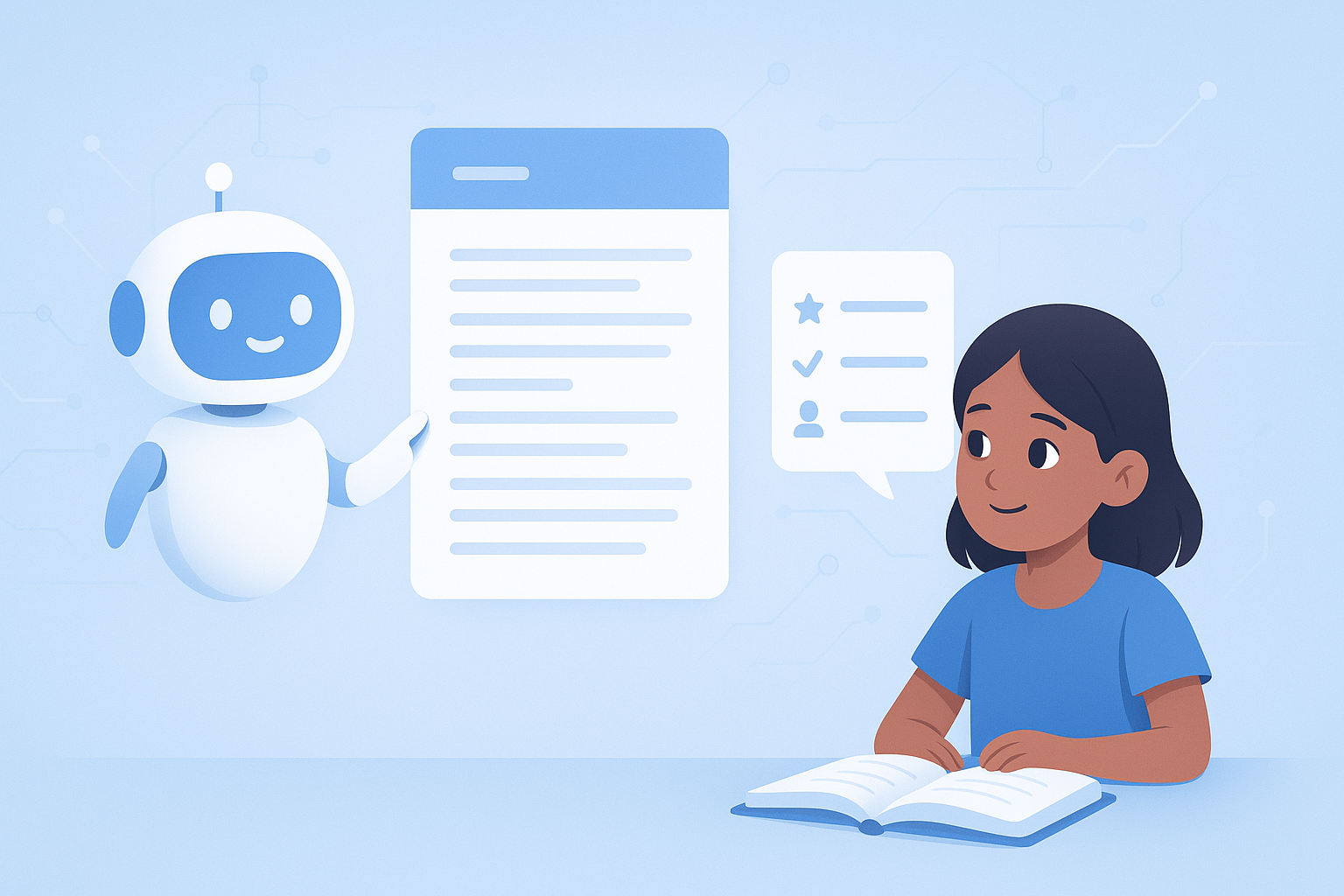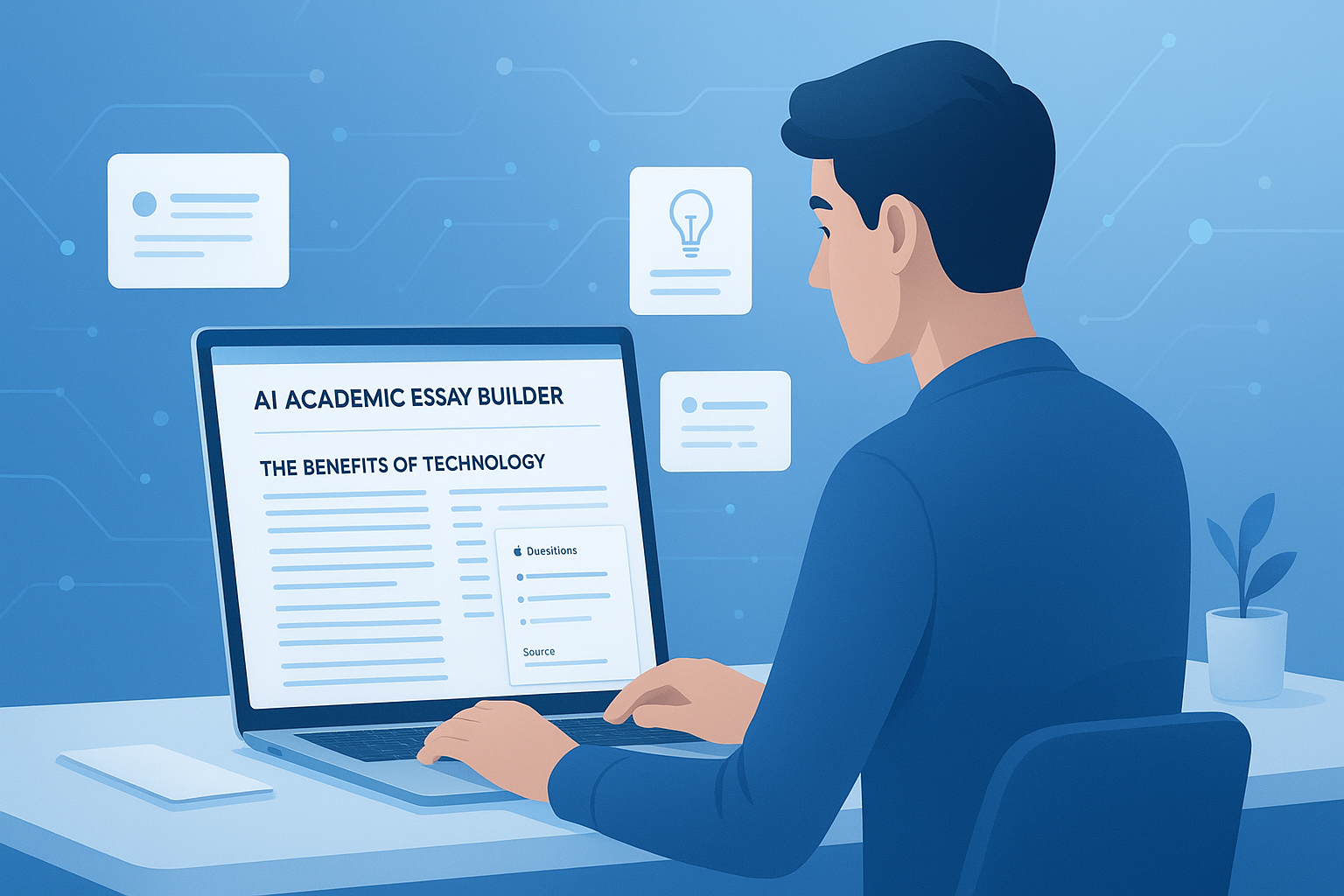
Ever spent more time planning a lesson than actually teaching it? That’s the problem many teachers want to solve, and it’s exactly where an AI educational lesson planner can help.
When used well, AI doesn’t replace your teaching judgment. It removes repetitive planning work, helps organize ideas faster, and gives you a solid first draft you can improve. The result is less time staring at a blank page and more time focusing on your students.
This guide explains how an AI educational lesson planner works, when it helps most, where it can go wrong, and how teachers can use it in a practical, responsible way in 2026. You’ll also see examples, best practices, and simple ways to turn AI-generated ideas into lessons that actually work in class.
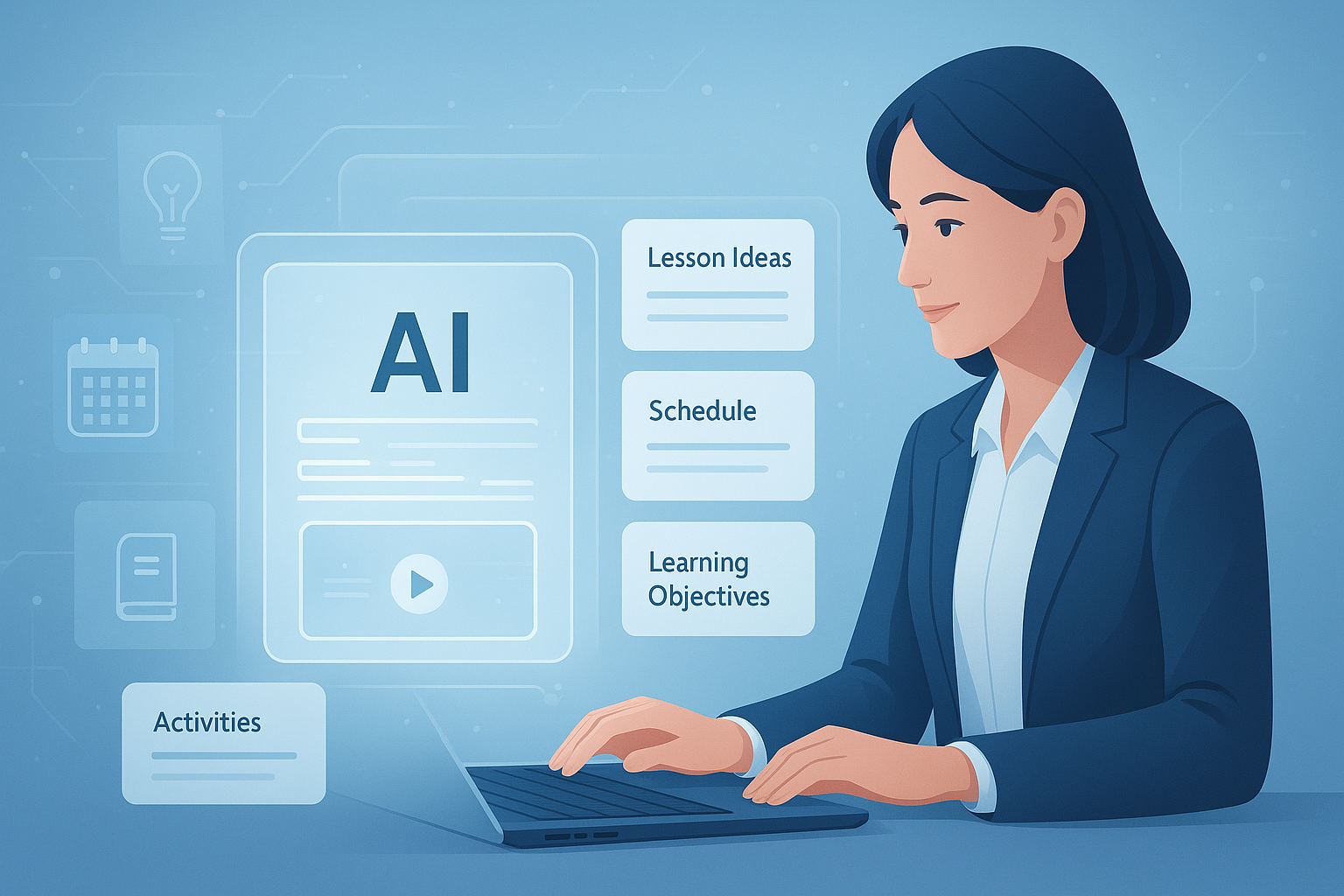
Suggested Image: Modern illustration of a teacher using an AI lesson planning dashboard with curriculum blocks, objectives, and activity cards
What is an AI educational lesson planner?
An AI educational lesson planner is a digital tool that helps teachers create lesson outlines, objectives, activities, assessments, and pacing suggestions based on a prompt. Instead of building every section manually, you give the tool key details like grade level, subject, topic, standards, and time available, and it generates a structured draft.
Most tools can help with:
- Daily lesson plans
- Weekly unit overviews
- Learning objectives
- Differentiated activities
- Discussion prompts
- Exit tickets and quizzes
- Homework ideas
- Assessment rubrics
The best way to think about it is simple: AI speeds up the planning process, but the teacher still makes the final decisions. If you are also creating digital handouts, classroom visuals, or printable materials, tools like the Image Compressor can help reduce file sizes before sharing resources online.
Why teachers are using AI lesson planning tools
Teachers are turning to AI because planning takes time, and not all of that time is high-value work. An AI educational lesson planner helps handle the repetitive parts so teachers can spend more energy on instruction, feedback, and classroom support.
Here’s why adoption keeps growing:
- Speed: A lesson draft can be created in minutes
- Structure: AI can organize objectives, steps, and assessments clearly
- Idea generation: It helps when you feel stuck or need a fresh approach
- Differentiation support: It can suggest variations for mixed ability groups
- Consistency: It helps maintain a clear format across lessons and units
This trend also fits wider changes in education technology. Organizations such as Edutopia and ISTE’s AI guidance for educators continue to highlight thoughtful, ethical AI use as part of modern teaching practice.
How an AI educational lesson planner actually works
Most lesson planning tools follow the same basic pattern. You enter teaching details, the system predicts what a complete lesson should include, and then it generates a draft you can edit. The quality of the output depends heavily on the quality of your prompt.
Typical inputs
- Grade level or age group
- Subject and topic
- Lesson duration
- Learning goals
- Curriculum standards
- Student ability range
- Teaching style or activity preference
- Assessment format
Typical outputs
- Lesson title
- Learning objectives
- Required materials
- Warm-up or bell ringer
- Direct instruction steps
- Guided practice
- Independent work
- Assessment and reflection
If you want neater prompts or reusable planning templates, a writing utility like the Word Counter can help you keep prompts concise and easier to refine.
What a strong prompt looks like
This is where many people struggle. If your prompt is vague, the lesson will usually be generic. If your prompt is detailed, the AI educational lesson planner has a much better chance of producing something useful.
Here’s a weak prompt:
Create a science lesson for middle school.
Here’s a much stronger version:
Create a 45-minute Grade 7 science lesson on food chains. Include one clear learning objective, a 5-minute starter, direct instruction, one collaborative activity, one differentiated support strategy for struggling learners, one extension task for advanced learners, and a quick exit ticket. Align the tone for a regular classroom teacher and keep materials simple.
The second example gives the tool real constraints. That usually leads to better pacing, clearer activities, and less editing.
Suggested Screenshot: Example prompt and AI-generated lesson planner output with editable lesson sections
Benefits of using an AI educational lesson planner
The biggest benefit is saved time, but that’s only the beginning. A good tool can improve clarity, reduce planning fatigue, and make it easier to adapt lessons across classes.
| Benefit | How it helps teachers |
|---|---|
| Faster planning | Creates a workable first draft quickly |
| Better structure | Organizes objectives, tasks, and assessment logically |
| More lesson variety | Suggests new hooks, activities, and discussion formats |
| Differentiation support | Offers modifications for different learning levels |
| Reduced planning fatigue | Helps teachers start instead of overthinking each lesson from scratch |
Teachers building printable resources or converting lessons into shareable documents may also find a PDF to Word Converter useful when adapting planning documents for editing.
Where AI lesson planners fall short
AI can save time, but it can also produce weak or inaccurate work if you trust it too quickly. That’s why human review is not optional. It’s essential.
Common limitations include:
- Activities that don’t fit your actual class dynamics
- Objectives that sound good but lack measurable outcomes
- Wrong or overly broad curriculum alignment
- Tasks that require materials you don’t have
- Reading levels that don’t match your students
- Generic assessments that don’t truly measure learning
For broader guidance on responsible AI use, UNESCO’s recommendations on AI ethics are worth reviewing, especially for privacy, bias, and transparency in education.
AI lesson planner vs traditional lesson planning
Both approaches can work. The real difference is not quality by default. It’s where the time goes. Traditional planning gives total control from the start. AI-assisted planning gives speed first, then requires careful editing.
| Approach | Best for | Main drawback |
|---|---|---|
| Traditional planning | High customization and deep teacher control | Time-consuming |
| AI-assisted planning | Fast drafts and idea generation | Needs strong review and editing |
| Hybrid approach | Most teachers in real classrooms | Requires a clear editing workflow |
For most teachers, the hybrid model works best. Use AI to create the framework, then apply your subject knowledge, classroom insight, and student data to improve it.
How to use an AI educational lesson planner the right way
The most effective teachers don’t ask AI to do everything. They use it for the parts that are repetitive and keep control over the parts that require professional judgment. That small detail changes everything.
- Start with your real goal. Define what students should know or do by the end of the lesson.
- Add classroom constraints. Include time, materials, group size, and support needs.
- Request a specific format. Ask for starter, mini-lesson, activity, assessment, and closure.
- Check standards alignment. Verify every standard manually before teaching.
- Edit for your students. Simplify, extend, or replace tasks based on actual learner needs.
- Test the timing. AI often underestimates how long activities take.
- Save reusable prompts. Keep versions that work well for future planning.
If you often create classroom posters or visual instructions to go with lessons, the Image Resizer can help prepare images in the right dimensions for slides, LMS uploads, or printouts.
Real classroom examples
Examples make this easier to picture. Below are three practical ways teachers might use an AI educational lesson planner without handing over the whole planning process.
Example 1: Elementary reading lesson
A Grade 3 teacher enters the topic, reading level, and the need for a short whole-class phonics warm-up. The AI creates a draft with vocabulary review, guided reading questions, and an exit task. The teacher then swaps out one activity because it’s too advanced for the class.
Example 2: Middle school science lesson
A teacher needs a 50-minute lesson on ecosystems with one group activity and one independent reflection. AI generates a complete outline. The teacher keeps the structure but rewrites the assessment to match district expectations.
Example 3: High school history lesson
A teacher wants a debate-based lesson on primary sources. The AI produces objectives, discussion questions, and extension tasks. The teacher checks factual accuracy, adds source excerpts, and adjusts the pacing because discussion usually takes longer than predicted.
Best practices for better AI-generated lessons
The difference between a weak AI lesson and a useful one usually comes down to teacher input and revision. Experienced professionals use AI as a planning assistant, not as an autopilot system.
- Give precise grade, topic, and time details
- Ask for measurable objectives
- Request differentiation for support and extension
- Check all content for accuracy before use
- Rewrite parts that don’t sound natural for your class
- Keep student data out of public AI tools
- Match the lesson to school policy and curriculum
- Use AI drafts as a base, not a finished product
Privacy matters here. Before entering classroom information into any AI platform, review your school’s digital policies and guidance from organizations such as the U.S. Department of Education Student Privacy Policy Office.
Common mistakes teachers make with AI lesson planning
Here’s the problem. AI feels fast, so it’s tempting to trust the first draft. That often leads to lessons that look polished on paper but fall apart in practice.
- Using vague prompts: Generic input leads to generic output
- Skipping fact checks: AI can invent details or misuse standards
- Ignoring class realities: Not every activity suits your students or timetable
- Overloading the lesson: AI often packs too much into one period
- Forgetting scaffolds: Support for struggling learners may be too light
- Using copied output unchanged: Students can feel when a lesson lacks teacher voice
If you’re preparing handouts, worksheets, or editable classroom materials based on AI drafts, a Text Case Converter can be helpful for quickly cleaning up headings and formatting before finalizing documents.
How to evaluate the quality of an AI-generated lesson plan
A lesson plan is only useful if it works in the classroom. Before teaching, review the draft like an editor and like a teacher. Those are two different checks, and you need both.
Quick evaluation checklist
- Is the learning objective clear and measurable?
- Do the activities directly support the objective?
- Is the lesson realistic for the time available?
- Are directions simple and student-friendly?
- Does the assessment show whether learning happened?
- Are modifications included for different learners?
- Does the content align with your standards and resources?
For standards and evidence-based teaching references, trusted sources such as the What Works Clearinghouse can support instructional decision-making beyond the initial AI draft.
Can AI help with differentiation and inclusion?
Yes, but only to a point. AI can suggest adjustments for reading level, task complexity, group structures, or extension work. What it cannot do reliably is understand the full social, emotional, and academic context of your classroom.
Useful ways AI can support differentiation include:
- Creating simpler and more challenging versions of the same task
- Suggesting sentence starters
- Building small-group activity variations
- Offering visual or discussion-based alternatives
- Generating extra practice questions at different levels
Still, inclusion is not just about changing task difficulty. It involves accessibility, cultural relevance, classroom relationships, and student confidence. That part remains firmly in the teacher’s hands.
Should you worry about accuracy, bias, and privacy?
Yes. Any time you use AI in education, you should assume the output needs review. Accuracy problems, hidden bias, and privacy mistakes are real risks if tools are used carelessly.
Focus on these safeguards:
- Never enter personally identifiable student information into unsecured tools
- Verify historical facts, scientific explanations, and standards references
- Review examples for stereotypes or narrow cultural assumptions
- Check whether the platform stores prompts or training data
- Follow school or district AI policies
For teams documenting workflows or internal guidance, the PDF Merger can help combine planning notes, lesson materials, and policy pages into one file for staff use.
What features matter most in an AI educational lesson planner?
Not every planner is equally useful. Some are fast but shallow. Others are flexible but messy. The best choice depends on your workload, curriculum needs, and how much editing you’re willing to do.
| Feature | Why it matters |
|---|---|
| Custom prompt inputs | Improves lesson relevance and accuracy |
| Editable lesson sections | Makes revision easier after generation |
| Differentiation options | Supports mixed-ability classrooms |
| Assessment suggestions | Helps connect teaching to evidence of learning |
| Export or copy options | Saves time when moving lessons into your preferred format |
| Privacy transparency | Protects student and teacher data |
Frequently asked questions
Is an AI educational lesson planner suitable for new teachers?
Yes, especially for new teachers who need help with structure. It can show what a complete lesson might include, from objectives to closure. That said, beginners should avoid treating the output as automatically correct. It’s still important to check pacing, standards, and student fit. Used carefully, AI can reduce planning stress while also helping new teachers learn common lesson formats faster.
Can AI lesson planners align with curriculum standards?
They can help, but you should always verify alignment yourself. AI may suggest standards language that sounds right without truly matching the content or assessment. The safest approach is to enter the exact standard in your prompt, ask the tool to build around it, and then manually confirm that the objective, instruction, and evidence of learning all support that standard.
Do AI-generated lesson plans work for all subjects?
They can support most subjects, including language arts, science, history, and math. However, some subjects need more teacher editing than others. Practical subjects, labs, performance-based lessons, and highly discussion-driven classes often require stronger customization. The more specialized the lesson, the more valuable your own expertise becomes during revision.
Are AI lesson planning tools free?
Some are free, some offer limited free use, and others require a paid plan. Free tools may be enough for occasional drafts or idea generation. Paid platforms often add better customization, saved templates, exports, and collaboration features. Before paying, check whether the tool actually saves time in your planning workflow rather than simply producing more text.
Is it safe to paste student information into an AI tool?
No, not unless your school has approved the tool and its privacy terms are clear. Avoid entering student names, grades, behavior notes, IEP details, or any personally identifiable data into general-purpose AI platforms. A safer method is to describe classroom needs in broad terms, such as reading level range or support needs, without exposing private information.
How much should I edit an AI-generated lesson plan?
Usually more than you expect. Good AI output can give you a strong starting framework, but it still needs teacher review for accuracy, pacing, tone, classroom suitability, and differentiation. At minimum, you should check objectives, materials, timing, task clarity, and assessment quality. In many cases, 20 to 40 percent of the lesson may need adjustment before it’s ready to teach.
Can AI help create assessments and homework too?
Yes. Many teachers use AI to draft quizzes, exit tickets, homework variations, discussion questions, and simple rubrics. This is one of its most practical uses because it reduces repetitive writing. Even so, review items for difficulty level, wording, and answer accuracy. A well-written question should match the day’s objective and measure real understanding, not just recall.
What is the best way to start using an AI educational lesson planner?
Start with one low-risk lesson. Choose a topic you already know well, provide a detailed prompt, and compare the output with how you would normally plan. That side-by-side comparison helps you spot where AI saves time and where it creates extra editing. Once you understand its strengths and weak spots, you can build a repeatable workflow around it.
Final thoughts
An AI educational lesson planner can make teaching prep faster, clearer, and less exhausting, but only when it’s used with professional judgment. It works best as a drafting partner, not a replacement for your expertise. The strongest lessons still come from teachers who know their students, understand the curriculum, and refine every plan with real classroom context in mind.
If you want to make your planning process smoother, start with one lesson, use a detailed prompt, and review the output carefully. Then improve your workflow with a few simple support tools, such as the AI educational lesson planner, Image Compressor, Word Counter, and PDF to Word Converter. Those small improvements can save more time than most teachers expect.