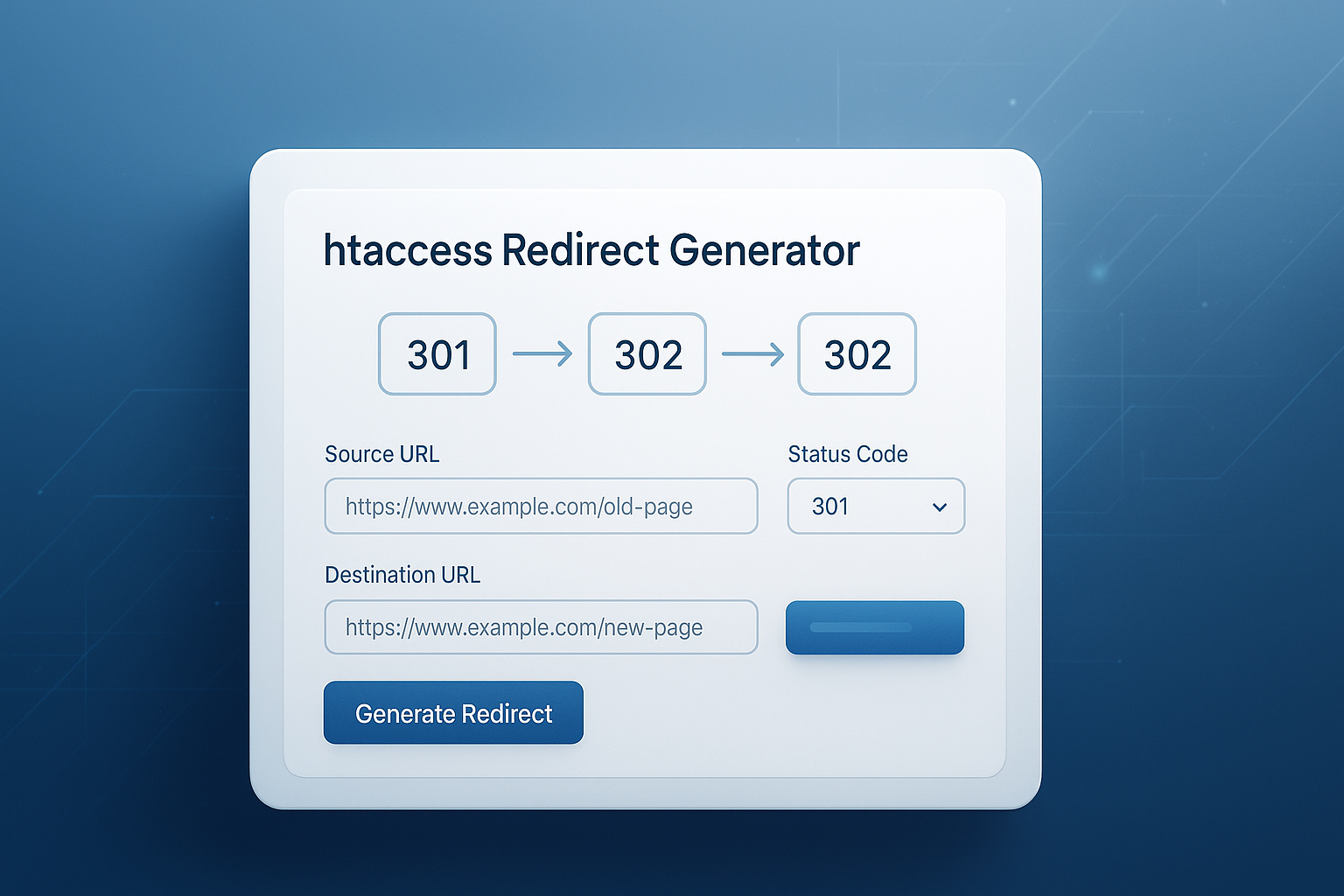
One misplaced redirect can break pages, confuse crawlers, and quietly drain search traffic. That’s why an htaccess redirect generator is so useful. It gives developers a faster, safer way to build 301 and 302 redirect rules without guessing Apache syntax from memory.
If you’re moving URLs, cleaning up old links, forcing a canonical version of a site, or handling temporary campaign pages, redirects need to be precise. Small errors in .htaccess can trigger loops, 404s, or unexpected behavior.
This guide explains how an htaccess redirect generator works, when to use 301 vs 302, how to write better redirect rules, and what to test before pushing changes live. You’ll also see practical examples, common mistakes, and a few related tools that can speed up the rest of your workflow.
Suggested Image: Technology concept showing website URL routing, server rules, and redirect flow
What is an htaccess redirect generator?
An htaccess redirect generator is a tool that creates Apache redirect rules for your .htaccess file. Instead of writing server directives manually, you enter the source URL, destination URL, and redirect type, and the tool outputs ready-to-use code.
For developers, the main benefit is accuracy. Redirect syntax is simple until it isn’t. A missing slash, wrong flag, or incorrect pattern can affect many pages at once. A generator reduces that risk and saves time during migrations, URL cleanup, and SEO maintenance.
Many developers use redirect generators alongside other quick utilities, especially when preparing assets and deployment files. For example, if you’re optimizing migration-related media before launch, an Image Compressor can help reduce page weight while you update server rules.
What goes into a redirect rule?
Most generated rules are built from a few key parts:
- Redirect type: 301 for permanent, 302 for temporary
- Source path or pattern: the old URL or matching rule
- Destination URL: the new location
- Flags: such as
R=301andL - Conditions: optional logic for hostnames, HTTPS, query strings, or user agents
If you want to review Apache rewrite behavior directly, the Apache mod_rewrite documentation is the authoritative reference.
When should you use 301 vs 302 redirects?
Use a 301 redirect when a page has permanently moved. Use a 302 redirect when the move is temporary and you expect the original URL to return. This distinction matters for SEO, caching, and how browsers and search engines treat the old URL.
Here’s the practical version. If a product page changed slugs forever, choose 301. If you’re sending traffic to a temporary promo page for a few weeks, choose 302. That one decision influences how link signals and indexing are handled.
| Redirect Type | Best Use Case | SEO Impact | Typical Example |
|---|---|---|---|
| 301 Permanent | URL moved for good | Search engines usually consolidate signals to the new URL | Old blog slug redirected to updated slug |
| 302 Temporary | Short-term change | Original URL may remain the preferred indexed version | Campaign page or short maintenance reroute |
Google explains redirects and canonical handling in its documentation on redirects and Google Search. That’s worth reviewing if SEO is part of your decision.
301 redirect examples
- Changing a blog URL structure from
/2023/post-nameto/blog/post-name - Migrating from
http://tohttps:// - Consolidating
wwwand non-wwwversions - Removing outdated landing pages and forwarding them to replacements
302 redirect examples
- Sending users to a holiday promotion for a limited period
- Routing traffic during a test or phased rollout
- Temporarily switching a page during maintenance
- Protecting a page under revision while keeping the original URL for return later
Why developers still use .htaccess for redirects
Even in 2026, .htaccess remains a practical solution for Apache-based sites that need flexible URL control without editing the main server config. It’s accessible, fast to deploy, and widely supported across shared hosting and many legacy stacks.
Now comes the important part. Just because .htaccess is convenient doesn’t mean it should be used carelessly. Rules are processed on every request, so bloated or messy files can become a maintenance problem. A generator helps, but good rule design matters more.
Mozilla’s overview of HTTP redirections is also useful if you want a protocol-level understanding beyond Apache syntax.
Benefits of using .htaccess redirects
- No app code changes required for many redirect tasks
- Useful on shared hosting where server config access is limited
- Works well for URL normalization and legacy URL mapping
- Can combine redirect logic with rewrite conditions
Limits to keep in mind
- Large rule sets can become hard to manage
- Bad patterns can cause redirect chains or loops
- Rewrite logic is powerful but easy to misuse
- Nginx and other servers use different syntax
If you’re documenting URL patterns or preparing migration notes, a quick Text Case Converter can help normalize slugs, route labels, and client-facing redirect maps.
How an htaccess redirect generator saves time and reduces errors
An htaccess redirect generator turns a fragile manual task into a repeatable process. Instead of searching old snippets or writing syntax from scratch, you select the redirect type, enter the URLs, and copy the generated rule into your file.
Here’s what experienced professionals do differently. They don’t use a generator as a substitute for understanding redirects. They use it as a guardrail. The tool handles syntax, while the developer focuses on redirect intent, site structure, and testing.
Common tasks a generator helps with
- Single page 301 redirects
- Single page 302 redirects
- Domain forwarding
- HTTP to HTTPS redirects
- WWW to non-WWW normalization
- Directory-level redirects
- Regex-based path matching
Manual coding vs generator output
| Approach | Advantages | Risks |
|---|---|---|
| Write rules manually | Full control, customizable logic | Higher chance of syntax errors and inconsistent formatting |
| Use an htaccess redirect generator | Faster setup, cleaner output, fewer common mistakes | Still requires testing and understanding of the redirect goal |
When you’re validating redirect targets or comparing old and new URL lists, even a utility like the Difference Between Two Texts tool can help identify mismatches in mapping files before deployment.
How to create 301 and 302 redirects with an htaccess redirect generator
The basic workflow is straightforward. Choose your redirect type, enter the old and new URLs, generate the code, place it in your .htaccess file, and test the result with header checks and browser requests.
- Identify the old URL. Confirm the exact path that currently receives traffic or links.
- Choose the right redirect type. Use 301 for permanent changes and 302 for temporary ones.
- Enter the destination URL. Make sure it resolves and matches the intended canonical version.
- Generate the Apache rule. Review the syntax before copying it.
- Back up your current .htaccess file. Never edit production rules without a rollback copy.
- Paste the rule in the correct order. Specific rules generally belong above broader catch-all rules.
- Test with live requests. Check response codes, final destination, and loop behavior.
Example: simple 301 redirect
If an old page has permanently moved, the generated output may look like this:
Redirect 301 /old-page https://example.com/new-page
Example: simple 302 redirect
For a temporary reroute, it may look like this:
Redirect 302 /sale https://example.com/spring-sale
Example: mod_rewrite rule
Some generators also build rewrite-style redirects for more advanced matching:
RewriteEngine On
RewriteRule ^old-section/(.*)$ https://example.com/new-section/$1 [R=301,L]
If you need to clean up copied logs, URL lists, or rewrite blocks before pasting them into a config file, the Remove Duplicate Lines tool can save time.
Best practices for writing redirect rules that actually scale
Short-term redirects are easy. Large migrations are where things break. If you’re working with dozens or hundreds of URLs, the quality of your redirect plan matters just as much as the generated code.
The answer depends on one thing: whether you’re redirecting isolated pages or patterns across an entire site. Single-page redirects are simple. Pattern-based redirects need more planning because one broad rule can unintentionally catch pages you never meant to move.
Follow these best practices
- Prefer one-hop redirects. Send users directly to the final destination.
- Keep old-to-new relevance high. Redirect each URL to the closest matching page, not just the homepage.
- Use broad rules carefully. Test regex conditions against edge cases.
- Document every redirect batch. This helps with rollback and future audits.
- Place specific rules before generic ones. Rule order affects outcomes.
- Review query string behavior. Some redirects should preserve parameters; others should not.
Google’s site move guidance with URL changes is especially useful for bigger migrations.
Redirects during a redesign or CMS migration
This is where many people struggle. They focus on templates, assets, and launch deadlines, then treat redirects as a last-minute checklist item. That’s backwards. Redirect mapping should start early, especially if old URLs have backlinks, rankings, or bookmarked traffic.
For migration prep, developers often compare inventories from crawlers, analytics exports, and CMS slugs. A tool like the Word Counter may sound unrelated, but it’s surprisingly handy when reviewing slug lengths, title consistency, and content matching during page mapping.
Common htaccess redirect mistakes and how to avoid them
Most redirect problems come from a small set of avoidable mistakes: loops, chains, wrong match patterns, bad ordering, and using the wrong redirect type. Catch those early and your deployment is far less risky.
1. Redirect loops
A loop happens when URL A redirects to URL B, but another rule sends URL B back to URL A, or the same rule keeps matching the destination after redirection.
- Test both source and destination URLs
- Use conditions to prevent re-matching
- Verify canonical host and protocol rules don’t conflict
2. Redirect chains
A chain is when one redirect leads to another, then another. Chains waste crawl budget, slow down requests, and create maintenance issues.
- Update old rules to point directly to the final URL
- Review inherited legacy redirects before launch
- Re-test after combining host, HTTPS, and page-level rules
3. Sending everything to the homepage
This is common during rushed migrations. It may seem convenient, but it creates poor UX and weak relevance signals. Search engines prefer redirects that preserve intent.
4. Using 302 when the change is permanent
Developers often do this during launch because “temporary” feels safer. But if the move is meant to stay, use 301. Otherwise, crawlers may continue treating the old URL as primary longer than you want.
5. Editing .htaccess without validation
One typo can generate a 500 server error. Keep a backup, use staging when possible, and test immediately after upload.
For file cleanup during deployment, the JSON Formatter can also help when you’re reviewing exported route maps, API responses, or CMS redirect data that feeds your implementation process.
How to test redirects properly
Generating the rule is only half the job. Testing confirms the response code, destination behavior, canonical consistency, and whether query strings or path patterns act as expected.
Here’s a practical testing checklist:
- Request the old URL in a browser
- Check the HTTP status code
- Confirm the final destination URL
- Look for unnecessary intermediate hops
- Test both HTTP and HTTPS versions if relevant
- Test www and non-www versions
- Verify mobile and desktop behavior is identical
- Check server logs or crawl reports after launch
Useful tools and methods for validation
- Browser developer tools network panel
curl -Icommand-line header checks- Server logs
- Site crawlers
- Search Console reports
Google recommends monitoring crawl and indexing status in Google Search Console after major URL changes.
Suggested Screenshot: Redirect status code test showing 301 response and final destination URL
Single page redirects vs wildcard redirects
Single page redirects are best for one-to-one URL changes. Wildcard or pattern-based redirects work better when many URLs follow the same old and new structure. The right choice depends on whether the URL logic is consistent.
| Redirect Style | Best For | Main Risk |
|---|---|---|
| Single page redirect | Specific old URL to specific new URL | Can become tedious at scale |
| Wildcard or regex redirect | Large groups of URLs with matching patterns | May catch unintended URLs if pattern is too broad |
When to choose each one
- Use single redirects for service pages, product replacements, and blog slug updates with unique mapping.
- Use wildcard redirects when a whole folder or URL structure changed in a predictable way.
If you’re reviewing long redirect lists before implementation, the Alphabetize List tool can make large mapping files easier to scan and audit.
SEO impact of redirects: what actually matters
Redirects support SEO when they preserve URL intent, reduce duplicate versions, and guide crawlers clearly from outdated pages to current ones. They don’t create rankings by themselves, but they help protect the value already built into existing URLs.
Let’s break this down. Search performance usually improves when redirects solve structural problems, not when they’re added randomly. Good redirects are part of canonicalization, migration planning, and user-friendly architecture.
SEO benefits of well-implemented redirects
- Preserve traffic from outdated URLs
- Consolidate duplicate URL variants
- Maintain a cleaner internal and external link experience
- Support domain changes and secure protocol migration
- Reduce dead-end pages after site updates
What redirects do not fix
- Thin content
- Poor internal linking
- Slow pages
- Weak relevance between old and new content
- Broken canonical strategy
If you’re also improving page performance during a migration, image and document optimization often helps. That’s where a tool such as the PDF to JPG converter can be useful when teams need lightweight visual assets from documentation or specs during QA and handoff.
Frequently asked questions
Do I need coding knowledge to use an htaccess redirect generator?
No, not much. Most generators are built to simplify syntax, so you can create a valid 301 or 302 rule without memorizing Apache directives. That said, you still need to understand what the redirect is supposed to do. A tool can generate code, but it can’t always tell whether your redirect logic is correct, whether a chain exists, or whether the destination is the best match.
Is a 301 redirect always better for SEO?
Not always. A 301 is better when the move is permanent, because it helps search engines treat the new URL as the long-term destination. But if the change is temporary, a 302 is the correct choice. Using a 301 for a short-term campaign or maintenance change can send the wrong signal. The best redirect is the one that matches the actual intent of the move.
Can I add too many redirects in a .htaccess file?
Yes. A small set of redirects is usually manageable, but a huge file filled with old, overlapping, or duplicate rules can become hard to maintain and may affect performance. The bigger issue is usually complexity, not just file size. Review old rules regularly, remove outdated entries, and replace chains with direct destination URLs wherever possible.
Will redirects fix 404 errors after a site migration?
They can fix many migration-related 404s, but only if the old URLs are mapped properly to relevant new destinations. Redirects won’t help if the new site lacks equivalent content or if important URLs were never identified in the first place. Before launch, compare crawl data, analytics, and backlink reports so your redirect plan covers the pages that matter most.
Should I use Redirect or RewriteRule in .htaccess?
It depends on the task. The Redirect directive is simpler and works well for straightforward one-to-one URL forwarding. RewriteRule is more flexible and better for pattern matching, conditional logic, and complex URL handling. If you only need a basic page move, keep it simple. If you’re handling host conditions, path groups, or query logic, RewriteRule is often the better fit.
How do I know if a redirect is causing a loop?
You’ll usually notice repeated loading failures, browser error messages, or multiple repeated hops in header checking tools. Developer tools, command-line requests, and crawl software can all reveal the redirect path. Loops often happen when HTTPS rules, hostname normalization, and page redirects conflict. Test both the source and destination URLs, not just the original page.
Are htaccess redirect generators safe to use on live websites?
Yes, if you review the output and test it carefully. The generator itself is only producing code. The real risk comes from applying untested rules to a production server. Always back up your current .htaccess file, use a staging environment when possible, and verify the exact response after deployment. Safe process matters more than the tool.
What should I do after adding redirects?
Test the status code, final destination, and canonical URL behavior right away. Then update internal links so they point directly to the new URLs instead of relying on redirects. For bigger changes, monitor crawl reports, Search Console, analytics, and server logs over the following days and weeks. Redirects should be part of a broader cleanup, not the final step on its own.
Final thoughts
An htaccess redirect generator is one of those simple tools that prevents expensive mistakes. It helps you create clean 301 and 302 redirects faster, but the real value comes from using it with a clear redirect strategy, careful rule ordering, and proper testing.
If you’re updating site structure, migrating content, or cleaning up old URLs, start by mapping intent. Then generate the rule, validate it, and monitor the result. That workflow will save more traffic than any shortcut ever will.
For the next step, it often helps to pair redirect work with a few supporting tools: use Remove Duplicate Lines for large redirect lists, Difference Between Two Texts to compare mapping files, JSON Formatter for structured export cleanup, and Image Compressor when launch-day optimization includes assets as well as URLs.