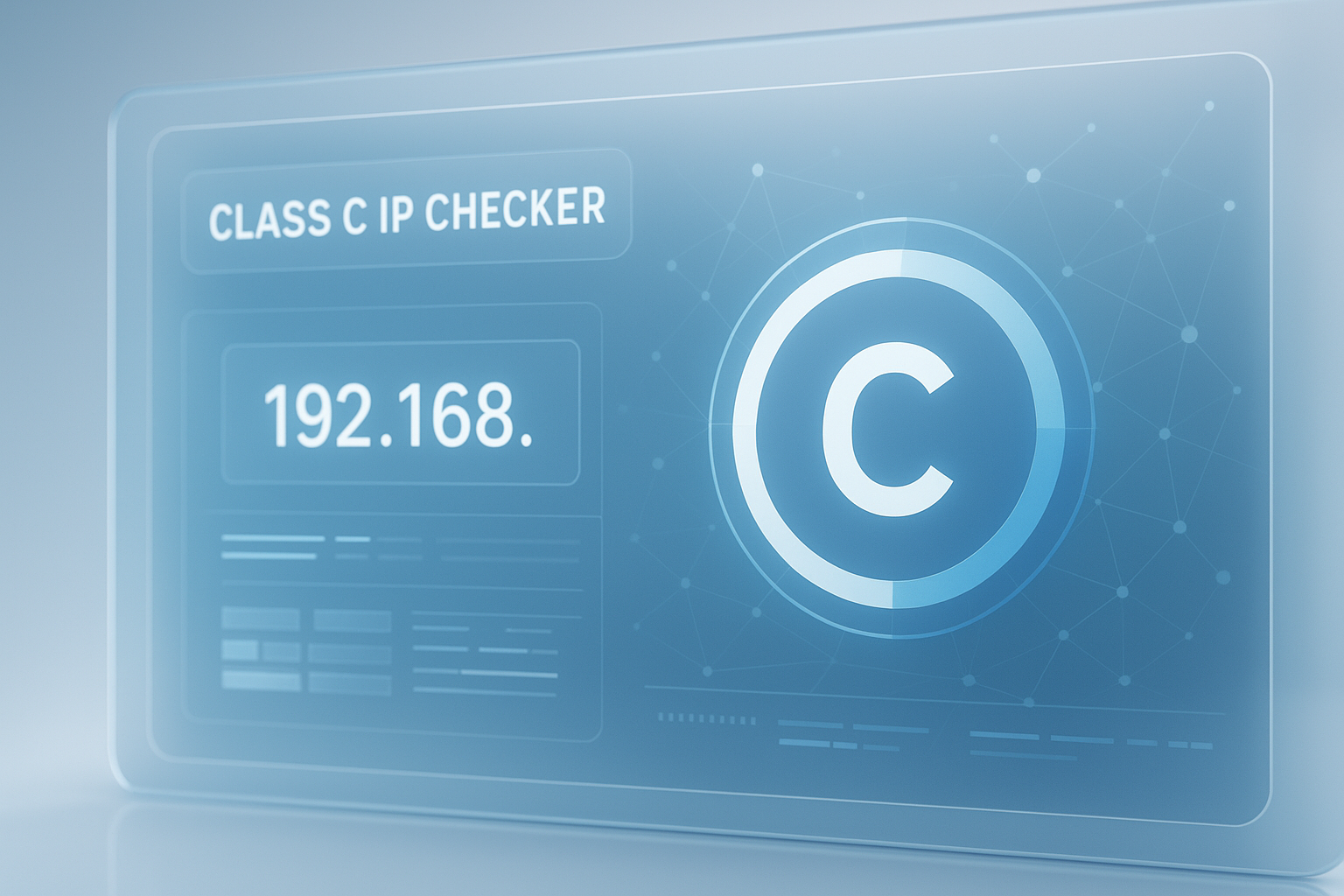
Need to know whether an IP address belongs to Class C without stopping your workflow? A class c ip checker gives you a fast answer and helps you understand the network range behind that address.
That matters more than it sounds. Developers, sysadmins, and support teams still run into class-based IP questions when reviewing legacy configs, debugging network segmentation, documenting infrastructure, or teaching networking basics.
This guide explains what a Class C address is, how a class c ip checker works, when the result is useful, and where people often get confused. You’ll also see quick examples, limits of classful networking, and practical ways to verify subnet details in 2025.
Suggested Image: Technology concept showing IP address ranges, subnet masks, and network segmentation dashboard
What is a Class C IP address?
A Class C IP address is an IPv4 address whose first octet falls between 192 and 223. In traditional classful networking, that range was designed for smaller networks, with the default subnet mask 255.255.255.0 and the first three octets representing the network portion.
In simple terms, if an address starts with 192 through 223, a class c ip checker will usually label it as Class C. For example, 192.168.1.10 and 203.0.113.25 fall into this category.
- First octet range: 192 to 223
- Default classful mask:
255.255.255.0 - Network bits: 24
- Host bits: 8
- Typical classful host count: 254 usable hosts per network
If you also need to inspect related text data while documenting addresses, a tool like Word Counter can help you clean up network notes, incident writeups, or setup guides.
How does a class c ip checker work?
A class c ip checker examines the first octet of an IPv4 address, compares it to the classful range definitions, and returns the matching IP class. For Class C, it checks whether the first octet is between 192 and 223.
Here’s the logic in plain English:
- Take the IPv4 address, such as
198.51.100.42. - Read the first octet, which is
198. - Compare that number against class ranges.
- If it falls between 192 and 223, mark it as Class C.
This check is fast because it does not need to inspect every subnet rule or routing policy. It’s simply matching the address against the old classful boundaries defined in IPv4 history. For reference, the Internet Assigned Numbers Authority maintains core internet number resources, while the RFC Editor provides the official RFC standards behind IP addressing.
Classful IP ranges at a glance
| IP Class | First Octet Range | Default Mask | Typical Use in Classful Model |
|---|---|---|---|
| Class A | 1 to 126 | 255.0.0.0 | Very large networks |
| Class B | 128 to 191 | 255.255.0.0 | Medium-sized networks |
| Class C | 192 to 223 | 255.255.255.0 | Smaller networks |
| Class D | 224 to 239 | N/A | Multicast |
| Class E | 240 to 255 | N/A | Experimental or reserved |
Why developers still use a Class C IP checker
Even though modern networking relies on CIDR instead of the old class system, developers still use a class c ip checker for fast identification, legacy troubleshooting, learning, and documentation. It’s a quick first pass when you need context before going deeper.
Here’s where it helps:
- Reviewing old infrastructure documents that still mention Class A, B, or C
- Checking whether an address falls into a familiar private range like
192.168.x.x - Debugging home lab, staging, or office network setups
- Teaching junior developers the basics of IPv4 structure
- Validating assumptions before subnetting or firewall work
This is where many people struggle. They assume “Class C” automatically tells them the full subnet behavior. It doesn’t. It only gives you the classful category. Real routing decisions today usually depend on CIDR notation, subnet masks, and network policy.
If you’re creating developer documentation around network setup, tools like Text Case Converter can help normalize config labels, environment names, and user-facing technical instructions.
Class C vs CIDR: the small detail that changes everything
Class C describes an address by historical IPv4 class ranges. CIDR describes a network by prefix length, such as /24, /26, or /28. In modern networks, CIDR is what actually matters for routing and subnet boundaries.
Let’s look at why.
Under classful networking, a Class C network assumed a default mask of 255.255.255.0. That means a network like 192.168.1.0 would typically include hosts from 192.168.1.1 to 192.168.1.254.
But in real deployments, you might see:
192.168.1.0/24for 254 usable hosts192.168.1.0/25split into two smaller subnets192.168.1.64/26for a subnet with 62 usable hosts192.168.1.128/28for a tiny isolated segment
All of those still begin with a first octet that places them in Class C, but their active network ranges are completely different.
| Concept | What It Tells You | What It Does Not Tell You |
|---|---|---|
| Class C | The IPv4 address falls in the 192 to 223 first-octet range | Exact subnet size, gateway, VLAN, route, or host availability |
| CIDR prefix | The real network boundary and number of addresses in that subnet | Whether the address is public, reachable, or allowed by policy |
For current guidance on IP addressing and internet standards, RFC 4632 on CIDR is one of the key references. If you need a standards-friendly overview of internet protocols in general, MDN Web Docs is also a reliable place to start.
How to identify a Class C IP address manually
You don’t always need a tool. You can identify a Class C address manually by checking the first number in the IPv4 address. If that first octet is between 192 and 223, the address is in the Class C range.
Use this quick process:
- Write down the IPv4 address.
- Look only at the first octet.
- If it is 192 to 223, classify it as Class C.
- Then verify the subnet mask or CIDR prefix separately.
Examples
192.168.0.15→ Class C200.10.50.8→ Class C223.255.255.1→ Class C191.10.10.10→ Not Class C, it is Class B224.1.1.1→ Not Class C, it is Class D
Here’s what experienced professionals do differently: they never stop at the class label. They also check whether the IP is private, public, reserved, loopback, multicast, or part of a custom subnet. The IANA IPv4 Special-Purpose Address Registry is helpful when a range looks valid but behaves differently from standard host addressing.
If you’re storing lots of IP records, logs, or CSV exports, Remove Duplicate Lines can help clean repeated entries before analysis.
Common Class C ranges developers often encounter
Not every Class C address is the same in practice. Some are private and used inside local networks, while others are public or reserved for documentation and testing. Knowing the difference prevents bad assumptions during setup or debugging.
Private Class C range
The most familiar example is 192.168.0.0/16. This private IPv4 block is reserved for internal use and is defined in RFC 1918. That’s why home routers, local VMs, printers, and office devices often use addresses like 192.168.1.1 or 192.168.10.25.
Documentation ranges
You may also see addresses such as 192.0.2.0/24, 198.51.100.0/24, and 203.0.113.0/24 in tutorials and developer docs. These blocks are reserved for examples, which makes them safe to use in public documentation without referencing real systems.
Public Class C addresses
Many public IPv4 addresses also fall into the Class C first-octet range. A class c ip checker may identify them as Class C, but that does not mean they are reachable from your location or safe to connect to. Firewalls, NAT, geolocation, provider policies, and route announcements still apply.
Suggested Infographic: Private vs public vs documentation IP ranges in the Class C first-octet space
When a class c ip checker is useful and when it is not
A class c ip checker is useful for quick classification. It is not enough for subnet planning, security decisions, or network architecture work. Think of it as a fast label, not a full diagnosis.
| Use Case | Helpful? | Why |
|---|---|---|
| Learning IPv4 basics | Yes | It quickly teaches class ranges and address structure |
| Checking legacy documentation | Yes | Many old docs still refer to Class C networks |
| Subnet planning | No | You need CIDR and subnet calculations instead |
| Firewall policy design | No | Security rules depend on actual prefixes and traffic requirements |
| Troubleshooting a local network | Partly | Useful for initial context, but not enough to solve routing issues |
Now comes the important part. If your real goal is to understand host range, broadcast address, usable IPs, or network ID, a class c ip checker is only step one. You still need subnet-aware analysis.
When turning technical findings into shareable PDFs for a team or client, PDF to Word can make older exported documentation easier to edit.
Common mistakes when checking IP class
Most errors happen because people mix class-based labels with subnet-based design. The address class may be correct, but the network interpretation can still be wrong.
- Assuming every Class C address uses
/24 - Confusing private
192.168.x.xspace with all Class C addresses - Using class as a routing rule instead of checking CIDR
- Ignoring special-purpose or documentation ranges
- Trying to classify IPv6 addresses as Class C
- Forgetting that first-octet checks apply only to IPv4
A practical example
Suppose a developer sees 192.168.1.130 and assumes the subnet is the whole 192.168.1.0/24 range. But if the actual network is 192.168.1.128/26, the usable host range is much smaller. That changes gateway assignment, firewall rules, and device discovery.
This is why class detection is useful for orientation, not final decisions.
If you’re comparing environment configs side by side, Diff Checker is useful for spotting IP, mask, and gateway mismatches between staging and production files.
How to use IP class information in real development work
For developers, IP class is mostly a quick reference point. It helps during communication, documentation, and basic troubleshooting, especially when dealing with older systems or teams that still use class-based language.
Here are realistic situations where it helps:
1. Reviewing local environment settings
You may notice your local containers, VMs, or devices are sitting in a 192.168.x.x range. A class c ip checker confirms that the address falls in the Class C first-octet group, while a subnet check tells you whether hosts can actually talk to each other.
2. Reading inherited network documentation
Many internal docs still say things like “put this server on a Class C network.” That language is old, but the intent usually means a smaller IPv4 segment. You’ll need to translate that into a real CIDR subnet before making changes.
3. Teaching networking basics
If you mentor junior developers, classful ranges are still a useful teaching tool because they make IPv4 structure easier to grasp before you introduce CIDR, VLSM, and route aggregation.
4. Debugging application access
When an app cannot reach a service on a local address, a class c ip checker may tell you the address type quickly, but the real fix often lies in subnet mismatch, DNS errors, Docker bridge settings, cloud security groups, or firewall policy.
Suggested Screenshot: Example of checking an IPv4 address class alongside CIDR prefix and host range notes
Best practices for checking IP addresses in 2025
The best approach is simple: use class detection for quick orientation, then validate the network with modern subnet rules. That gives you speed without making incorrect assumptions.
- Check whether the address is IPv4 or IPv6 first.
- Use the first octet only to identify the historical class.
- Confirm the subnet mask or CIDR prefix.
- Verify whether the address is private, public, reserved, or special-use.
- Review actual route and firewall behavior before changing anything.
- Document the exact prefix, not just the class label.
For current Microsoft network administration examples and command-line references, Microsoft Learn is a strong source. If your workflow includes transforming network notes or scripts for cleaner distribution, JSON Formatter is handy when IP-related data is stored in JSON config files.
Frequently asked questions about Class C IP checking
Is Class C still used in modern networking?
Yes and no. The term still appears in education, legacy documents, and quick IP classification tools, but modern networking uses CIDR for actual subnetting and routing. So Class C still has value as a learning and reference concept, but you should not rely on it alone when configuring real systems.
How do I know if an IP is Class C?
Check the first octet of the IPv4 address. If it is between 192 and 223, the address is in the Class C range. That tells you the historical class only. To understand usable hosts, network boundaries, and route behavior, also check the subnet mask or CIDR prefix.
Is 192.168.1.1 always a Class C IP?
Yes. Its first octet is 192, so it falls in the Class C range. It is also part of the private IPv4 address space commonly used in homes, labs, and office networks. What changes from network to network is not the class, but the actual subnet size and configuration.
Can a Class C IP have a subnet other than /24?
Absolutely. This is one of the most common misunderstandings. A Class C address can be used with /25, /26, /27, or other CIDR prefixes depending on the network design. The class identifies the historical range, while CIDR determines the real subnet layout.
Does a class c ip checker work for IPv6?
No. IP classes such as A, B, and C apply to IPv4, not IPv6. IPv6 uses a different addressing model and does not follow the old classful system. If you’re working with IPv6, you need tools and references built for prefixes, scopes, and address types in that protocol.
Are all 192.x.x.x addresses private?
No. Many people assume that, but it is incorrect. The private block is 192.168.0.0/16, not all addresses beginning with 192. Other 192.x.x.x ranges can be public, reserved, or assigned for special purposes. Always verify the specific range before making assumptions about accessibility or security.
Is using a class c ip checker enough for troubleshooting?
Usually not. It helps with quick identification, but it will not tell you whether an address is reachable, correctly subnetted, blocked by a firewall, behind NAT, or affected by routing issues. For troubleshooting, combine class detection with subnet analysis, ping tests, DNS checks, and route inspection.
Do I need to pay for a class c ip checker?
No. A basic IP class lookup is simple and should usually be free. The real value is not just identifying the class but understanding what the result means and what it does not mean. For most developers, a lightweight free tool is enough for quick checks and learning.
Final thoughts
A class c ip checker is useful when you need an instant answer about where an IPv4 address fits in the old classful model. If the first octet is between 192 and 223, it’s Class C. That part is simple.
The bigger takeaway is this: class tells you historical category, not the full network story. For real troubleshooting and configuration, always verify the subnet mask, CIDR prefix, and address purpose.
If you’re documenting network changes or cleaning config data next, helpful follow-up tools include Base64 Encode Decode for encoded payload checks, HTML Minifier for lightweight internal docs, and the earlier tools mentioned for text cleanup, file comparison, and JSON formatting. Start with the IP class, then confirm the details that actually affect the network.