
Have you ever checked your SEO dashboard, seen a ranking jump, and thought, “Great, we’re winning,” only to realize traffic barely changed? That’s the problem with shallow rank tracking. Without the right context, rankings can look better than they really are.
A good keyword position checker helps you see where your pages actually stand in search results, how those positions change over time, and which keywords deserve your attention first. For marketers, that means better reporting, stronger content decisions, and fewer guesses.
In this guide, you’ll learn how keyword position checking works, what numbers matter, where people get misled, and how to turn ranking data into practical SEO action in 2026. If you want clearer visibility into search performance, this is the place to start.
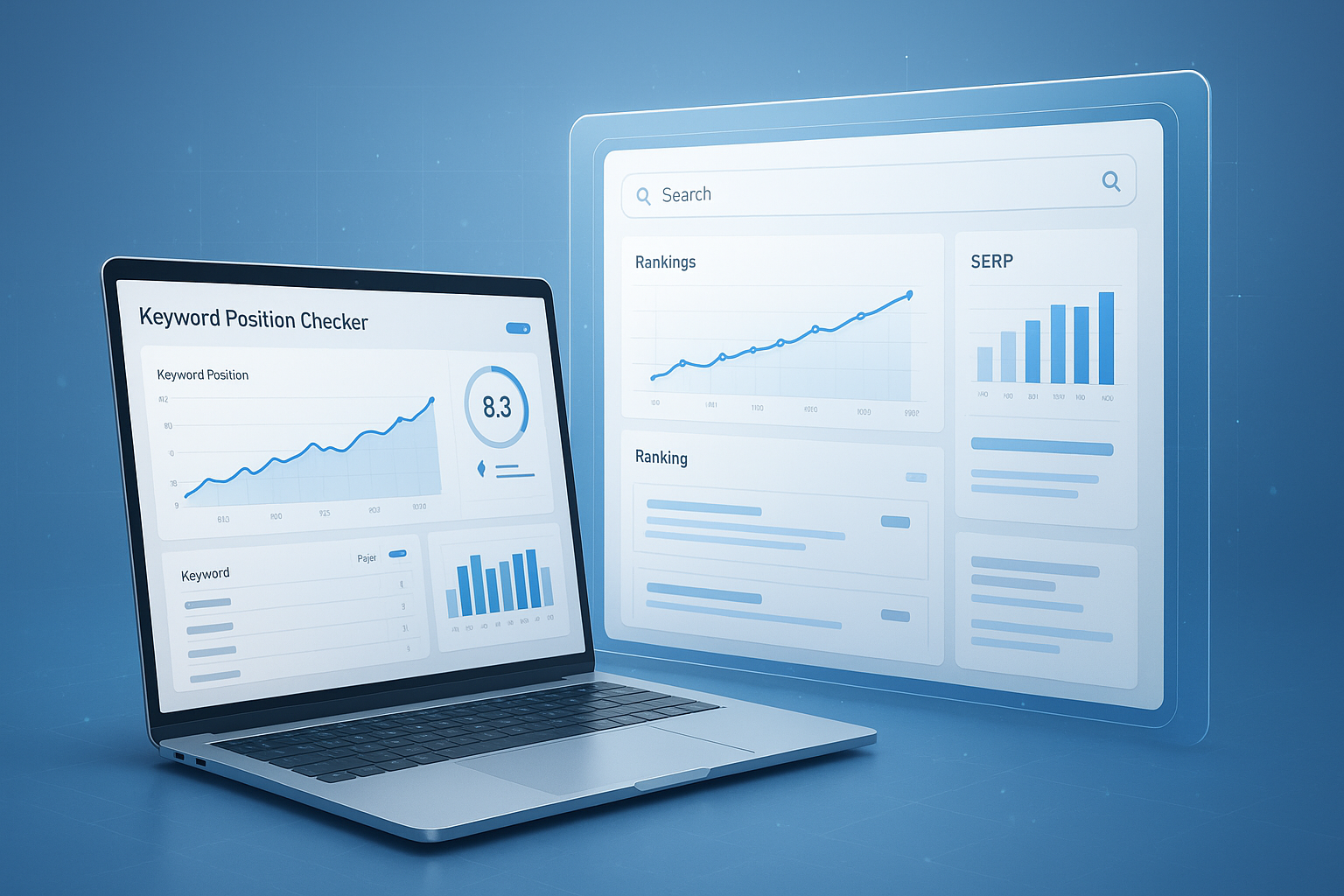
Suggested Image: Technology concept dashboard showing keyword rankings, movement trends, and search visibility metrics
What is a keyword position checker?
A keyword position checker is a tool that shows where a webpage appears in search results for a specific keyword. It helps marketers monitor rankings across search engines, devices, locations, and time periods so they can evaluate SEO performance more accurately.
At the simplest level, it answers one question: “Where do I rank for this search term?” But the useful tools go further. They reveal movement, compare pages, detect ranking drops, and help connect visibility changes to content updates, technical issues, or competitor gains.
- Track rankings for target keywords
- Monitor position changes daily, weekly, or monthly
- Compare desktop and mobile search results
- Check rankings by country, city, or region
- Identify which pages rank for which terms
- Spot declining positions before traffic falls sharply
If you’re also reviewing on-page factors while tracking rankings, tools like the meta tags checker can help verify whether title tags and descriptions support the keywords you’re targeting.
Why keyword rank tracking matters for marketers
Keyword rankings are not the final goal, but they are one of the clearest early indicators of SEO direction. When used properly, rank data helps marketers prioritize opportunities before those changes appear in traffic or conversions.
Here’s why that matters. Organic traffic often lags behind ranking movement. A page may climb from position 18 to position 8 before clicks increase in a meaningful way. If you wait for traffic alone, you’ll react late.
- Measure SEO momentum: Rankings often shift before traffic does.
- Find content opportunities: Keywords sitting in positions 4 to 15 often need only modest improvement.
- Catch losses early: A steady ranking decline can signal technical issues, weak content freshness, or stronger competitors.
- Improve reporting: Rank movement gives clients and stakeholders a clearer story than raw impressions alone.
- Support content planning: Position data shows which topics are worth expanding.
Google itself explains that search visibility depends on many signals, including relevance, usability, and content quality. For the most reliable baseline, review Google Search Central documentation alongside any ranking tool you use.
How a keyword position checker works
A keyword position checker searches for a term, identifies your domain or URL in the results, and records its position. More advanced systems repeat this process at scale for many keywords and store the ranking history over time.
That sounds simple, but the details matter. Search results are personalized, localized, and constantly changing. A serious rank tracker tries to control for those variables so the data is usable.
Core inputs most tools use
- Keyword list
- Domain or exact URL
- Search engine
- Device type
- Location
- Language
- Tracking frequency
What the tool usually returns
- Current ranking position
- Previous position
- Ranking change
- Ranking URL
- SERP features present
- Estimated visibility trend
This is where many people struggle. They assume one ranking is enough. It isn’t. A keyword can rank differently on mobile and desktop, in London and New York, or in incognito versus signed-in sessions. That’s why structured tracking beats manual spot checks.
If you want to keep your pages technically clean while monitoring performance, the XML Sitemap Generator can support crawl discovery and indexing efficiency.
What to look for in a reliable keyword position checker
The best keyword position checker is not just the one with the biggest dashboard. It’s the one that gives consistent, actionable data you can trust when making SEO decisions.
| Feature | Why it matters |
|---|---|
| Location-based tracking | Shows how rankings differ across target markets |
| Mobile and desktop separation | Search results often vary by device |
| Historical ranking data | Helps you connect changes to SEO actions |
| URL-level reporting | Reveals which page is ranking for each keyword |
| SERP feature tracking | Shows visibility beyond blue-link rankings |
| Export and reporting options | Useful for client reporting and internal reviews |
Signs the data may be less useful
- No device segmentation
- No local search settings
- No ranking history
- No clarity on update frequency
- No indication of SERP features
Before scaling content production, it also helps to clean URLs and keyword targeting. A tool like the URL Slug Generator can help create clearer, search-friendly page slugs.
Manual checks vs automated rank tracking
Manual checks can be useful for quick spot validation, but they are not reliable for ongoing SEO reporting. Automated tracking is better for scale, consistency, and historical analysis.
Let’s break this down with a simple comparison.
| Method | Best use case | Limitations |
|---|---|---|
| Manual search checking | Quick one-off lookups | Personalization, inconsistent results, no history |
| Automated rank tracking | Routine monitoring and reporting | May need setup and keyword organization |
| Search Console performance data | Average position and query insights | Average ranking, not always exact live position |
For site owners, Google Search Console remains essential because it shows impressions, clicks, queries, and average position from Google’s own reporting. It’s not a full replacement for a dedicated keyword position checker, but it should always be part of your workflow.
How to use a keyword position checker the right way
Using a keyword position checker well starts with choosing the right keyword set. If you track too broadly, the data becomes noisy. If you track too narrowly, you miss growth opportunities.
- Build a focused keyword list. Include primary commercial terms, informational terms, branded queries, and priority long-tail keywords.
- Group keywords by page or topic. This makes it easier to understand which content needs work.
- Set the right location and device. Rank tracking without local context can be misleading.
- Review trends, not single-day fluctuations. Short-term movement is normal.
- Connect ranking changes to actions. Note content edits, link updates, page speed improvements, or technical fixes.
- Prioritize keywords near page one. Terms ranking in positions 8 to 20 often offer the fastest improvement path.
Now comes the important part: don’t chase every movement. Search results shift constantly. What matters is the pattern over time and the business value of the keyword.
If you’re updating content and want to improve readability at the same time, a quick pass through the Word Counter can help tighten overly long sections and keep pages more scan-friendly.
Which ranking positions matter most?
Not all ranking improvements are equal. Moving from position 53 to 31 may feel encouraging, but moving from position 11 to 7 usually has far more traffic impact.
Here’s how experienced marketers usually prioritize positions.
| Position range | What it usually means | Recommended action |
|---|---|---|
| 1 to 3 | Strong visibility | Protect rankings and improve CTR |
| 4 to 10 | Page one but not dominant | Strengthen content and internal links |
| 11 to 20 | High-potential opportunity | Optimize aggressively for fast gains |
| 21 to 50 | Relevant but weak visibility | Rework content depth and search intent match |
| 51+ | Minimal discoverability | Reassess keyword fit, page quality, and competition |
For click behavior trends, Google’s public resources on search appearance and performance reports offer helpful context, especially when ranking changes don’t align with traffic the way you expected.
How to improve rankings after using a keyword position checker
A keyword position checker tells you what changed. It does not tell you what to do next. Your job is to translate rank data into page-level improvements that fit the query and the SERP.
Start with keywords in positions 8 to 20
These are often the easiest wins because Google already sees your page as relevant. The issue is usually depth, clarity, authority, or search intent alignment.
- Rewrite the title tag to better match the target query
- Improve the introduction so it answers the search quickly
- Add missing subtopics competitors cover
- Refresh examples, screenshots, and current-year references
- Strengthen internal links from relevant pages
- Improve page speed, mobile usability, and layout clarity
Review the actual search results page
Here’s what experienced professionals do differently. They don’t optimize from a spreadsheet alone. They look at the live SERP. If the top results are guides, a product page may struggle. If the top results are local listings, a national blog article may not win.
Google’s guidance on creating helpful, reliable, people-first content is still one of the best references for deciding why a page may not be ranking as well as expected.
When updating content structure, the Text to HTML Converter can be useful for turning draft revisions into clean, web-ready formatting.
Common keyword tracking mistakes to avoid
Most ranking mistakes come from misreading data, not from having no data. A keyword position checker is only helpful when you interpret it in context.
- Tracking too many vanity keywords: High-volume terms look impressive, but they may not convert.
- Ignoring search intent: Ranking for the wrong intent rarely helps revenue.
- Checking one location only: Localized results vary more than many marketers expect.
- Obsessing over daily swings: Small changes are normal and often temporary.
- Failing to map keywords to pages: Without page mapping, optimization becomes guesswork.
- Ignoring CTR: A good ranking with weak clicks may signal poor titles or mismatched expectations.
- Relying on rankings alone: Rankings matter, but traffic, engagement, and conversions matter more.
For broader search quality and visibility understanding, Bing Webmaster Tools can offer additional insight, especially if your audience uses multiple search platforms.
Keyword position checker metrics that deserve more attention
Position is the headline metric, but it should never be the only one you watch. Some of the most useful SEO decisions come from combining rank data with visibility and engagement signals.
Metrics worth reviewing together
- Average position: Helpful, but can hide volatility.
- Ranking distribution: Shows how many keywords sit in top 3, top 10, top 20, and beyond.
- CTR: Reveals whether rankings are earning clicks.
- Impressions: Indicates demand and SERP exposure.
- Landing page performance: Helps identify which pages drive real SEO value.
- SERP feature presence: Featured snippets, local packs, and other elements can reduce or increase click opportunity.
This small detail changes everything: a keyword ranking at position 3 may underperform a keyword at position 6 if the higher-ranking query has low intent, lower CTR, or heavy SERP feature competition.
If you’re auditing technical page elements tied to visibility, the Schema Markup Generator can help structure content for richer search result presentation where appropriate.
Real-world scenarios marketers face
Ranking data becomes more useful when tied to real decisions. Here are a few common situations and how a keyword position checker helps.
Scenario 1: A blog post is stuck at position 12
You have a strong article, but it won’t break into page one. In this case, review the current top 10 and compare:
- Depth of coverage
- Freshness of examples
- Search intent alignment
- Use of visuals and formatting
- Title and meta description clarity
Scenario 2: Rankings improved, but traffic did not
This often happens when the keyword has low click intent, when SERP features push organic results downward, or when the ranking gain was too small to matter. Cross-check impressions and CTR in Search Console before celebrating.
Scenario 3: A high-converting page suddenly drops
Start by checking whether the ranking loss affected one keyword or many. If several terms dropped together, review indexing, technical changes, page edits, internal links, and competitor movement. A single keyword drop may reflect intent shifts or SERP layout changes.
Suggested Screenshot: Ranking history chart highlighting a page moving from positions 14 to 7 after content refresh and internal linking updates
How often should you check keyword rankings?
The answer depends on one thing: how fast the site changes and how important the keywords are. There is no perfect universal schedule.
- Daily: Best for active campaigns, competitive niches, and high-value landing pages
- Weekly: A strong default for most marketers and content teams
- Monthly: Suitable for small sites or low-change reporting cycles
For most businesses, weekly reviews work well. They reduce overreaction to noise while still catching meaningful changes early. Daily tracking is fine, but daily decision-making often creates unnecessary churn.
If your workflow includes page updates and content drafting, the Case Converter can be handy for quick heading cleanup and formatting consistency before republishing SEO pages.
What makes rank tracking harder in 2026?
Modern search results are more complex than they were a few years ago. AI summaries, rich results, local packs, shopping placements, video carousels, and dynamic SERP features can all affect visibility even when a page technically ranks well.
This means marketers should think beyond a single numeric ranking. A keyword position checker is still valuable, but it works best when paired with SERP observation and performance metrics.
- AI Overviews may change click behavior
- Featured snippets can capture attention above standard results
- Location sensitivity continues to increase for many queries
- Device-based result differences remain significant
- Search intent can shift faster in trending topics
For technical standards related to structured web content and page markup, the HTML Living Standard and MDN Web Docs are useful references when your SEO work overlaps with development.
Frequently asked questions
Is a keyword position checker accurate?
A keyword position checker can be accurate when it accounts for location, device, language, and search engine differences. But no tool can represent every user’s exact search experience because results are personalized and constantly changing. The best approach is to treat rankings as directional, not absolute, and review them alongside impressions, CTR, and page performance data.
What is the difference between rank tracking and Google Search Console?
Rank tracking tools usually show a more direct snapshot of where a keyword ranks under a defined setting, such as mobile search in a specific city. Google Search Console reports average position based on actual search appearances over time. Search Console is essential because it comes from Google’s own data, while a keyword position checker is better for routine monitoring and exact tracking setups.
How many keywords should a marketer track?
There’s no fixed number. A small business may get useful insights from 20 to 50 well-chosen keywords, while a larger content site may track hundreds or thousands. What matters is organization. Focus on keywords tied to important pages, revenue potential, strategic topics, and high-intent content areas instead of tracking everything you can think of.
Should I track rankings for my homepage or specific pages?
You should track both, but page-level tracking is usually more useful. A homepage may rank for branded and broad terms, but most SEO gains come from optimizing specific landing pages, product pages, and articles. When you map keywords to URLs, it becomes easier to diagnose why a ranking changed and what page needs improvement.
Why do my rankings change every day?
Daily movement is normal. Search engines continuously test results, update indexes, react to user behavior, and adjust SERP features. Competitor changes can also affect your position. Small fluctuations do not always require action. Look for patterns over at least one to four weeks before making major decisions unless the drop is large and affects important commercial keywords.
Can a free keyword position checker be enough?
For occasional checks or very small websites, a free keyword position checker may be enough to confirm whether a page ranks for a target term. For ongoing SEO work, though, marketers usually need more: ranking history, keyword grouping, device segmentation, location targeting, and reporting. Free tools are useful starting points, but they often become limiting as SEO programs grow.
What should I do if a keyword drops suddenly?
Start by checking whether the drop affects one query, one page, or many pages at once. Then review recent content edits, internal links, indexing status, page speed, and competitor movement. Look at Search Console for changes in impressions and CTR. If the page still ranks but gets fewer clicks, the issue may be SERP changes rather than a true relevance problem.
Do rankings still matter if AI search results are expanding?
Yes, but they matter in a broader context now. Standard rankings remain a strong visibility metric, especially for commercial and informational search. What has changed is how clicks are distributed. AI Overviews, featured snippets, and other search features can affect traffic even when your ranking is stable. That’s why marketers should combine ranking data with CTR, impressions, and conversion metrics.
Conclusion
A keyword position checker is one of the most practical SEO tools a marketer can use, but only if the data leads to better decisions. Rankings on their own are just numbers. Their real value comes from showing momentum, exposing weak pages, and helping you focus on the keywords with the best upside.
If you want to take the next step, start with a smaller keyword set, track by device and location, and review weekly trends instead of daily noise. Then improve the pages sitting just outside the top 10 first.
As you refine your SEO workflow, related FreeToolr resources such as the robots.txt generator, meta tags checker, Schema Markup Generator, and XML Sitemap Generator can help support stronger technical foundations and content visibility.



