

About YouTube Thumbnail Downloader
FreeToolr's YouTube Thumbnail Downloader shows and downloads the thumbnail from a YouTube video or Short link. It suits creators checking an image, researchers saving a visual reference, and viewers who need the preview image. Paste a YouTube link or enter its video ID. The tool reads the ID in your browser, checks the available thumbnail files, and presents four size options. The 1280 x 720 image appears when YouTube provides it. Files are never uploaded, and results download straight to your device. The clear size labels help you choose the image you need without guessing file names. Smaller options can also help when you need a lighter download for a phone or slower connection. The tool retrieves the thumbnail image only. It does not download the YouTube video.
How to use it
- 1Copy the YouTube video or Short link.
- 2Paste the link into the downloader.
- 3Select the thumbnail size you want to view.
- 4Download the result straight to your device.
Worked example
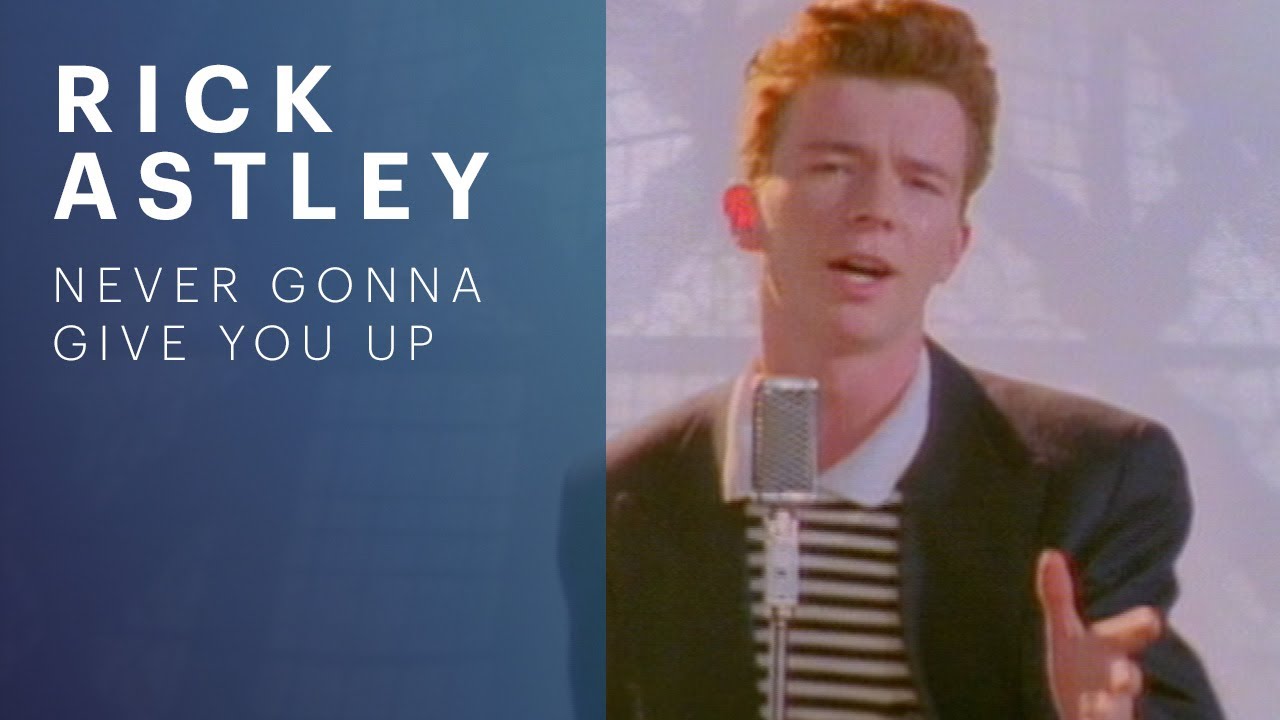
Example input: https://youtu.be/dQw4w9WgXcQ. The video ID is dQw4w9WgXcQ. FreeToolr checks the thumbnail options and shows 640 x 480, 480 x 360, and 320 x 180, plus 1280 x 720 when available.
How it works
Extract the 11-character YouTube video ID: watch URL: value after v=; short URL: value after youtu.be/; Shorts: value after /shorts/; embed: value after /embed/; live: value after /live/; or accept a bare 11-character IDConstruct common direct image URLs: https://i.ytimg.com/vi/{VIDEO_ID}/default.jpg; https://i.ytimg.com/vi/{VIDEO_ID}/mqdefault.jpg; https://i.ytimg.com/vi/{VIDEO_ID}/hqdefault.jpg; https://i.ytimg.com/vi/{VIDEO_ID}/sddefault.jpg; https://i.ytimg.com/vi/{VIDEO_ID}/maxresdefault.jpgFreeToolr shows and downloads maxresdefault.jpg at 1280 x 720 when available, sddefault.jpg at 640 x 480, hqdefault.jpg at 480 x 360, and mqdefault.jpg at 320 x 180Source: YouTube Data API videos resourceYouTube Data API thumbnails resourceYouTube Help: Add custom thumbnails. Last checked 4 November 2026.
What it is good for
- See four practical thumbnail sizes in one place.
- Download files directly in your browser.
- Keep your link and images on your device during processing.
- The 1280 x 720 option is not available for every video.
- You may need permission before reusing someone else's thumbnail.
Questions people ask
How do I download a YouTube thumbnail?
Copy the YouTube video or Short link and paste it into FreeToolr. Choose one of the displayed sizes, then download the image to your device.
What sizes does this downloader provide?
It provides 1280 x 720 when available, plus 640 x 480, 480 x 360, and 320 x 180. YouTube does not provide every size for every video.
Can I download a thumbnail from a YouTube Short?
Yes. Paste the Short link into the tool, and FreeToolr checks the available thumbnail sizes for that Short.
Why is the 1280 x 720 thumbnail missing?
YouTube does not provide the largest thumbnail size for every video. The tool still shows and downloads the other available sizes.
Does this tool download the YouTube video?
No. It retrieves the still thumbnail image only. It does not download the video itself.
Are thumbnail downloaders legal to use?
Downloading an image does not give you reuse rights. The thumbnail may belong to its creator, so ask for permission before commercial use or republication.
Do thumbnails upload to FreeToolr?
No. The tool runs in your browser, and files are never uploaded. Results download straight to your device.
Help keep every tool free
FreeToolr stays free because people help it grow. Share a tool you like, tell us what to build next, or support us on Ko-fi.